Description
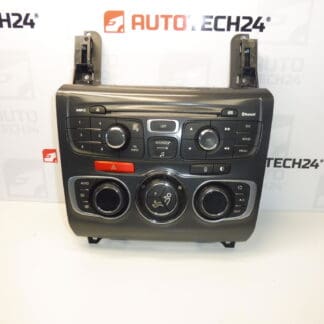
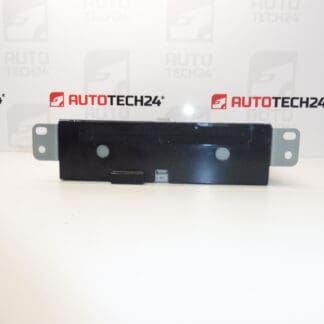
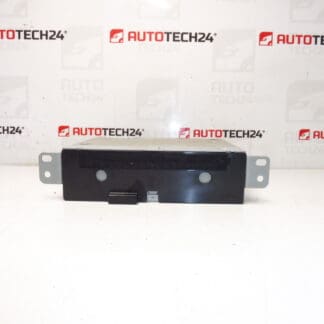
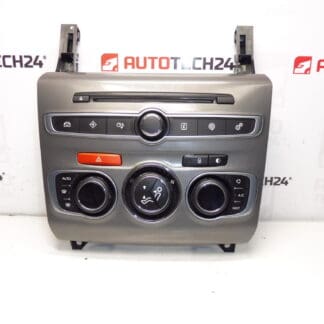
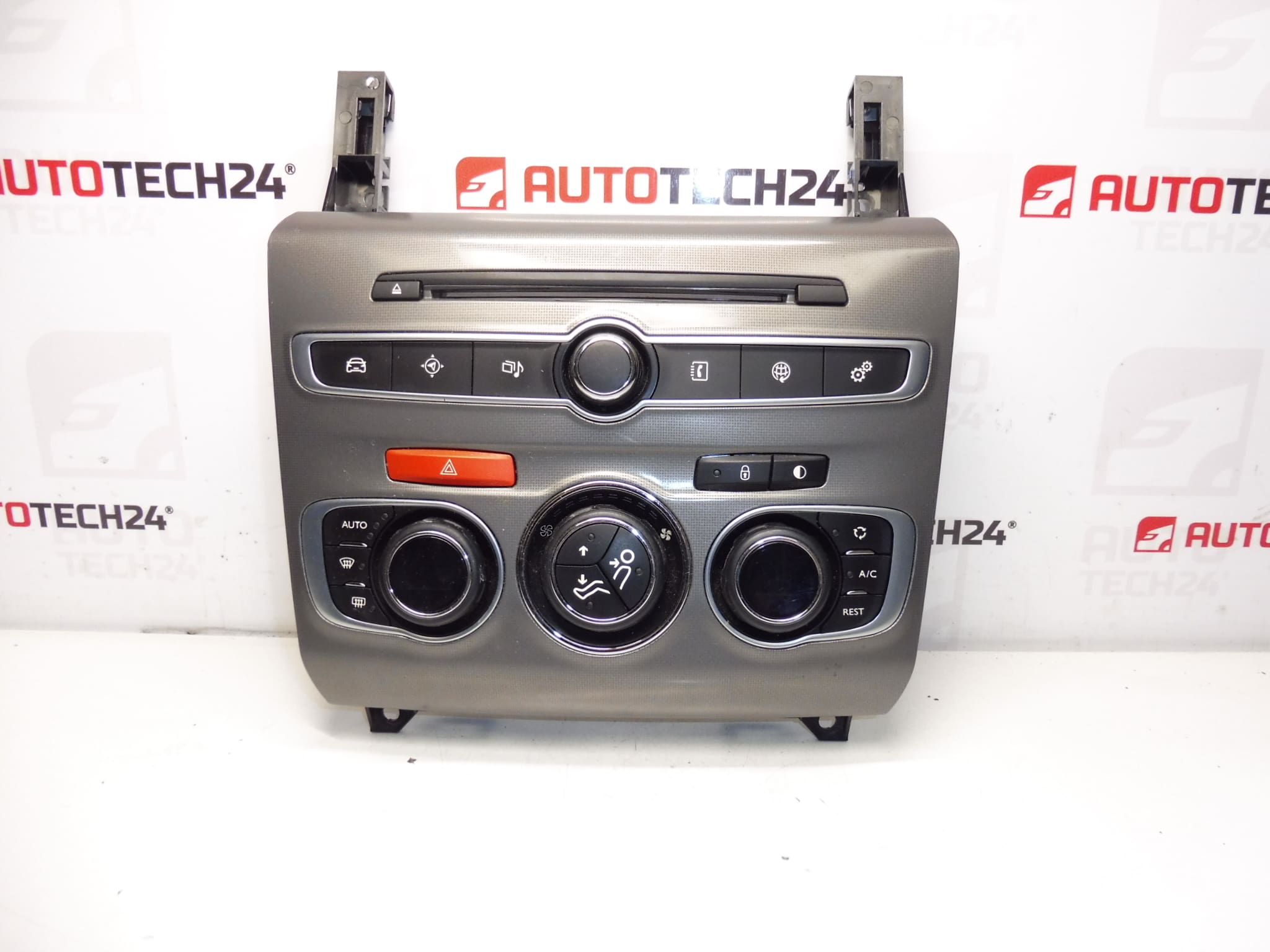
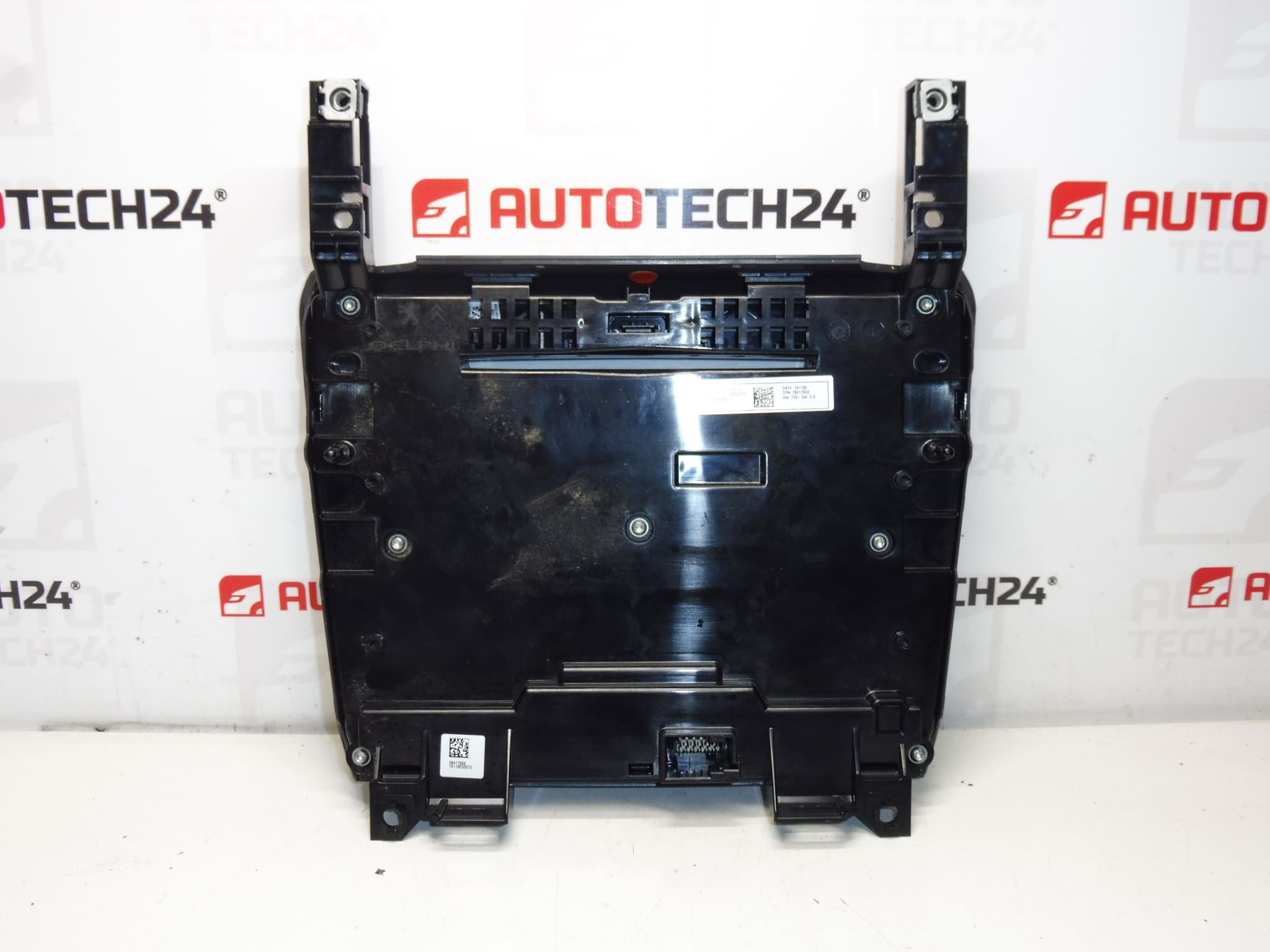
Control Unit For Heating, Air Conditioning, Radio And Navigation For Citroën C4 B7. Tested – Functional.
Overview
Multifunction panel that combines climate control (heating and air conditioning) with radio and navigation controls for Citroën C4 II. Designed for workshop replacement or DIY installation, this unit carries the OEM part reference 98100092XF and is commonly sought by mechanics and enthusiasts searching by part number.
Benefits And Features
- Direct OEM Fit For Center Dashboard Integration — Same form factor and mounting points as the original unit.
- Integrated Controls — Centralizes temperature, fan speed, vent distribution, A/C functions and basic radio/navigation operation in one module.
- Electrical Plug-And-Play Interface — Connects to the vehicle wiring harness using the factory connectors; communicates with vehicle electronics via standard PSA networks.
- Ideal For Repairs And Replacements — Restores full control of HVAC and multimedia functions when the factory panel is faulty.
Technical Information
- Manufacturer: Stellantis (Citroën / Peugeot)
- Model: Citroën C4 II (C4 B7)
- Product Codes: 98100092XF
- Other Numbers: N/A
Typical Faults And Causes
Failures Are Usually Caused By Mechanical Wear Of Buttons And Encoders, Degraded Potentiometers, Moisture Ingress From Spills Or Condensation, Corroded Connector Pins, Or Internal Electronic Component Fatigue. Software Glitches Or Interrupted CAN-Bus Communication Can Also Lead To Partial Loss Of Function (e.g., Fan Speed Not Responding Or Radio Controls Unavailable).
How Often It Fails
There Is No Fixed Interval, But Units Commonly Develop Faults After Several Years Of Use, Especially In Vehicles With High Mileage Or When The Cabin Has Been Exposed To Moisture And Dirt. Intense Daily Use Of HVAC And Frequent Button Operation Accelerate Wear.
Replacement And Installation
Installation Is Straightforward For A Trained Mechanic Or Competent DIYer:
- Disconnect The Vehicle Battery Before Starting To Prevent Short Circuits And Protect Electronic Modules.
- Remove Dash Trim Panels Carefully Using Trim Tools To Avoid Damage.
- Unscrew The Fasteners Securing The Multifunction Panel And Gently Pull Forward.
- Disconnect All Electrical Connectors And Any Ribbon Cables — Note Their Orientation.
- Fit The Replacement Unit, Reconnect Connectors, Reassemble Trim, And Reconnect The Battery.
- Verify HVAC Functions, Fan Speeds, Temperature Regulation, A/C Engagement, And Radio/Navigation Buttons Work Correctly After Installation.
Mounting Recommendations
- Always Disconnect The Battery Before Any Work On Dashboard Electronics.
- Use Plastic Trim Tools To Avoid Damaging Dash Surfaces And Clips.
- Inspect Connector Pins And Wiring For Corrosion Or Damage; Clean Contacts If Necessary.
- If Any Functions Remain Inoperative After Fitment, Check Related Fuses, Grounds And CAN-Bus Connections.
- When Reinstalling, Ensure Connectors Are Fully Seated And Retaining Clips Engaged To Prevent Vibration Issues.
Why Install This Unit
Replacing A Malfunctioning Multifunction Panel Restores Full Control Of The Climate System And Multimedia Interface, Improves Cabin Comfort, And Removes Annoying Fault Symptoms Such As Unresponsive Buttons, Lost Presets, Or Incomplete HVAC Control. Using A Correctly Identified Unit (98100092XF) Ensures Fitment And Function Without Extensive Modifications.
Notes
Unit Is Supplied As Described Above. Always Follow Manufacturer Guidelines During Removal And Installation To Avoid Damage To Vehicle Electronics.