Description
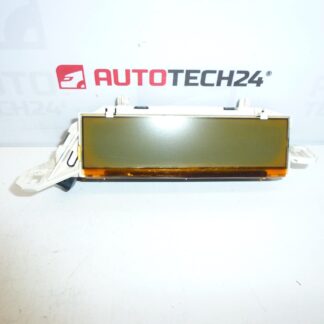
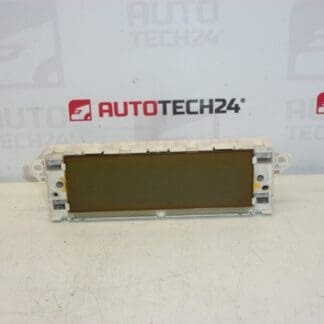
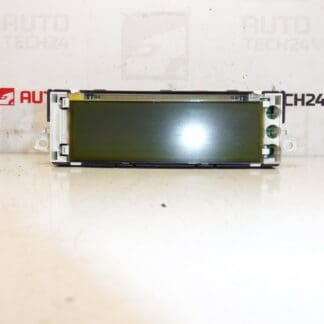
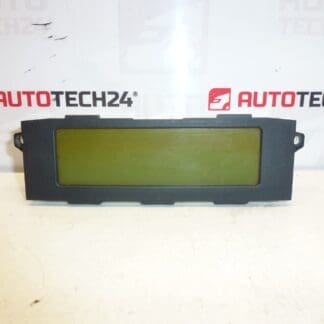
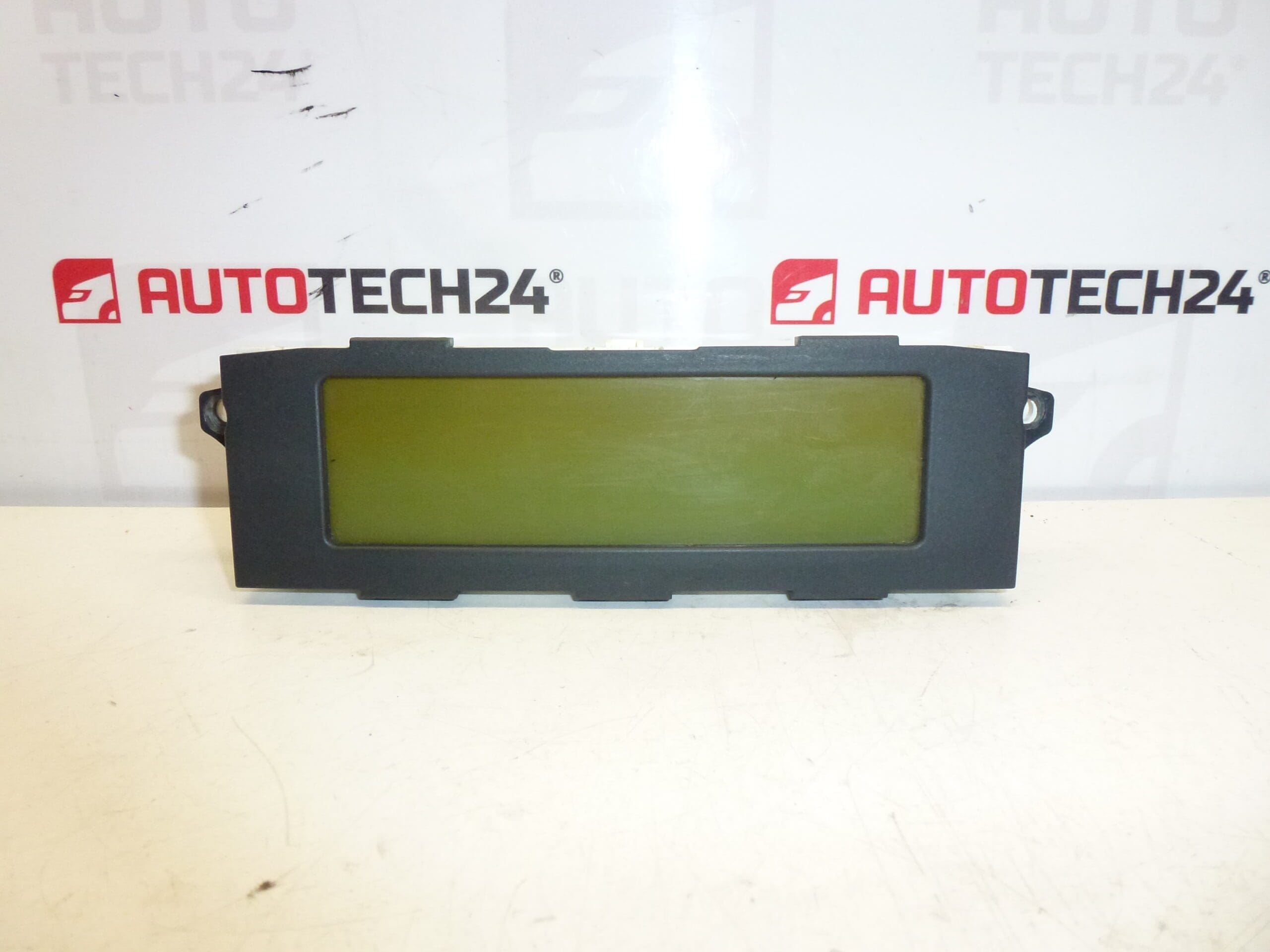
Display for the radio and trip computer for CITROËN C5 from 2005 to 2007. Some functions may need to be enabled via diagnostic.
Description
High-quality replacement display designed for the radio and onboard computer of the Citroën C5 II (second generation) produced between 2005 and 2007. This unit restores clear readout of radio information, clock, trip computer data and on-screen menus. The part is commonly searched and ordered by its product numbers (e.g. 9657882880, 6593T2), so listing exact codes helps fast identification for professional workshops and DIY enthusiasts.
Ideal for mechanics and competent car owners who perform electrical and interior repairs. The display improves usability of the factory radio and instrument menus and can eliminate intermittent or complete loss of on-screen information that affects comfort and vehicle operation feedback.
Technical Information
- Manufacturer: Stellantis (Citroën / Peugeot)
- Model: Citroën C5 II (2005–2007)
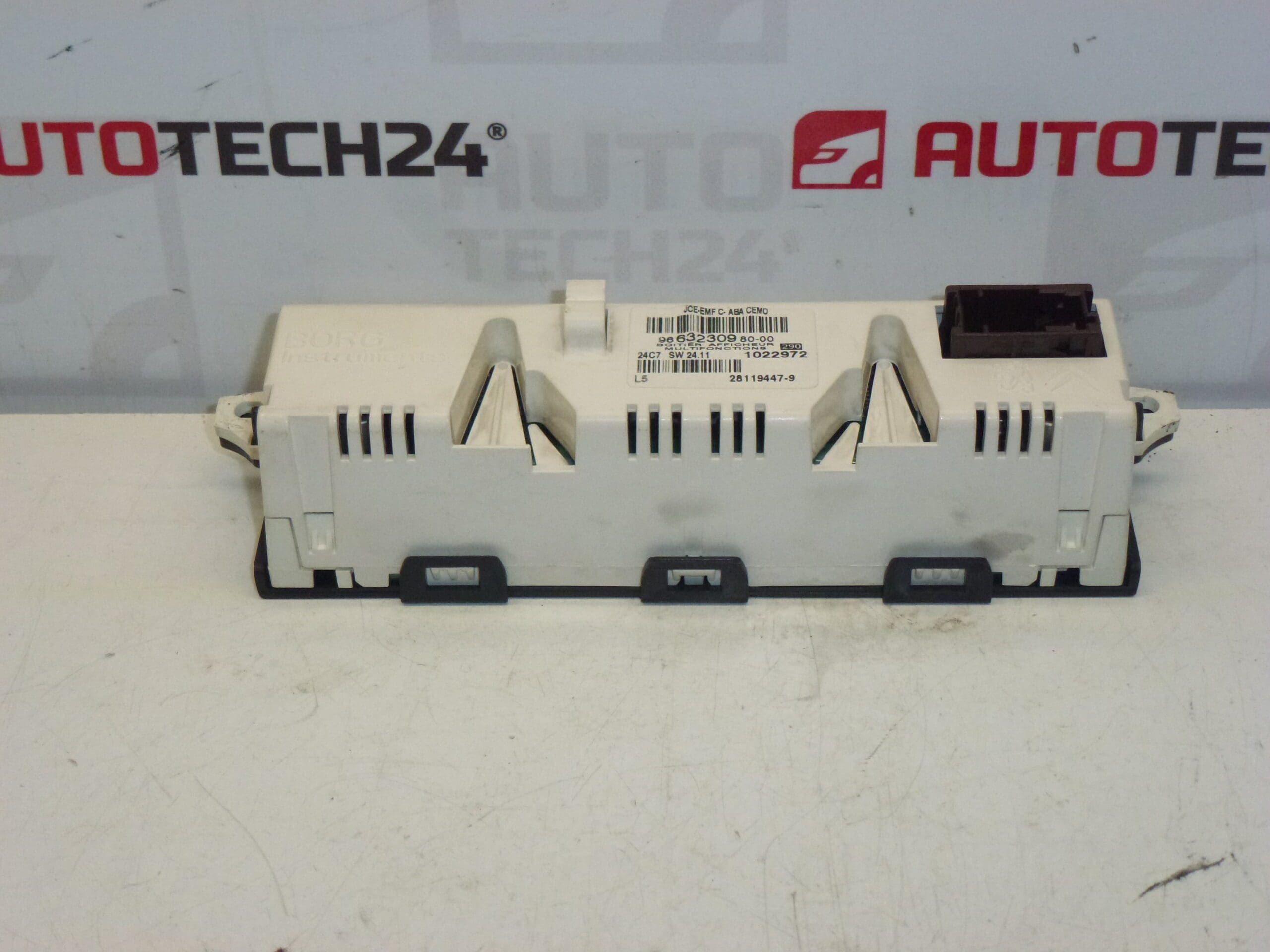
- Product Codes: 9657882880, 9657882880-00, 6593T2
- Additional Numbers: 9663230980-00
Function And Common Symptoms
The display provides visual output for the car radio, clock, and trip computer menus. Common symptoms of a failing display include dim or completely blank screen, missing characters or pixels, intermittent flicker, or loss of backlight. In some cases the unit displays corrupted menus or cannot show certain functions until they are activated by diagnostic.
Why The Part Usually Fails
- Age And Heat Stress: Prolonged exposure to heat and thermal cycling causes LCD degradation and solder joint fatigue.
- Moisture And Corrosion: Humidity or water ingress can corrode connectors and contacts, causing intermittent faults.
- Electrical Disturbances: Poor grounding, voltage spikes or failing illumination circuits may damage the display or its backlight.
- Mechanical Damage: Physical impacts or improper handling during previous repairs can crack the display or damage connectors.
- Software/Configuration: Certain functions may be disabled and require diagnostic activation to restore full capability.
How To Replace
Replacement is straightforward for a trained technician or experienced DIYer with basic trim tools. General steps:
- Disconnect Negative Battery Terminal Before Work To Prevent Short Circuits And Electrical Damage.
- Remove Surrounding Trim Panels Carefully Using Plastic Pry Tools To Avoid Damaging Clips.
- Unscrew Fasteners Securing The Radio/Display Module And Slide Unit Out Gently.
- Release The Electrical Connector Latch And Disconnect The Display Connector.
- Replace The Display Unit And Reconnect The Connector Firmly. Reassemble In Reverse Order.
- After Reassembly, Verify Display Operation And Enable Any Required Functions Via Diagnostic If Needed.
Installation Recommendations
- Always Disconnect Battery Before Starting Work.
- Use ESD Precautions And Avoid Touching Circuit Contacts Directly.
- Test The Display Operation Before Fully Reinstalling Trim To Save Time If Further Adjustments Are Needed.
- Ensure Connector Pins Are Clean And Free Of Corrosion; Use Contact Cleaner If Necessary.
- If Some Menus Or Features Are Missing, Use A PSA-Compatible Diagnostic Tool (e.g. DiagBox/Lexia) To Enable Functions Or Update Software.
Suitable For
Specifically intended for Citroën C5 II models from 2005 to 2007. Always check part numbers against the unit being replaced; searching by the product code (9657882880, 9657882880-00, 6593T2) is the fastest way to confirm fitment for workshops and parts specialists.
Note
Some features of the display may require activation through dealer-level diagnostic tools. If unsure about diagnostic enabling, consult workshop documentation or a technician experienced with PSA vehicle systems.