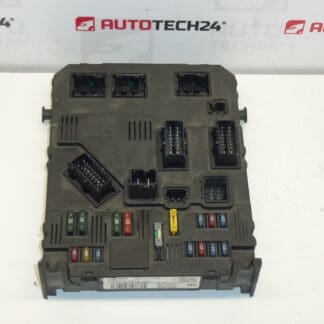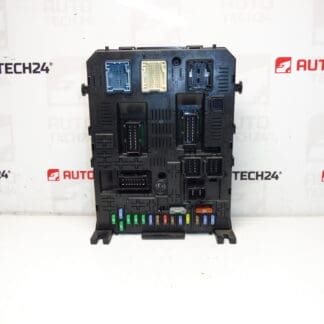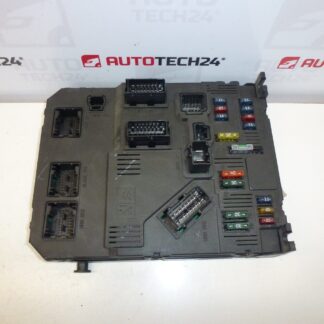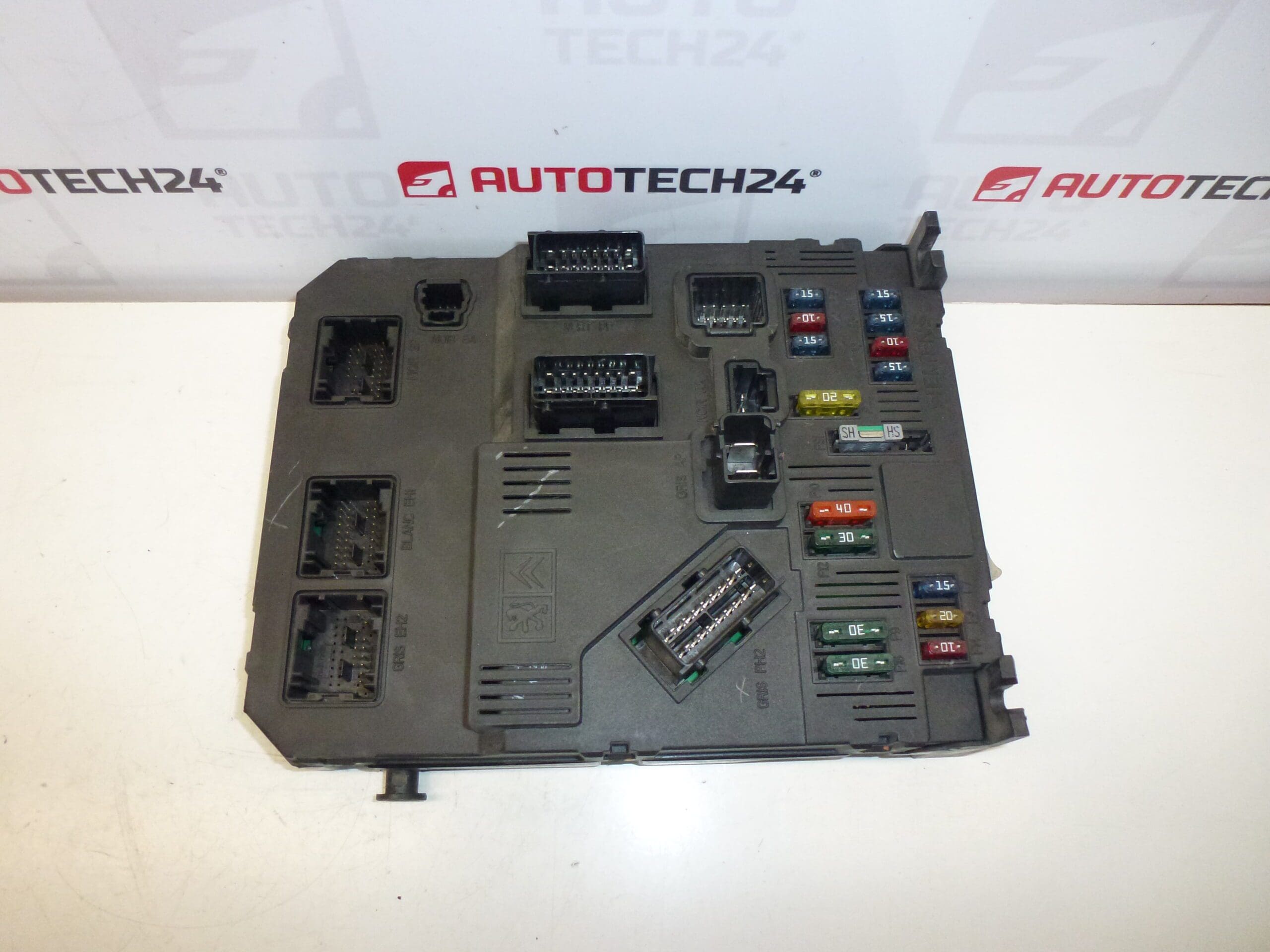
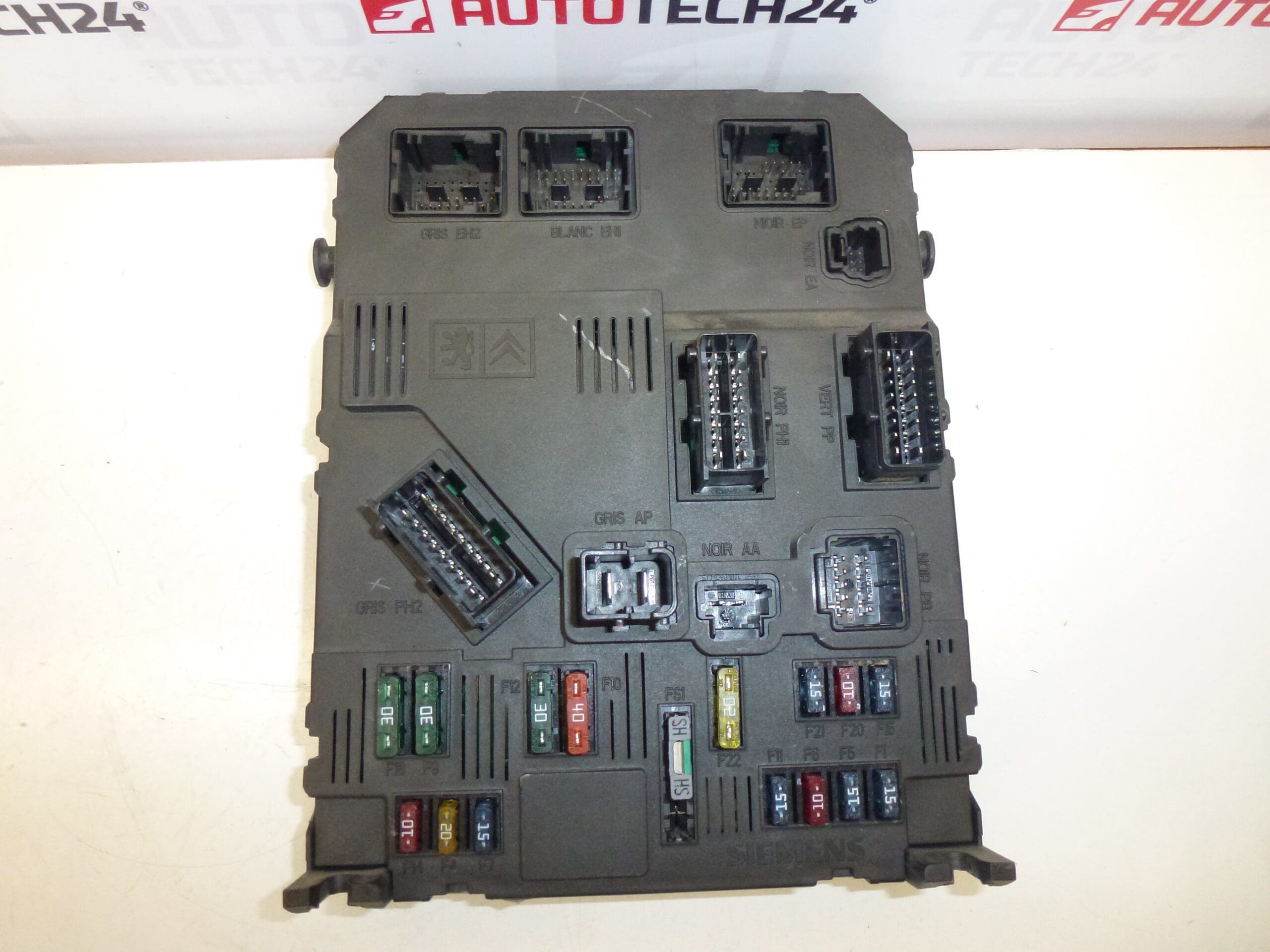
Description
BSI Control Unit SIEMENS for Citroën and Peugeot vehicles
Product Overview
This Siemens BSI (Built-in Systems Interface) control unit is a direct-fit electrical module commonly used on Citroën and Peugeot models. Supplied under part references including 9650584580 and S118085320 B, it manages multiple vehicle functions such as central locking, lighting, wipers, body comfort features and communication between subsystems. Ideal for professional garages and experienced DIY mechanics who search by part number (e.g. 9650584580, 6580P1, 6580P2, 6580L3, 6580FP, 6580GV, S118085320), this unit is compatible with a range of PSA vehicles including Citroën Berlingo, Citroën Xsara Picasso, Peugeot 206 and Peugeot Partner. Installing the correct BSI helps restore proper body-electronics behaviour and eliminates intermittent faults caused by a failing module.
Technical Information
- Manufacturer: Siemens
- Model: BSI E01-00 / E02-00 (SIEMENS Comfort Unit)
- Product Codes: 9650584580, S118085320 B
- Other Numbers: 6580P1, 6580P2, 6580L3, 6580FP, 6580GV, E01-00, E02-00
- Typical Applications: Citroën Berlingo, Citroën Xsara Picasso, Peugeot 206, Peugeot Partner
Installation And Coding – Important
- The Unit Is Used And Is “Paired” With The Original Vehicle (VIN/PIN/Keys).
- Options For Commissioning:
- Cloning Data From The Old Unit (EEPROM/Flash) – After Cloning The Unit Is Plug And Play.
- Virginization And Subsequent Initialization/Telecoding Via DiagBox (Or Online) + Key Adaptation.
- Recommended To Be Performed By A Specialist With PSA Service Equipment (DiagBox/Lexia/PP2000).
- Before Removal/Installation Always Disconnect The Battery And Follow Manufacturer Procedures To Avoid Damaging The Unit.
How To Replace (Brief Guide)
Locate The BSI Unit Typically Behind The Glovebox Or On The Passenger Side Of The Dashboard Depending On Model. Steps Generally Include: Disconnect The Battery; Remove The Glovebox/Trim Panels To Access The BSI; Unplug Electrical Connectors And Unscrew The Module From Its Bracket; Transfer Any Brackets Or Mounts To The Replacement Unit; Refit The Unit, Reconnect Connectors And Reinstall Trim. After Physical Installation, Either Clone The Old Unit’s EEPROM/Flash Or Perform Virginization And Telecoding/Initialization With DiagBox Or Equivalent PSA Diagnostic Tool To Restore Full Functionality.
Recommendations For Installation
- Always Disconnect The Battery Before Starting Work To Prevent Short Circuits And Data Loss.
- Handle The Unit Carefully; Avoid Static Discharge And Excessive Force On Connectors.
- Ensure Connectors And Harnesses Are Clean, Dry And Free Of Corrosion Before Reconnection.
- When Possible, Clone EEPROM/Flash From The Original Unit To Preserve Vehicle-Specific Coding And Key Pairing.
- If Virginizing, Use Official PSA Tools (DiagBox/Lexia/PP2000) For Initialization And Key Adaptation.
- Secure The Unit Firmly To Prevent Vibration-Induced Failures.
Why This Part Most Commonly Fails
BSI Units On PSA Vehicles Tend To Fail Due To Moisture Ingress And Corrosion, Electrical Surges Or Poor Battery/Charging System Health, And Thermal Or Vibration Stress Over Time. Symptoms Of A Faulty BSI Include Intermittent Or Complete Loss Of Central Locking, Malfunctioning Interior/Exterior Lighting, Erratic Wiper Or Washer Operation, Difficulties With Immobilizer/Starting, And Communication Errors With Other Control Modules. Addressing Underlying Causes—Such As Water Leaks, Faulty Alternator, Or Corroded Connectors—Is Essential To Prevent Repeat Failures.