Description
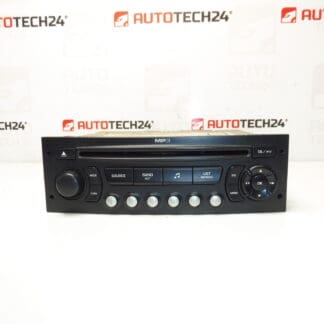
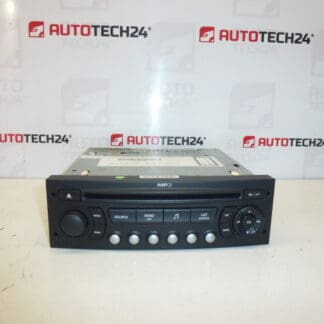
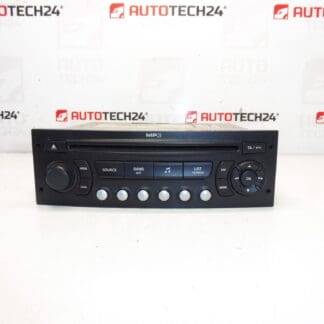
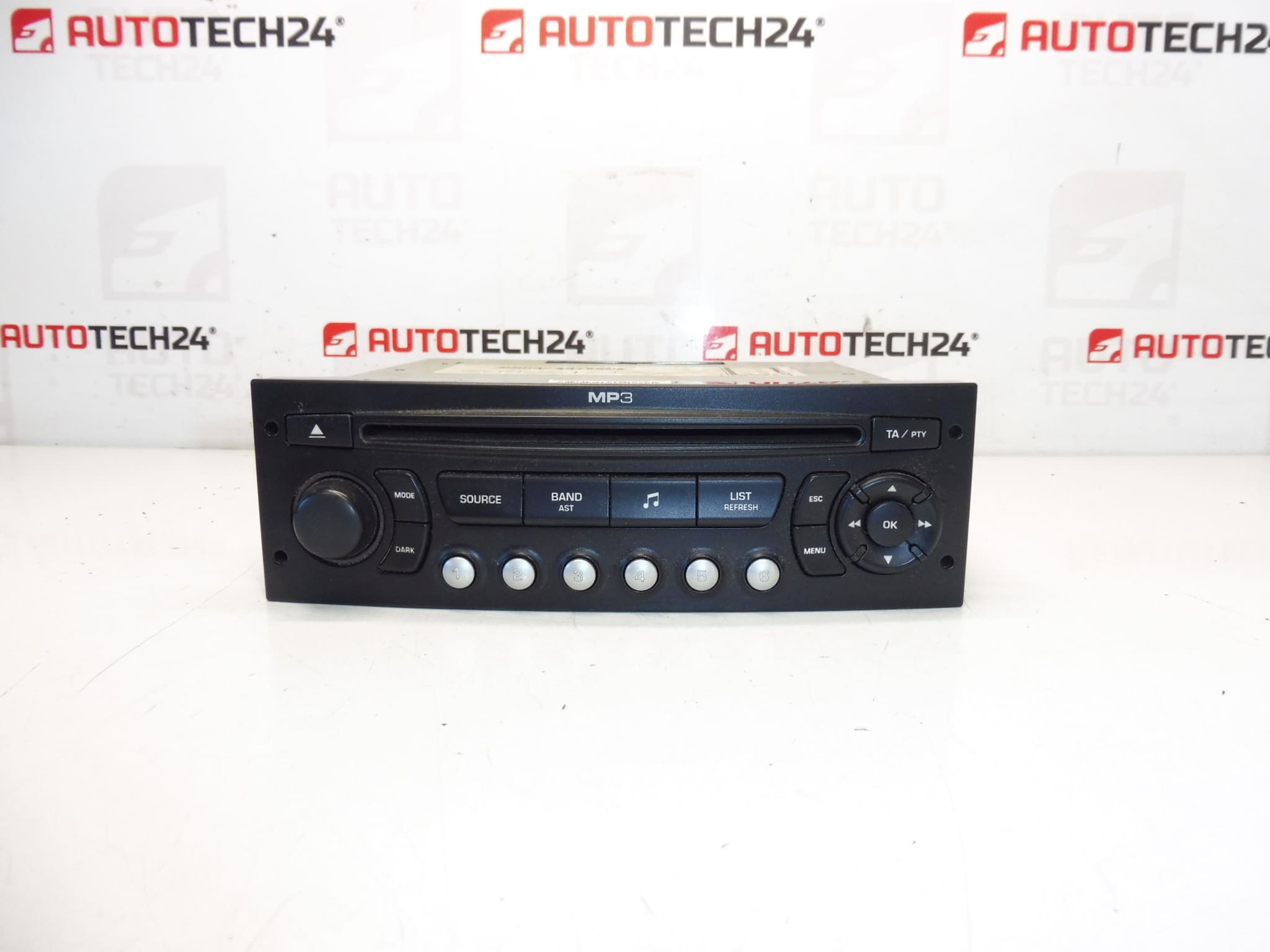
CONTINENTAL RD4N1M CD car radio with MP3 for CITROËN and PEUGEOT vehicles. The radio must be coded to the vehicle using diagnostic equipment.
Product Description
High-quality OEM Continental RD4N1M CD head unit with MP3 playback designed for many Citroën and Peugeot models. This unit offers reliable radio reception, CD playback and MP3 file support from CD media. It is a direct-fit replacement for vehicles equipped with the original RD4N1M system, making it suitable for workshops and experienced DIY mechanics who need an OE-style audio solution.
Fitment And Compatibility
Common fitment includes Citroën and Peugeot models such as Citroën C2, C3 I, C4, C8 and Peugeot 207, 307 II, 807. The unit is often referenced by OE/product numbers and may be listed under multiple part codes—check the numbers below when searching or ordering.
How It Works And What It Does
The unit functions as an in-dash radio tuner and CD player with MP3 playback capability. It provides audio output to the vehicle speaker system and connects to the vehicle wiring harness and antenna. In many vehicles the head unit must be coded/programmed to the car’s electronics to restore full functionality (see technical note below).
Replacement Procedure (Step-by-step)
1. Before starting, disconnect the vehicle battery to avoid short circuits and protect vehicle electronics.
2. Remove surrounding trim panels carefully using appropriate trim tools to avoid damage.
3. Unscrew and slide the head unit from the dash using the correct removal keys or screws.
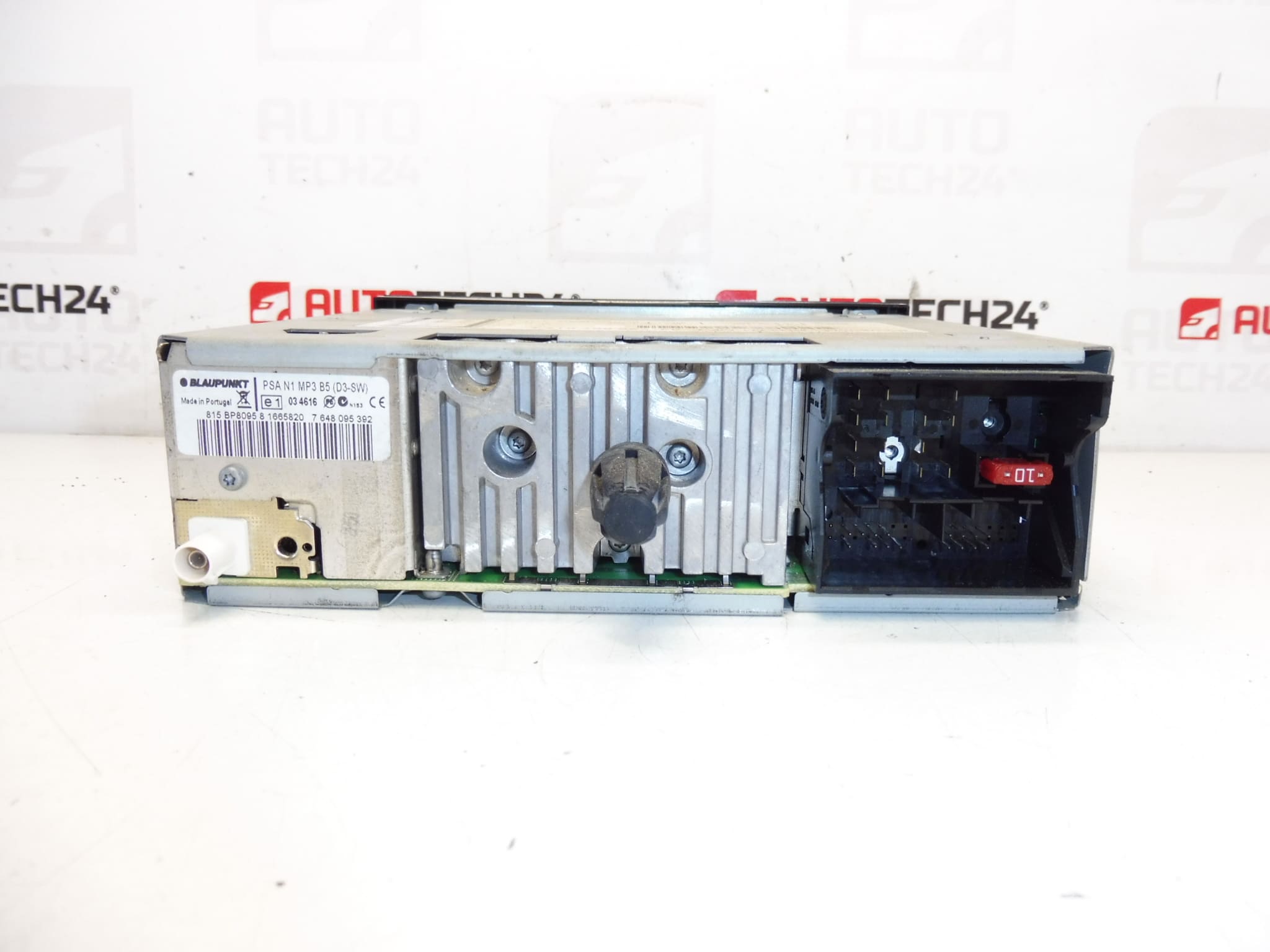
4. Unplug the main wiring harness(es), antenna connector and any auxiliary or microphone leads.
5. Install the replacement unit by reversing the removal steps: connect harnesses, secure the unit, re-fit trim and reconnect the battery.
6. Perform the required diagnostic coding/programming so the radio is recognized and fully functional with the vehicle systems.
Installation Recommendations
Always disconnect the battery prior to removal/installation and follow the vehicle manufacturer’s service procedures to avoid damage. Because this radio requires diagnostic coding to the vehicle, coding should be performed with appropriate PSA diagnostic tools. If you are not experienced with PSA programming tools, we recommend installation and coding by a professional workshop equipped for Citroën/Peugeot diagnostics.
Technical Information
Manufacturer: Continental
Model: RD4N1M (CD with MP3)
Product Codes: 9665751777
Additional Numbers: 657992, 657990, 657989, 657937, 657935, 657934, 6579PC
Common Failure Causes
Failures typically result from mechanical wear in the CD mechanism, dust or debris in the loader, moisture ingress or corrosion on connector pins, intermittent power supply (blown fuses or poor ground), and age-related electronic component failures (capacitors, solder joints). Units swapped between cars without proper diagnostic coding can exhibit limited functionality until they are correctly programmed.
Why Choose This Unit
This Continental OE head unit is the correct replacement for vehicles originally fitted with the RD4N1M system and preserves factory look and operation. It is suitable for mechanics and competent DIYers who can perform physical replacement and arrange required diagnostic coding.