Description
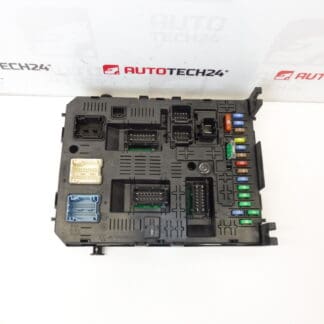
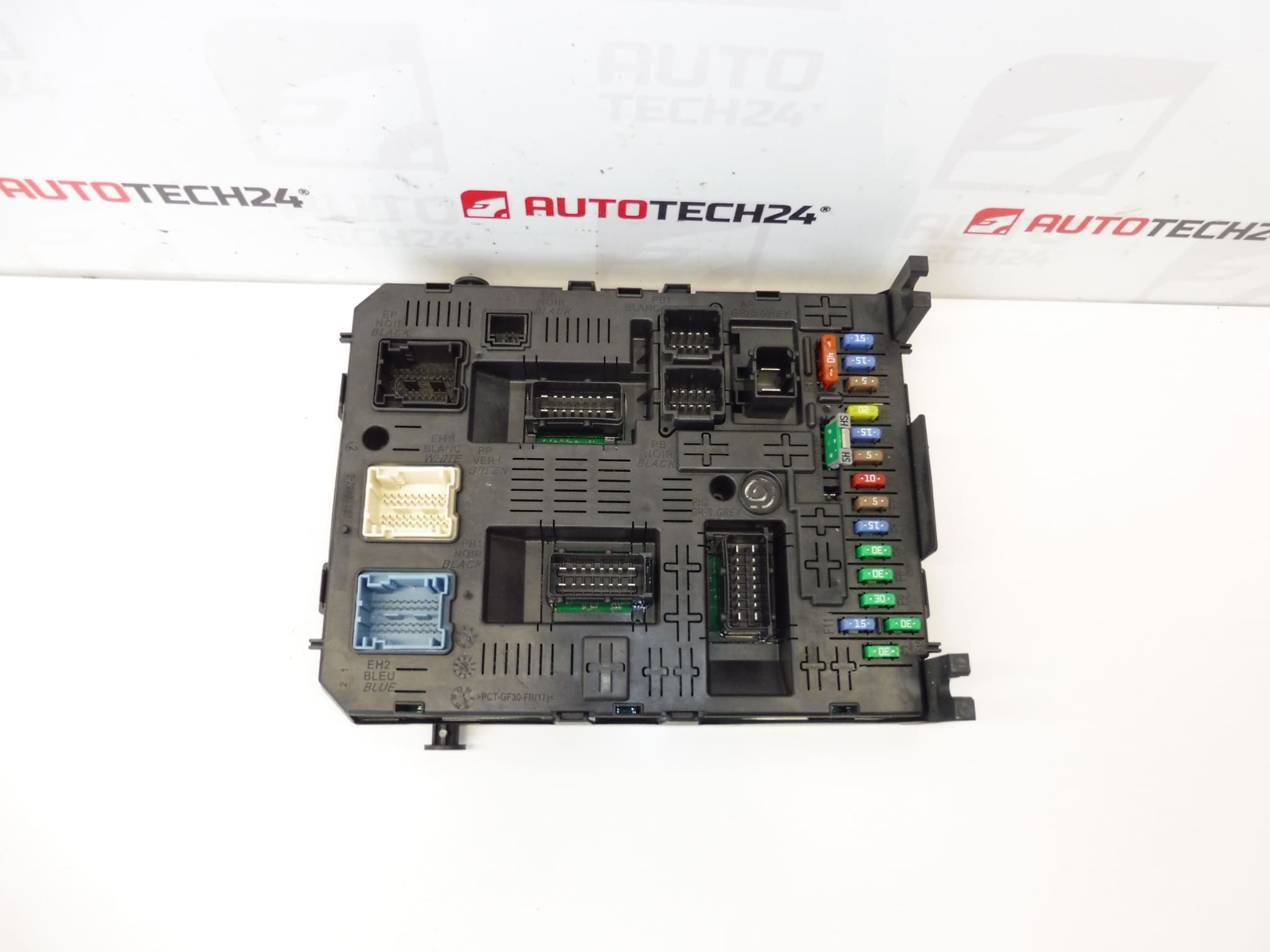
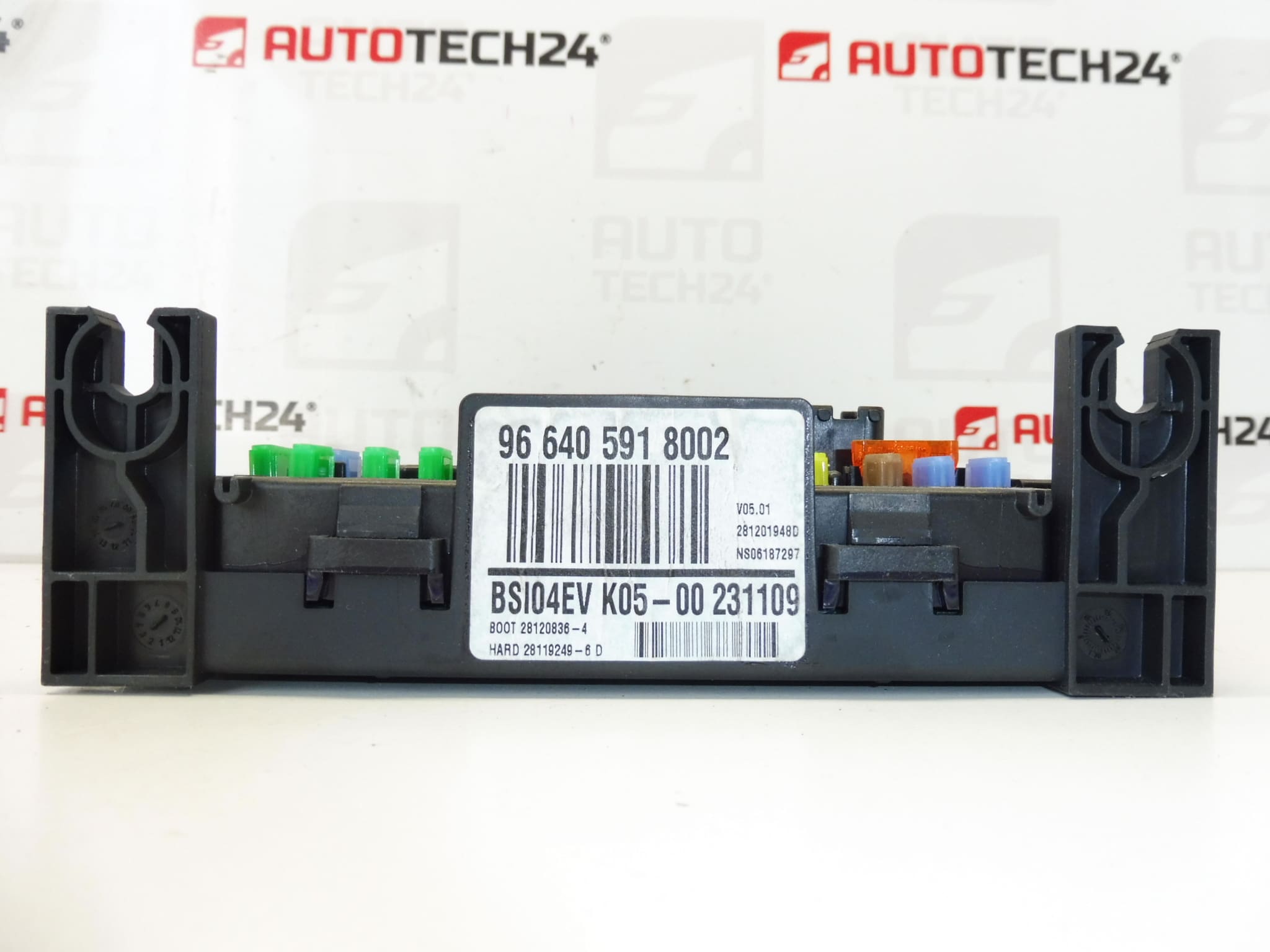
BSI BSI04EV K05-00 Johnson Controls for CITROËN and PEUGEOT vehicles. Originates from a Peugeot 308.
This genuine BSI (Body System Interface) unit BSI04EV K05-00 from Johnson Controls is designed for select Stellantis vehicles and is commonly referenced by part numbers 9664059180, 02 6580SP, 1663371880 and 6570A0. Intended for professional workshops and experienced DIY mechanics, this unit manages multiple comfort and body electronics functions — from interior lighting and locking to CAN bus communication — making it a critical component for vehicle electrical stability and convenience features.
Technical Information
- Manufacturer: Johnson Controls
- Model: BSI04EV K05-00
- Product Codes: 9664059180, 02 6580SP
- Other Numbers: 1663371880, 6570A0
- Common Fitment: Peugeot 308, Citroën C4 (check printed codes against your original unit)
Compatibility And Application
This BSI unit is used on certain Citroën and Peugeot models. It is typically a direct-fit replacement when the printed part numbers match. The unit governs comfort functions, central locking, alarm interfaces and acts as a gateway on the vehicle CAN network. Because BSI variants differ by software/hardware revision, always confirm the part code on the original unit before installation.
How To Replace
Replacing the BSI requires careful handling and basic electrical skill:
- Disconnect the vehicle battery before any work to avoid short circuits and data loss.
- Access the unit (usually located behind the glove box or under the lower dashboard on the passenger side depending on the model).
- Remove trim panels and fasteners, then carefully unplug all connectors from the BSI.
- Unscrew the unit and install the replacement in the reverse order. Ensure connectors are fully seated and fasteners torqued appropriately.
- After mechanical replacement, coding or data transfer may be required to restore full functionality.
Installation And Coding – Important
– The Unit Is Used And Is “Paired” With The Original Vehicle (VIN/PIN/Keys).
– Options To Make Operational:
- Kloning Data From The Old Unit (EEPROM/Flash) – After Cloning The Unit Is Plug And Play.
- Virginization And Subsequent Initialization/Telecoding Via DiagBox (Or Online) + Key Adaptation.
– Recommended To Be Performed By A Specialist With PSA Service Equipment (DiagBox/Lexia/PP2000).
– Always Disconnect The Battery Before Removal/Installation And Follow Manufacturer Procedures To Avoid Damaging The Unit.
Reasons For Failure
- Moisture Ingress And Corrosion Leading To Short Circuits Or Connector Damage.
- Thermal Stress And Ageing Causing Solder Joint Cracks Or Component Failure.
- Voltage Spikes Or Incorrect Jump-Starting That Damage Electronic Components.
- Faulty Relays Or Wear Of Internal Components Causing Intermittent Faults.
- Poor Grounding Or Water-Damaged Connectors Producing CAN Bus Errors.
Installation Recommendations
- Perform Replacement In A Dry, Clean Environment To Avoid Contamination.
- Use Proper Tools And Antistatic Precautions When Handling The Unit.
- If Cloning Or Coding Is Required, Use Official PSA Diagnostic Tools (DiagBox/Lexia/PP2000) Or Entrust The Task To A Qualified Workshop.
- Verify All Fuses And Wiring For Underlying Faults That May Have Caused The BSI Failure To Prevent Repeat Damage.
Search Keywords: BSI04EV, K05-00, 9664059180, 02 6580SP, 1663371880, 6570A0, Peugeot 308 BSI, Citroën BSI, Johnson Controls BSI.