Description
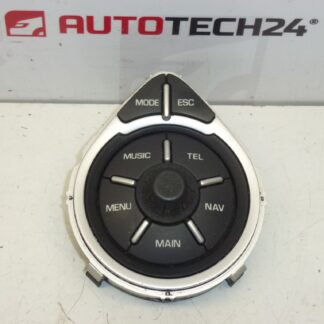
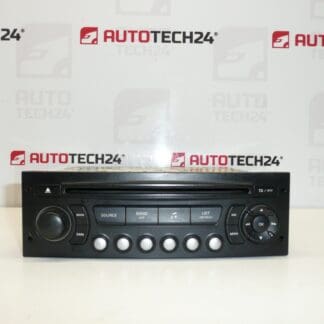
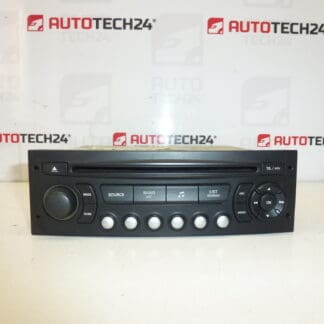
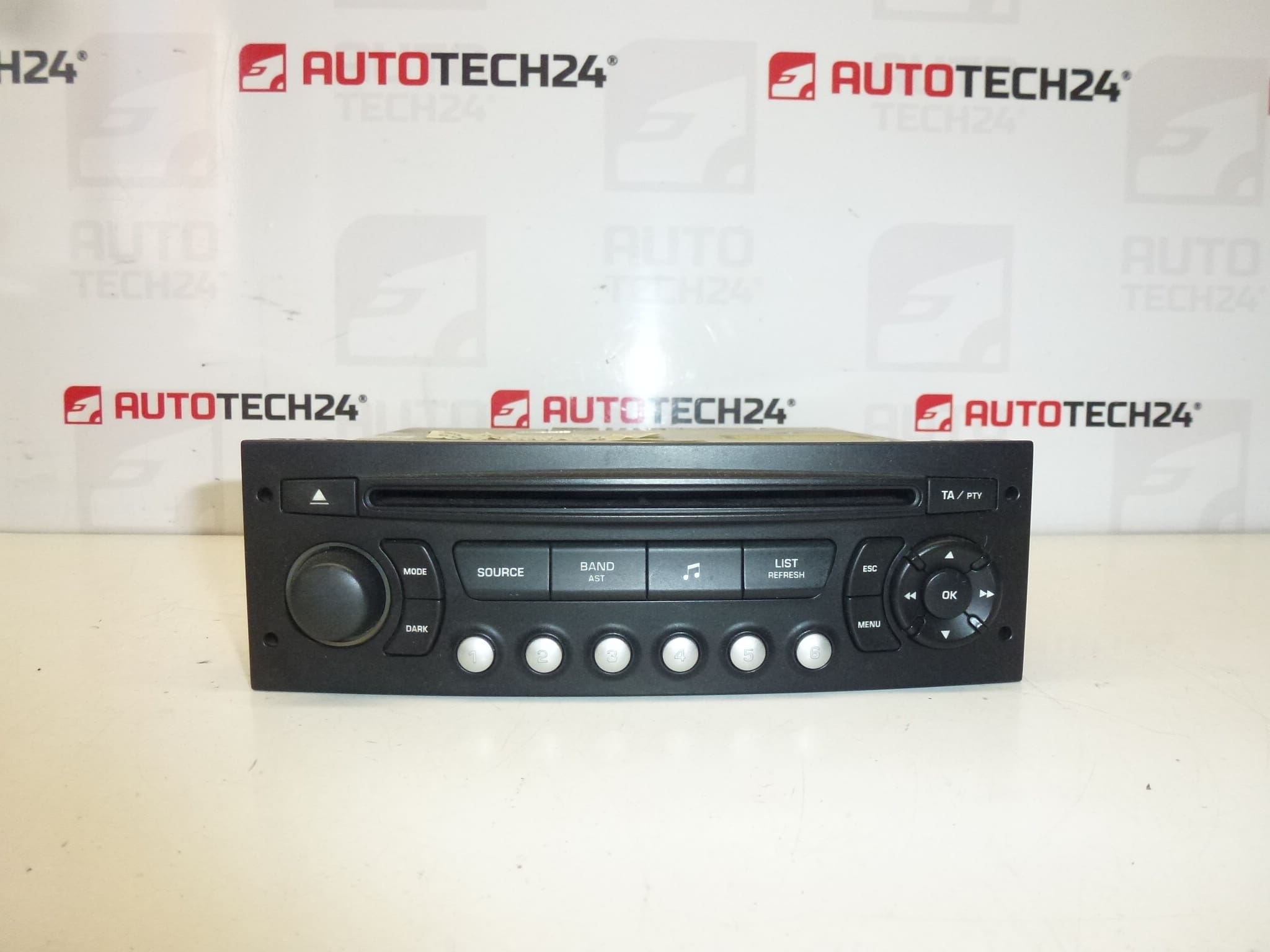
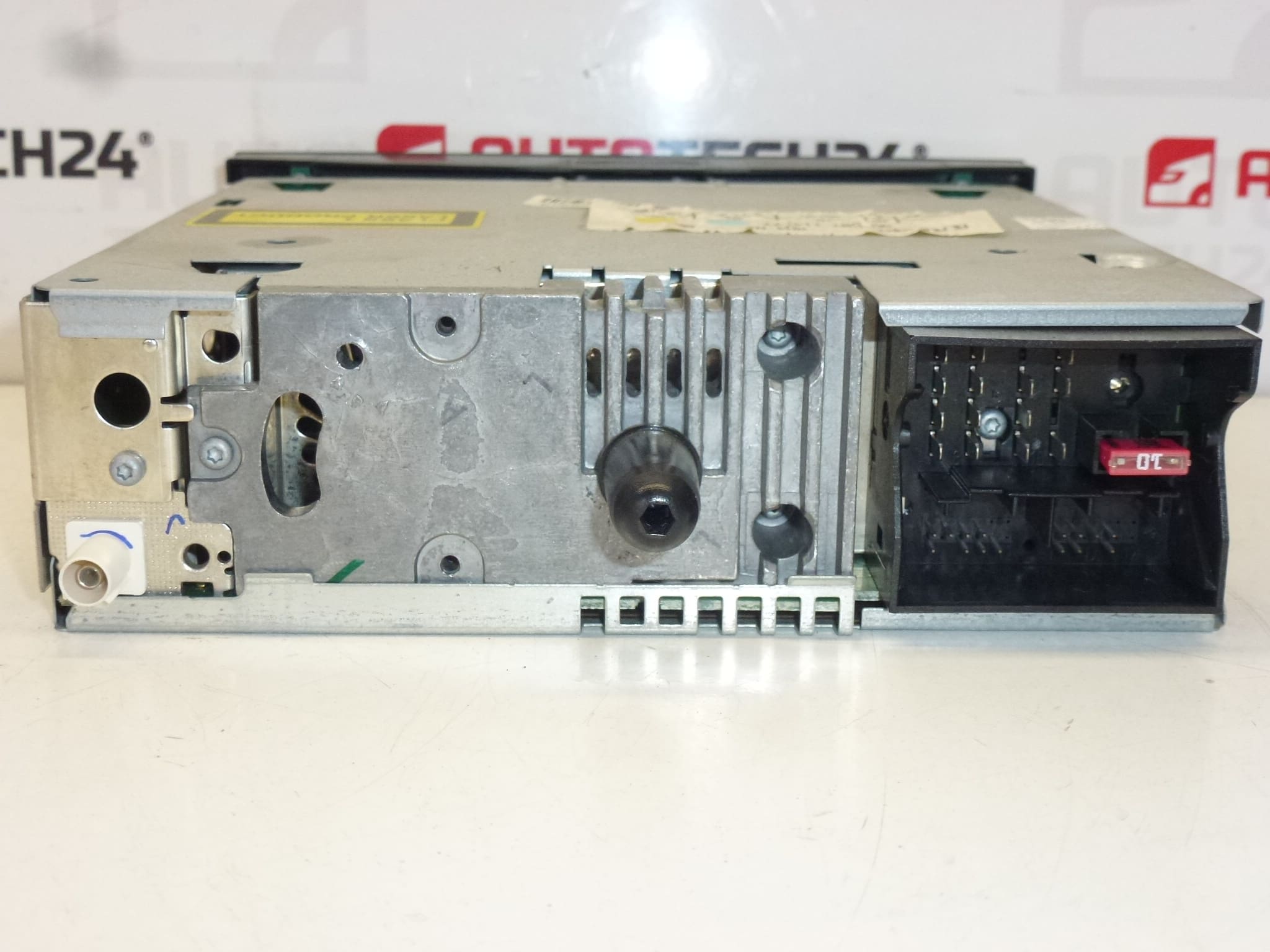
Blaupunkt RD4 N1 car radio with CD suitable for Citroën Berlingo III, C2, C3, C4, C8, Peugeot 207, 307, 407, 807, Partner III. The radio must be coded to the vehicle using a diagnostic tool.
Original Blaupunkt RD4 N1 unit with integrated CD player designed as a direct OEM replacement for selected Citroën and Peugeot models. This unit preserves the factory fit and finish and is ideal for professional workshops and experienced DIY mechanics who need a reliable in-dash solution. When properly installed and coded, the radio restores original radio and CD functions while maintaining compatibility with the vehicle’s dashboard layout and wiring harnesses.
Technical Information
- Manufacturer: Blaupunkt
- Model: RD4 N1 (CD)
- Product Codes: 9650711477, 657927, 1614201480
- Additional Numbers: 1614201480 | 657927 | 9650711477
- Compatible Models: Citroën Berlingo III, Citroën C2, Citroën C3 (including C3 Pluriel), Citroën C4, Citroën C8, Peugeot 207, Peugeot 307, Peugeot 407, Peugeot 807, Peugeot Partner III
Installation Recommendations
- Disconnect Battery Before Work: Always disconnect the vehicle battery before removing or installing the radio to avoid electrical damage and airbag/system faults.
- Use Proper Removal Tools: Use manufacturer-style radio keys or trim tools to avoid damaging dash trim and retaining clips.
- Preserve Connectors: Carefully unplug antenna, power, speaker and CAN/steering-wheel-control connectors. Inspect locking tabs and pins for corrosion or damage.
- Coding Requirement: This unit Requires Coding/Pairing To The Vehicle With A Diagnostic Tool. Coding Is Required To Restore Radio Function And To Remove Anti-Theft Lock. Common Tools: DiagBox / Lexia / PP2000 Or Equivalent PSA Diagnostic Equipment. Coding Is Recommended To Be Performed By A Technician With Appropriate Service Equipment.
- Firmware And Compatibility: After installation, verify radio firmware and vehicle settings. Some functions (e.g., steering wheel controls, display language, clock) may require software configuration.
How To Replace
- Disconnect The Negative Battery Terminal.
- Remove Dashboard Trim Panels With Plastic Pry Tools To Access Radio Fasteners.
- Unscrew/Release Radio Mounting Brackets And Slide The Unit Out Carefully.
- Unplug Antenna, Power Harness, Speaker Plugs And Any Data/Can Connectors.
- Fit The Replacement Unit, Reconnect All Plugs And Antenna, Then Temporarily Reconnect Battery To Check Power-Up.
- Perform Required Coding/Pairing With Diagnostic Tool To Authorize The Radio To The Vehicle.
- Reassemble Trim Panels And Verify All Functions (Radio, CD, Clock, Steering Controls Where Applicable).
Why It Commonly Fails
- Mechanical Wear Of The CD Mechanism And Laser Assembly Causing Read Errors Or Failure To Load Discs.
- Moisture Ingress Or Condensation Leading To Corrosion Of Internal Contacts Or Connectors.
- Electrical Issues Such As Blown Fuses, Poor Grounding Or Intermittent Power Supply Affecting Unit Operation.
- Connector Corrosion Or Broken Wiring At The Back Of The Unit, Especially In Older Vehicles.
- Anti-Theft Locking/Radio Coding Problems After Battery Replacement Or Unit Swap, Requiring Diagnostic Reprogramming.
Choose this Blaupunkt RD4 N1 unit for a factory-fit replacement that restores CD playback and factory-style operation. Suitable for professional installation and for experienced DIYers prepared to perform the necessary coding with proper diagnostic equipment.