Description
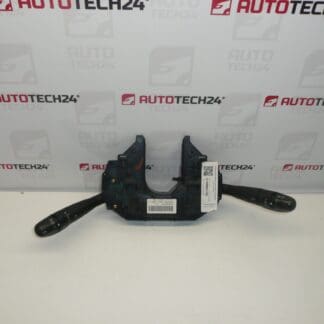
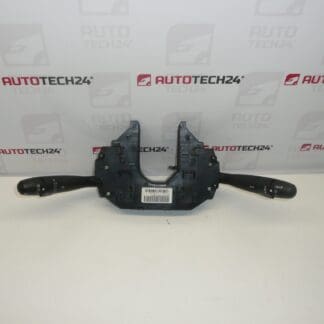
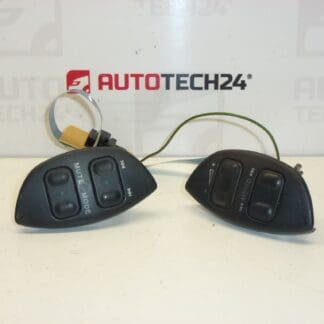
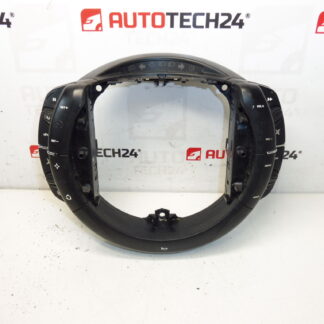
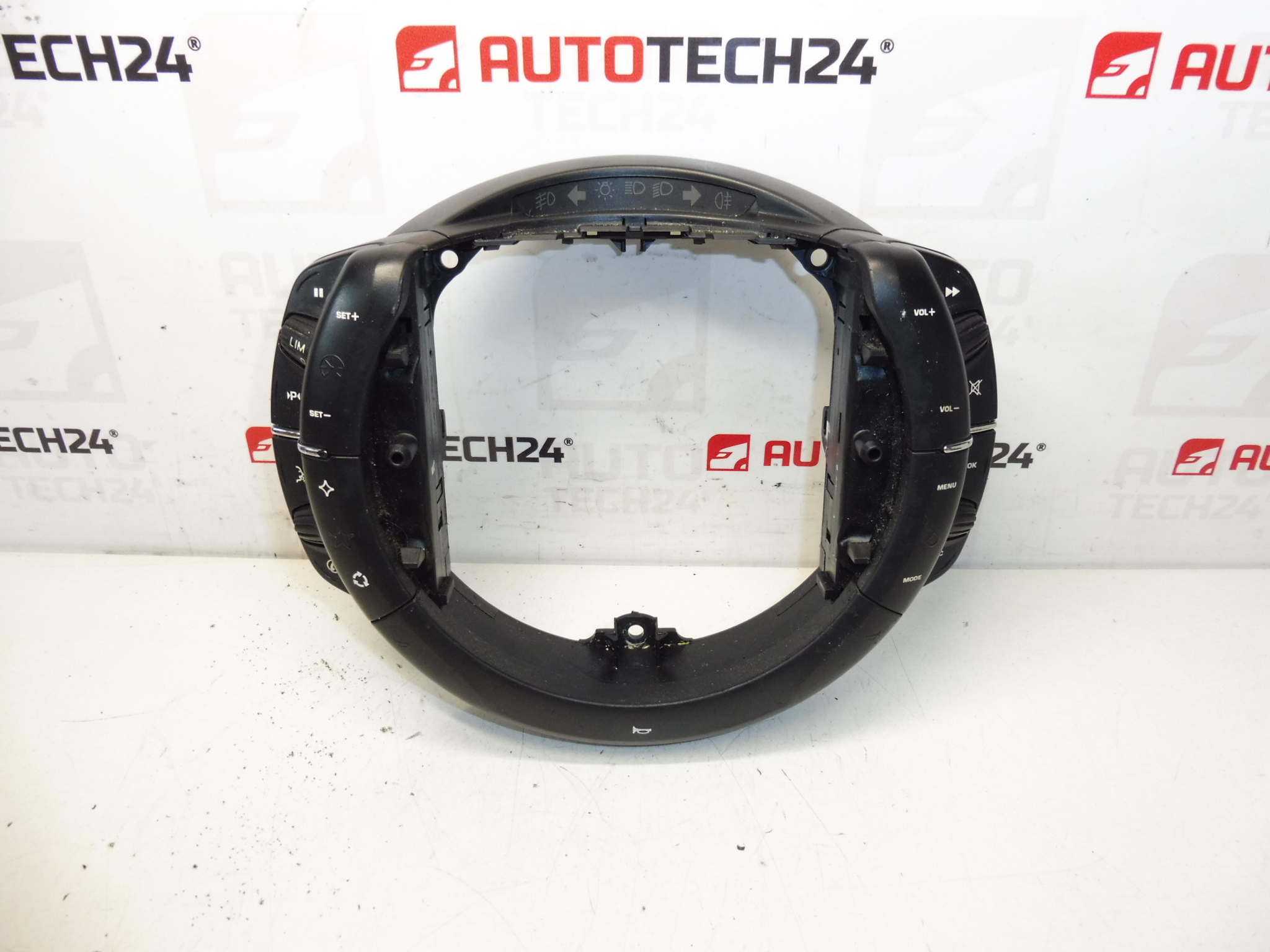
Valeo steering wheel controls for Citroën C4, C4 Picasso and Grand C4 Picasso. They control cruise control, car radio, onboard computer and horn.
Overview
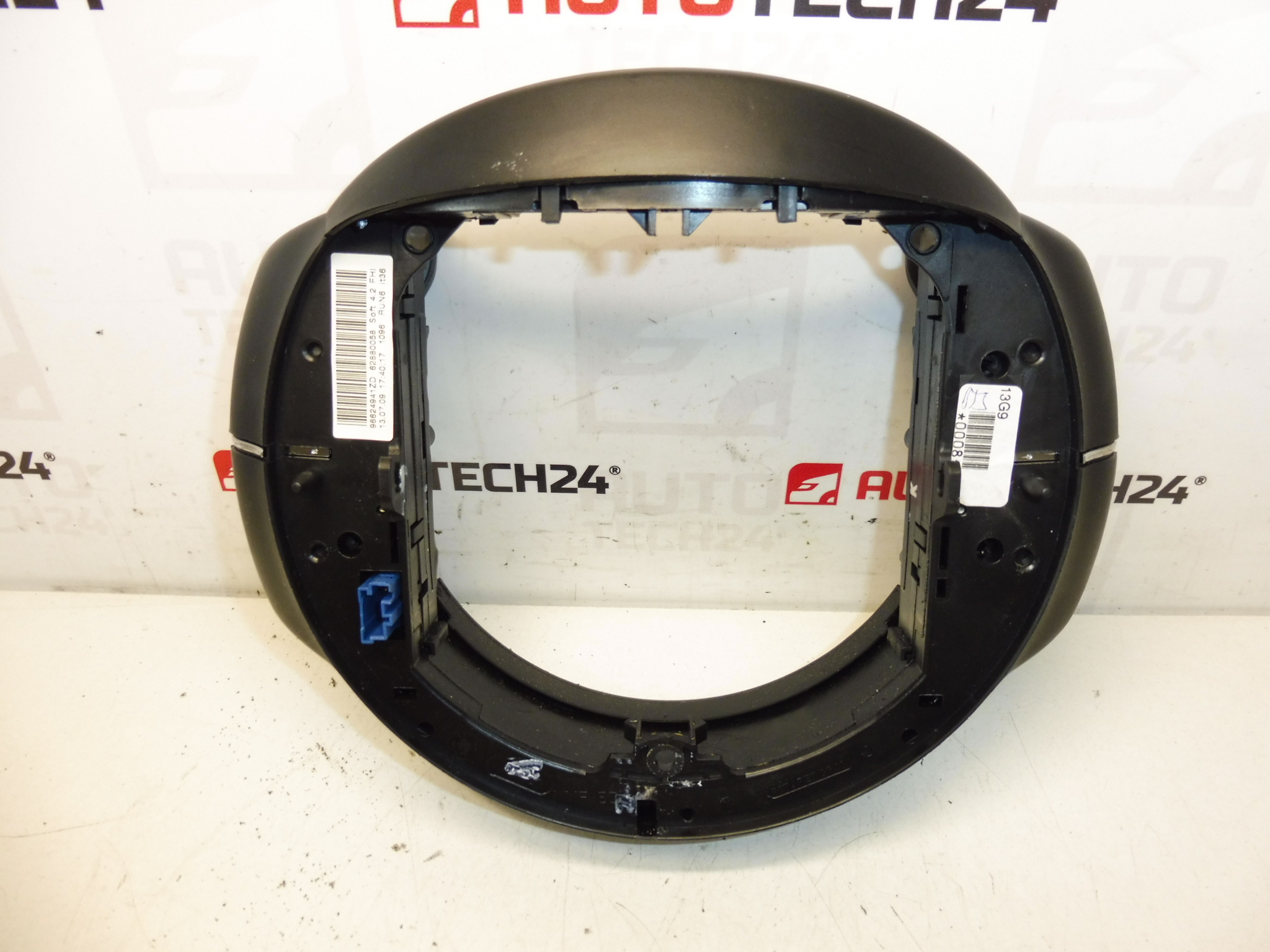
High-quality Valeo multifunction steering wheel switch assembly designed to restore full control of cruise control, audio functions, onboard computer menus and the horn on compatible Citroën models. Supplied with original product codes 96624941ZD and 6242Y9 for quick identification — ideal for professional workshops and DIY mechanics looking for a direct-fit replacement part that improves vehicle ergonomics and safety.
Key Benefits
- Direct fit for Citroën multi-function steering wheels — simplifies replacement and reduces workshop time.
- Controls Cruise Control, Radio, Onboard Computer (Trip Computer) and Horn from the steering wheel.
- Designed by Valeo to match OEM ergonomics and button feedback.
- Part numbers included in the description to help find the correct item quickly (96624941ZD, 6242Y9).
Compatibility
Compatible With: Citroën C4, Citroën C4 Picasso, Citroën Grand C4 Picasso. Search Using Product Codes 96624941ZD Or 6242Y9 To Confirm Fitment For Your Vehicle.
Technical Information
- Manufacturer: Valeo
- Model: Citroën C4, C4 Picasso, Grand C4 Picasso
- Product Codes: 96624941ZD, 6242Y9
- Additional Numbers: NFP
Installation Recommendations
- Always Disconnect The Battery Before Starting Work And Wait At Least Two Minutes To Allow SRS Capacitors To Discharge.
- Remove The Airbag Module Carefully According To Manufacturer Procedure — Airbag Work Should Be Performed By A Trained Technician Or With Appropriate Caution.
- Unscrew Or Unclip The Steering Wheel Trim Panels To Access The Switch Assembly; Unplug Electrical Connectors Before Removing The Old Unit.
- Fit The New Switch In Place, Reconnect All Plugs Securely And Reassemble Trims. Refit The Airbag And Reconnect The Battery Last.
- After Installation, Verify All Functions: Cruise Control Activation, Audio Controls, Onboard Computer Navigation And Horn Operation. If Any Function Is Intermittent, Recheck Connector Contacts And Grounding.
- Use Correct Hand Tools To Avoid Damaging Fasteners Or Trim Clips; Follow Torque Values And Procedures Recommended By The Vehicle Manufacturer Where Applicable.
Why The Part Often Fails
Common Causes Of Failure Include Wear Of Internal Contacts From Repeated Use, Dirt Or Moisture Ingress Causing Corrosion, Mechanical Damage To Buttons/Levers And Electrical Faults In Connector Pins. Symptoms Typically Include Unresponsive Buttons, Intermittent Operation Of Cruise Or Radio Controls, Or A Horn That Does Not Work From The Steering Wheel. High-Mileage Vehicles Or Vehicles Exposed To Humidity Are More Prone To These Issues.
Practical Tips For Workshops And DIYers
- Reference The Product Codes (96624941ZD / 6242Y9) When Ordering To Ensure Correct Part Selection.
- Keep A Clean Workspace When Removing The Airbag To Prevent Debris From Entering Switch Cavities.
- If Buttons Are Sticky But The Switch Is Otherwise Intact, Inspect For Contaminants Before Full Replacement.
Order This Valeo Steering Wheel Control Assembly By Product Code To Quickly Restore Full Steering Wheel Functionality And Improve Driver Convenience And Safety.