Description
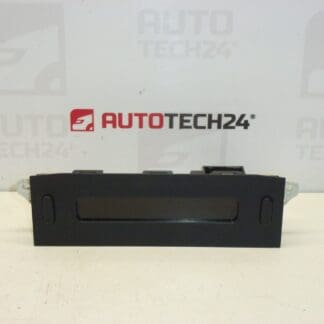
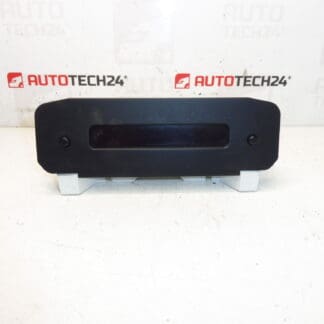
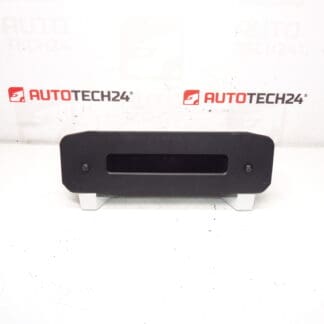
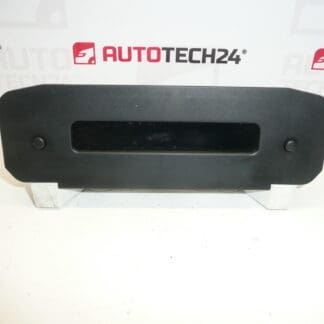
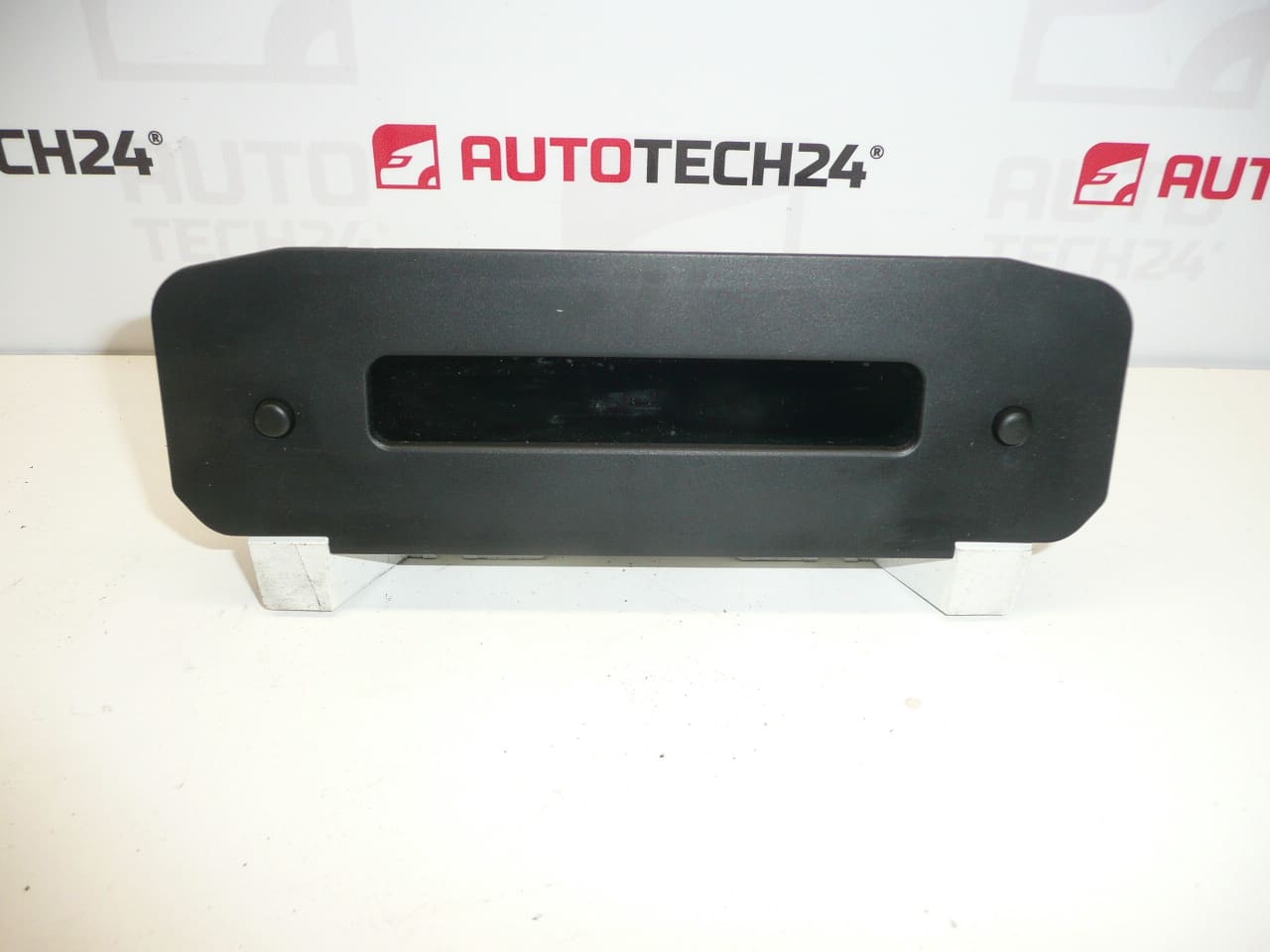
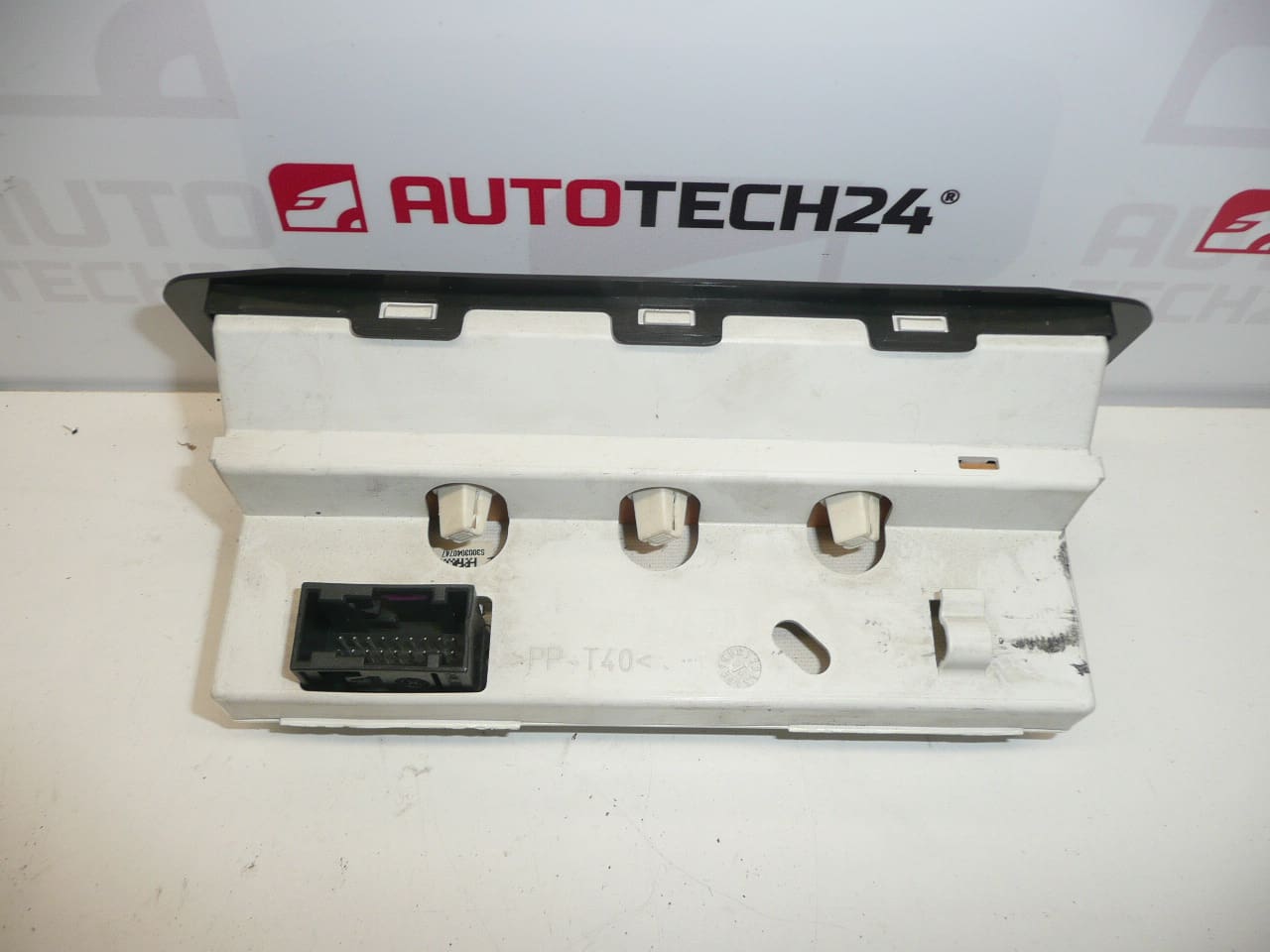
Radio and Trip Computer Display for PEUGEOT 206
This display is a direct-fit unit for the Peugeot 206 that shows radio information, clock and trip computer data. Common search keys include part numbers such as 9647409777 and 6155CQ, which are often used by mechanics and DIY enthusiasts to find the correct replacement quickly. Installing a new display restores visibility of characters and segments, improves usability of the radio and onboard computer, and brings back important on-board information for everyday driving.
Technical Information
- Manufacturer: Stellantis (Citroën/Peugeot)
- Model: Peugeot 206
- Product Codes: 9647409777, B00, 6155GQ, 6155X2, 6155CQ
- Additional Numbers: 6155FE, 6155R4
Product Description and Benefits
The display is responsible for presenting radio station information, clock, trip computer readouts (distance, consumption, range) and various status messages. A clear, functioning display is essential for correct operation of in-dash systems. Replacing a faulty unit recovers lost functionality and avoids misreading vital information while driving. Using known part numbers in searches increases the chance of finding an exact match for fast replacement.
Replacement Procedure (Overview)
- Disconnect Battery: Always disconnect the negative terminal before starting to avoid electrical damage and short circuits.
- Remove Trim: Use plastic trim tools to remove the center fascia and surrounding trim pieces without damaging clips or painted surfaces.
- Access Radio/Cluster: Unscrew and slide out the radio or central module to reach the display. Keep track of screws and brackets.
- Disconnect Connectors: Carefully unplug electrical connector(s) or ribbon cable(s) from the display. Handle ribbon cables gently to avoid creasing or tearing.
- Swap Unit: Remove the old display from its bracket, transfer any retaining clips, and fit the replacement. Reconnect connectors and test functionality before full reassembly.
- Reassemble And Test: Reinstall radio and trim in reverse order. Reconnect the battery and verify display functions, clock and trip computer readings.
Estimated Time: 30–90 minutes depending on experience and whether additional dashboard components must be removed.
Installation Recommendations
- Perform Installation In A Clean, Static-Free Area And Avoid Touching Circuit Contacts Directly.
- Test The New Display Before Final Reassembly To Ensure Connectors And Functions Are Correct.
- Use Proper Trim Tools And Correct Screwdrivers/Torx Bits (Commonly Torx T20/T25 And Phillips) To Prevent Damage.
- Follow Manufacturer’s Mechanical Procedures When Removing Dashboard Components To Protect Clips And Fasteners.
Why This Part Most Commonly Fails
- Backlight Or LED Failure Leading To Dim Or Uneven Illumination.
- LCD Matrix Or Segment Damage Caused By Age, Heat Or Impact.
- Corrosion Or Moisture Infiltration Causing Short Circuits Or Contact Failures.
- Loose Or Worn Connectors And Ribbon Cables Producing Intermittent Display Output.
- Poor Solder Joints On The Display Board That Crack Over Time Due To Thermal Cycling.
Search And Compatibility Tips
When searching for a replacement, include the part numbers 9647409777 or 6155CQ and the vehicle model “Peugeot 206” to improve results. Listing multiple known codes in search queries increases the chance of matching the exact variant used in your car.