Description
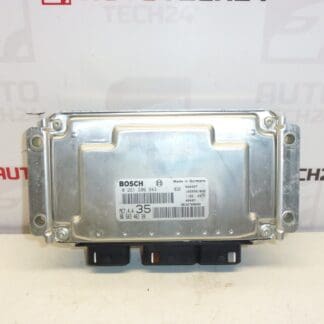
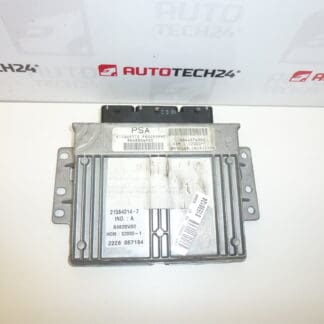
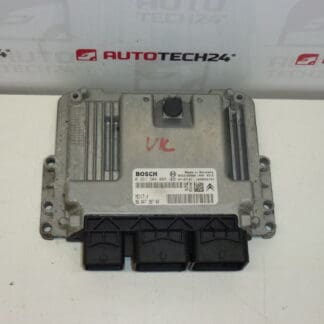
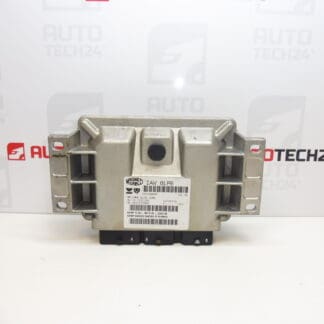
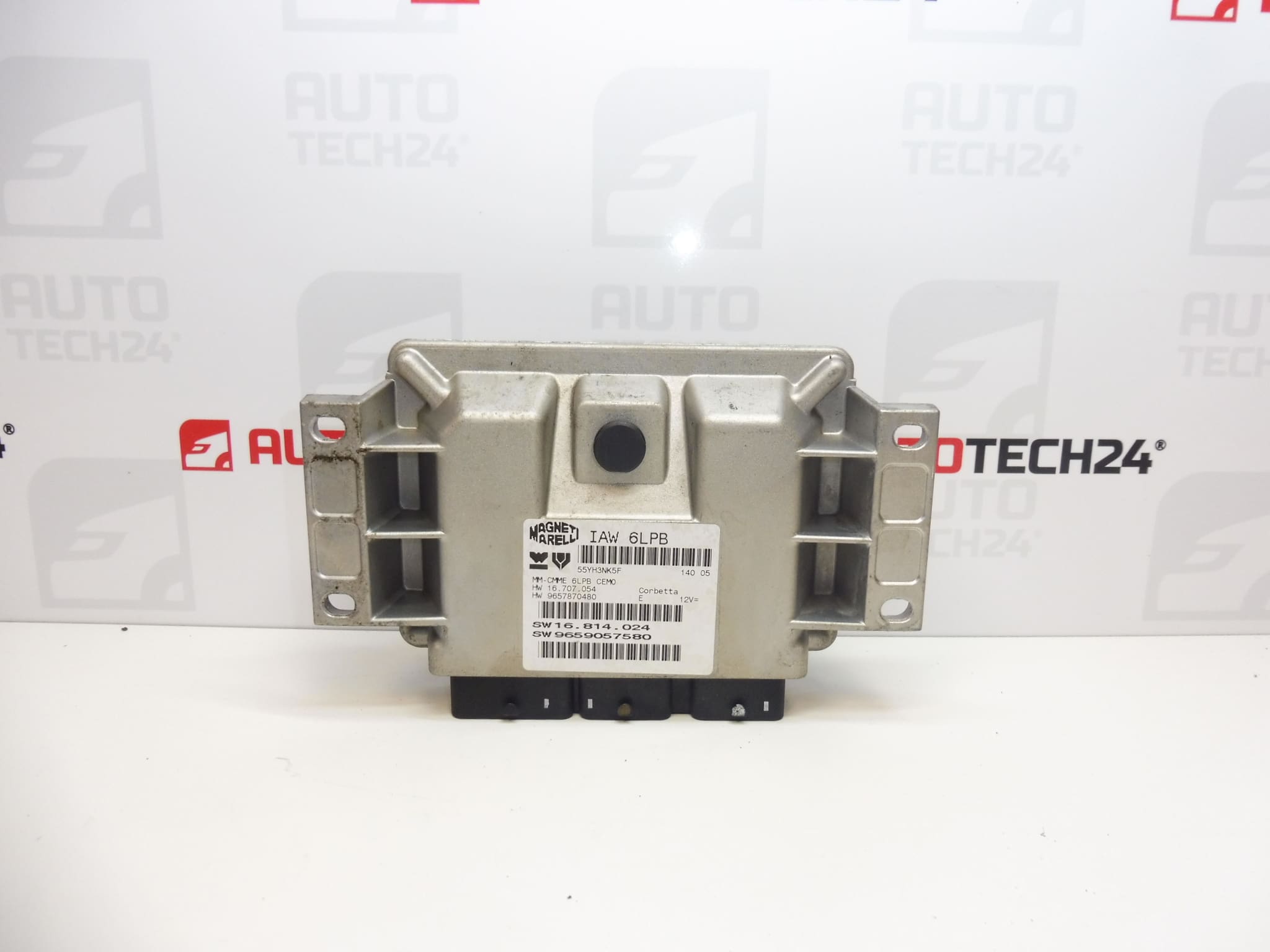
Magneti Marelli IAW 6LPB control unit for Citroën and Peugeot vehicles
Part description
Used Magneti Marelli IAW 6LPB injection control unit for Citroën and Peugeot vehicles with the 2.0 16V designation. The unit processes signals from sensors and controls injection operation and other engine management functions. When replacing a faulty unit, the correct part version and adaptation to the vehicle’s electronics are important.
The documentation lists the Citroën C5, Peugeot 307 and Peugeot 407 models. When selecting a replacement part, primarily compare the numbers 9657870480 and 9659057580, the original unit’s designation and its version. Matching the model and engine displacement alone is not sufficient. This used part offers an option for replacing the original unit, but professional data transfer or initialization must be taken into account.
Technical information
- Manufacturer: Magneti Marelli
- Model: Citroën C5, Peugeot 307, Peugeot 407
- Unit type: IAW 6LPB
- Engine designation in the documentation: 2.0 16V
- Part category: injection control unit
- Condition: used part
- Additional numbers: 1943JT, 1943A3, 1942ZR, 1943A2
- Model years and exact engine code: not specified
Product codes
- Product codes: 9657870480, 9659057580, 1943JT, 1943A3, 1942ZR, 1943A2
- Type designation: Magneti Marelli IAW 6LPB
The listed codes are used to identify and locate the part. When comparing it with the original unit, also take into account its hardware and software versions and adaptation requirements.
Installation recommendations
The following generally applies to this type of part: replacing an injection control unit requires diagnostics and usually also work with stored data. The procedure below is general; the exact steps for removal, power disconnection and commissioning depend on the specific vehicle model and version.
1) Before installation
- First, confirm the cause of the fault through diagnostics. Similar symptoms can be caused by a faulty power supply, grounding, wiring or a connected component.
- Compare the product numbers, IAW 6LPB designation, available hardware and software information, connectors and mountings with the original unit.
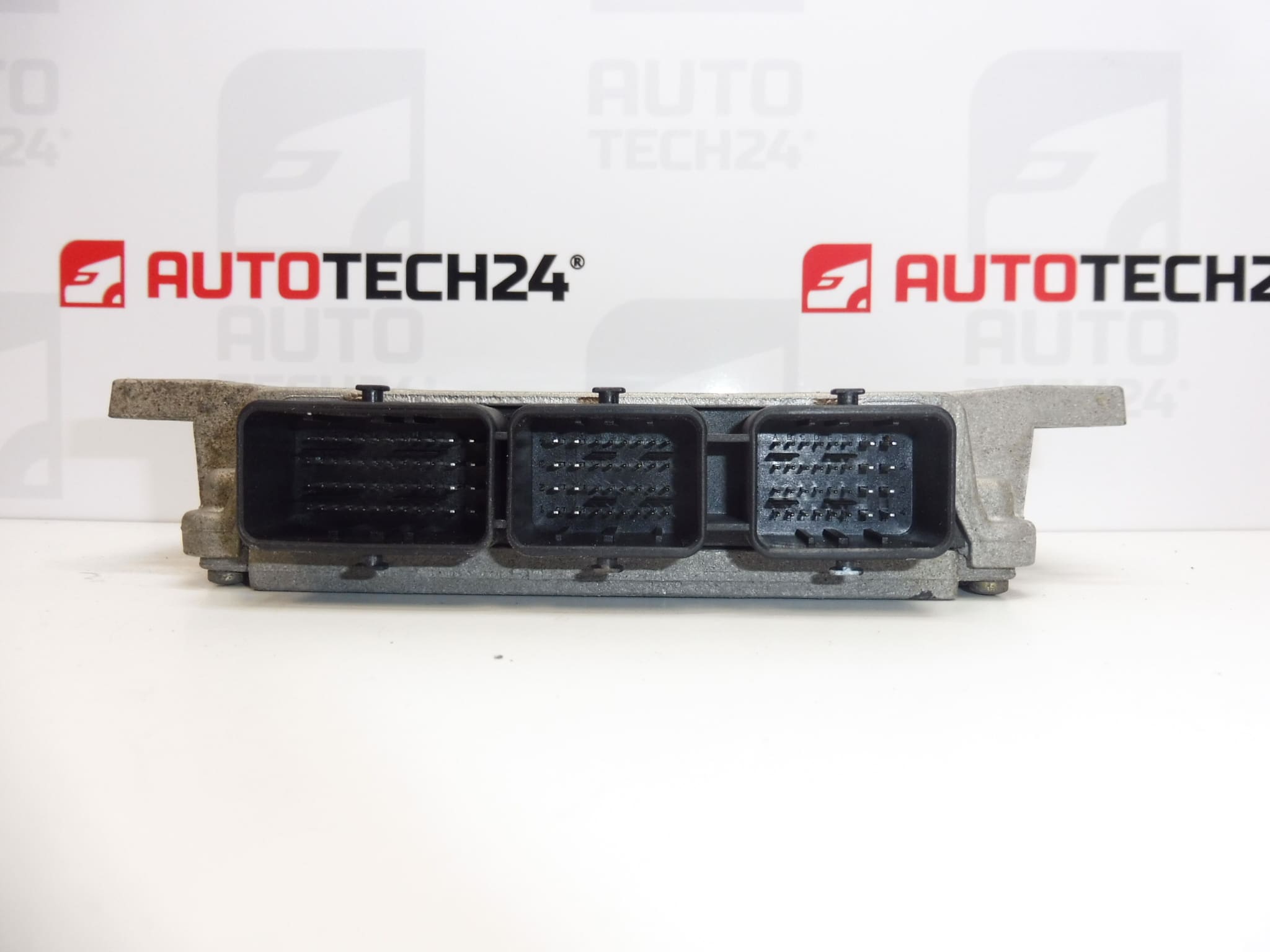
- Check the used unit’s housing, mounting points, connectors and contacts. Look for corrosion, moisture, cracks, bent pins and signs of overheating.
- Determine the commissioning method in advance and arrange a backup of the original data if it can be read.
2) Required tools and materials
- Standard hand tools suitable for the unit’s mountings and surrounding covers.
- Diagnostic equipment suitable for the vehicle and equipment for cloning or initializing the unit.
- A multimeter for checking the power supply and grounding.
- A suitable electrical contact cleaner, clean cloths and protection against electrostatic discharge when working with electronics.
- A stabilized power supply suitable for diagnostic and programming operations according to the requirements of the equipment used.
3) Step-by-step installation procedure
- Perform initial diagnostics and record the faults and available identification data of the original unit.
- Check the power and ground lines as well as the associated wiring. Eliminate any cause of damage before connecting the replacement unit.
- If the condition of the original unit permits, arrange professional data reading and backup. Select a cloning or initialization procedure.
- Switch off the ignition, follow the manufacturer’s procedure for putting the electronics into sleep mode and disconnect the battery before removal.
- Access the unit according to the service procedure for the specific vehicle. Before disconnecting it, record the wiring routing and connector orientation.
- Release the connector locks and carefully disconnect the connectors. Do not pull on the wires or lever against the contacts.
- Release the mountings and remove the original unit. Check the bracket and surrounding area, particularly for any signs of water ingress or wiring damage.
- Prepare the replacement unit as required by the chosen method. Leave data transfer and any work on the electronics to a specialist.
- Position the replacement unit and secure it according to the vehicle manufacturer’s instructions. The wiring must not be taut, pinched or stressed by edges.
- Connect the connectors, properly engage their locks and refit the removed protective components.
- Connect the battery according to the manufacturer’s procedure. If initialization was selected, complete the required coding and key adaptation using appropriate diagnostic equipment.
- Verify communication with the unit, complete the prescribed diagnostic operations and check engine operation.
4) Post-installation checks and test drive/function verification
- Verify communication with the unit, start authorization and correct completion of adaptation.
- Check starting, engine operation, acceleration response and the status of the warning lights.
- Read the fault memory again and assess any persistent problems; do not rely solely on clearing them.
- If the engine operates correctly and the vehicle has no safety-related faults, carry out a short test drive. Then repeat the diagnostic check.
5) Common installation mistakes and how to avoid them
- Selecting solely by vehicle model: also compare the codes, unit version and software requirements.
- Replacement without eliminating the original cause: check the power supply, grounding, wiring and connected circuits before installation.
- Connecting with the power on: follow the manufacturer’s procedure for disconnecting the battery and handling electronics.
- Connector damage: release the locks first and do not use force if the connectors are incorrectly positioned.
- Interrupted programming: ensure a stable power supply and a reliable connection to the diagnostic equipment.
- Skipping adaptation: simply physically connecting the used unit may not allow the engine to start.
Installation and coding – important
- The unit is used and is “paired” with the original vehicle (VIN/PIN/keys).
- Commissioning options:
- Cloning data from the old unit (EEPROM/Flash) – after cloning, the unit is plug and play.
- Virginization followed by initialization/telecoding via DiagBox (online if applicable) + key adaptation.
- It is recommended that this be carried out by a specialist with PSA service equipment (DiagBox/Lexia/PP2000).
- Always disconnect the battery before removal/installation and follow the manufacturer’s procedure to avoid damaging the unit.
Reasons why the part may become damaged
The following factors can generally lead to damage to injection control units. This is not a description of the observed condition of this particular unit.
- Moisture and water ingress: can cause contact corrosion and damage to the internal electronics.
- Overvoltage or improper handling of the power supply: can damage sensitive electronic circuits.
- A short circuit in the wiring or a connected component: can overload the unit’s output circuits.
- Poor grounding and loose connections: cause an unstable power supply and can lead to electrical stress.
- Thermal stress and vibration: can gradually damage electronic components and their connections.
- Unprofessional intervention: improper opening of the housing, connector damage or interrupted data writing can impair the unit’s functionality.