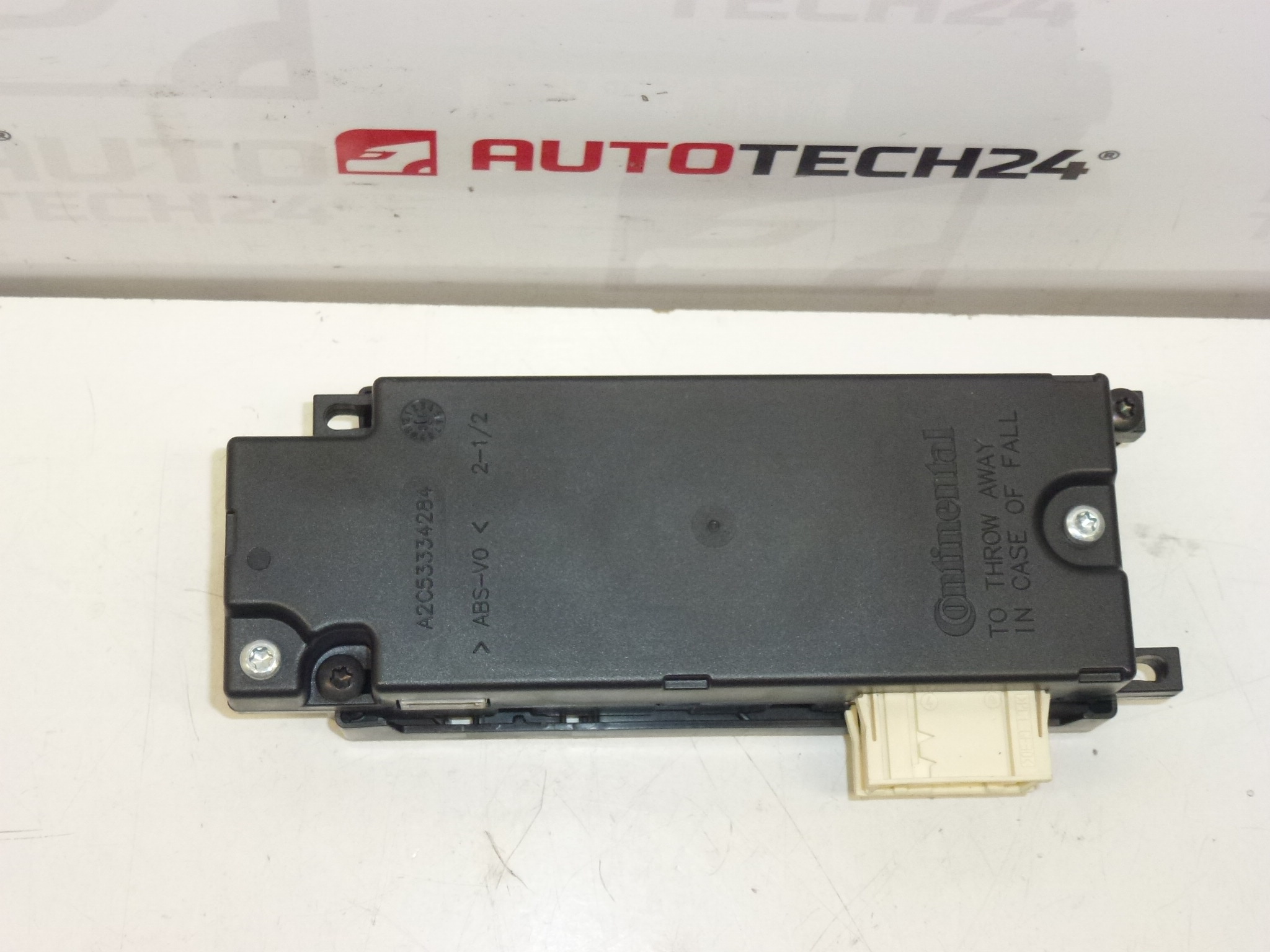
Description
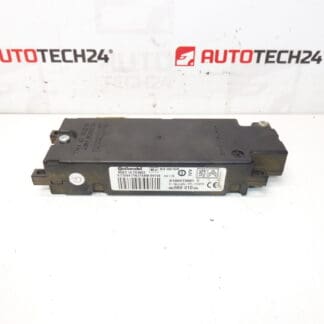
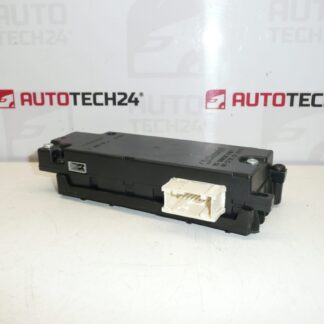
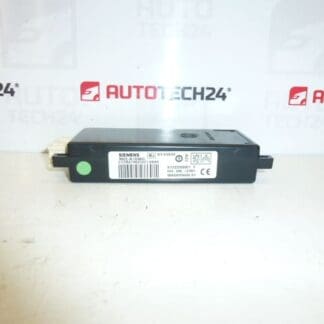
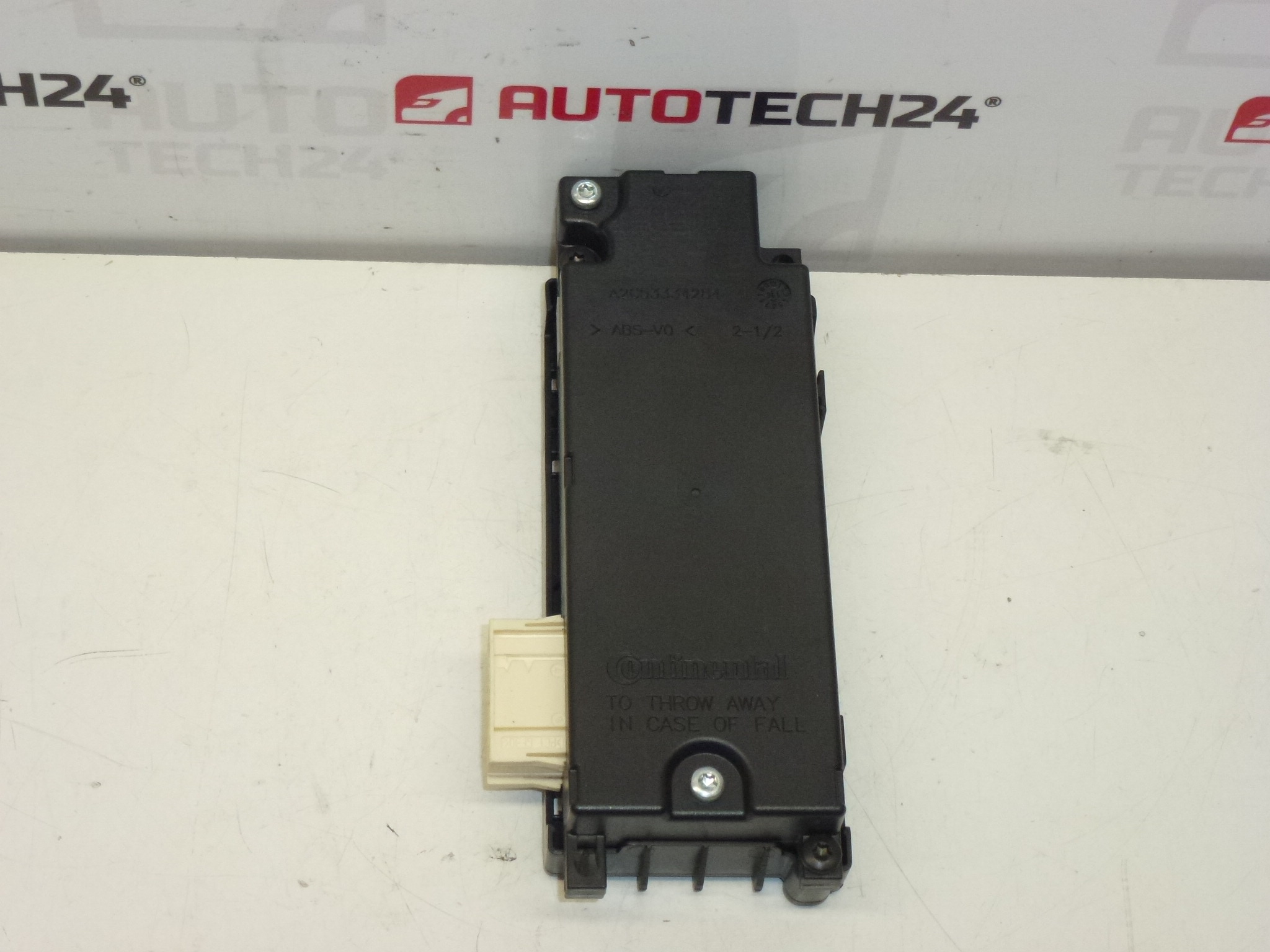
Phone Connection Unit CONTINENTAL for Citroën and Peugeot Vehicles
This Bluetooth phone interface module is a direct-fit communication unit designed for many Citroën and Peugeot models. It provides stable hands-free telephony and audio streaming integration with the vehicle’s infotainment system, ensuring clear calls and reliable smartphone connectivity for professional workshops and DIY mechanics. Commonly referenced under several product codes, this module is a practical replacement when in-car Bluetooth functionality is lost or intermittent.
Function And Application
The unit handles Bluetooth pairing and audio/phone signal routing between the vehicle’s head unit and the user’s mobile device. It typically interfaces with the radio/navigation head unit and the vehicle CAN bus to manage call audio, phonebook transfer (where supported), and streaming. Ideal for restoring hands-free calling and media streaming without replacing the entire infotainment system.
Compatibility And Fitment
Commonly fitted vehicles (examples): Citroën C3 II, Citroën C5 (X7), DS3, Peugeot 207, Peugeot 3008 I, Peugeot 308, Peugeot 5008 I. The module is frequently searched by its part references rather than vehicle year; check the product codes below to confirm match with the car’s original unit.
Technical Information
- Manufacturer: CONTINENTAL
- Model: Phone Connection / Bluetooth Interface Module
- Product Codes: 9666827980, 6574NP, 6574NQ, 6579QC
- Other Numbers: S180073002 L, 1607242180
Installation Recommendations
Always follow safe workshop practice when replacing the module. Typical installation steps:
- Disconnect the vehicle battery before starting to avoid short circuits and to protect electronic modules.
- Locate the module (commonly behind the radio, under the dashboard or in the glovebox—refer to vehicle repair manual for exact position).
- Remove trim and retain fasteners; unplug the module connectors carefully to avoid damaging pins.
- Install the replacement unit, ensuring all connectors are fully seated and any ground connections are secure.
- Reassemble trim panels and reconnect the battery.
- After fitting, follow the vehicle’s Bluetooth pairing procedure via the head unit to pair phones and verify audio/telephony functions. In some cases the head unit may need to re-scan or reinitialize Bluetooth devices.
Recommended tools: trim removal tools, Torx/screwdriver set, multimeter for basic diagnostics. Always observe ESD precautions when handling electronic modules.
Why This Part Most Commonly Fails
Typical causes of failure include water ingress and corrosion (from leaks or condensation), connector corrosion or broken pins, internal component fatigue due to thermal cycling, and intermittent failures caused by poor power supply or voltage spikes. Firmware or pairing issues can also cause perceived failures even when the hardware is intact. Environmental exposure and mechanical stress from previous repairs increase the likelihood of unit failure.
Practical Tips For Workshops And DIY Mechanics
- Always verify part numbers printed on the original unit match one of the product codes listed above before installation.
- Document and, if possible, photograph connector orientations and cable routing before removal to simplify reassembly.
- If Bluetooth functionality is intermittent, inspect connectors and wiring harness for corrosion or damage before replacing the module.
- After replacement, test with multiple phone models to confirm stable operation and confirm microphone/speaker routing in hands-free mode.