Description
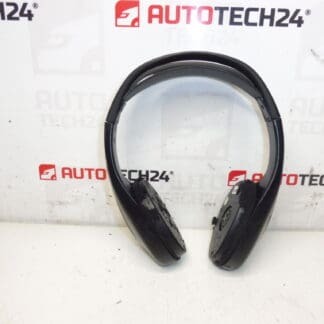
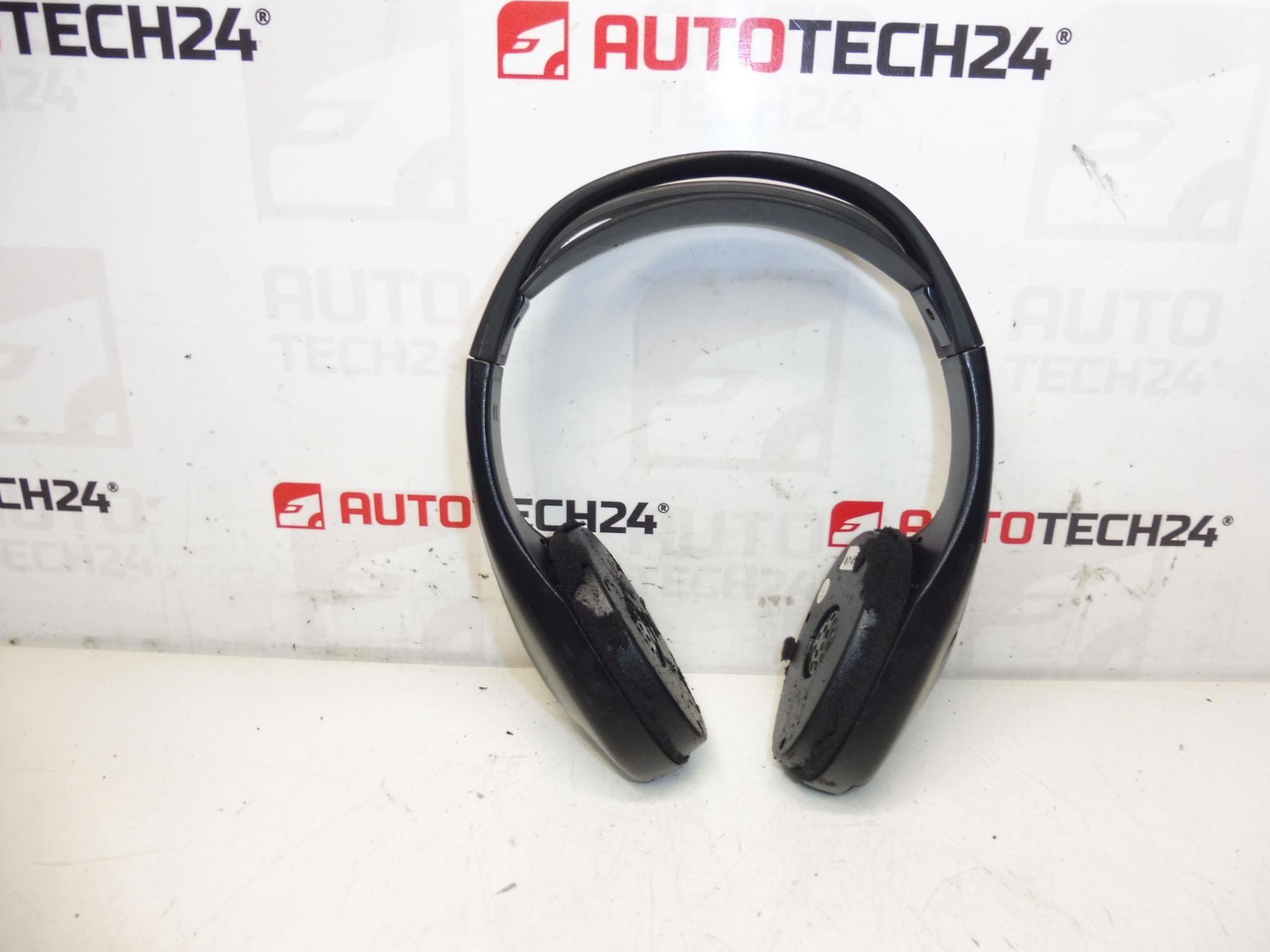
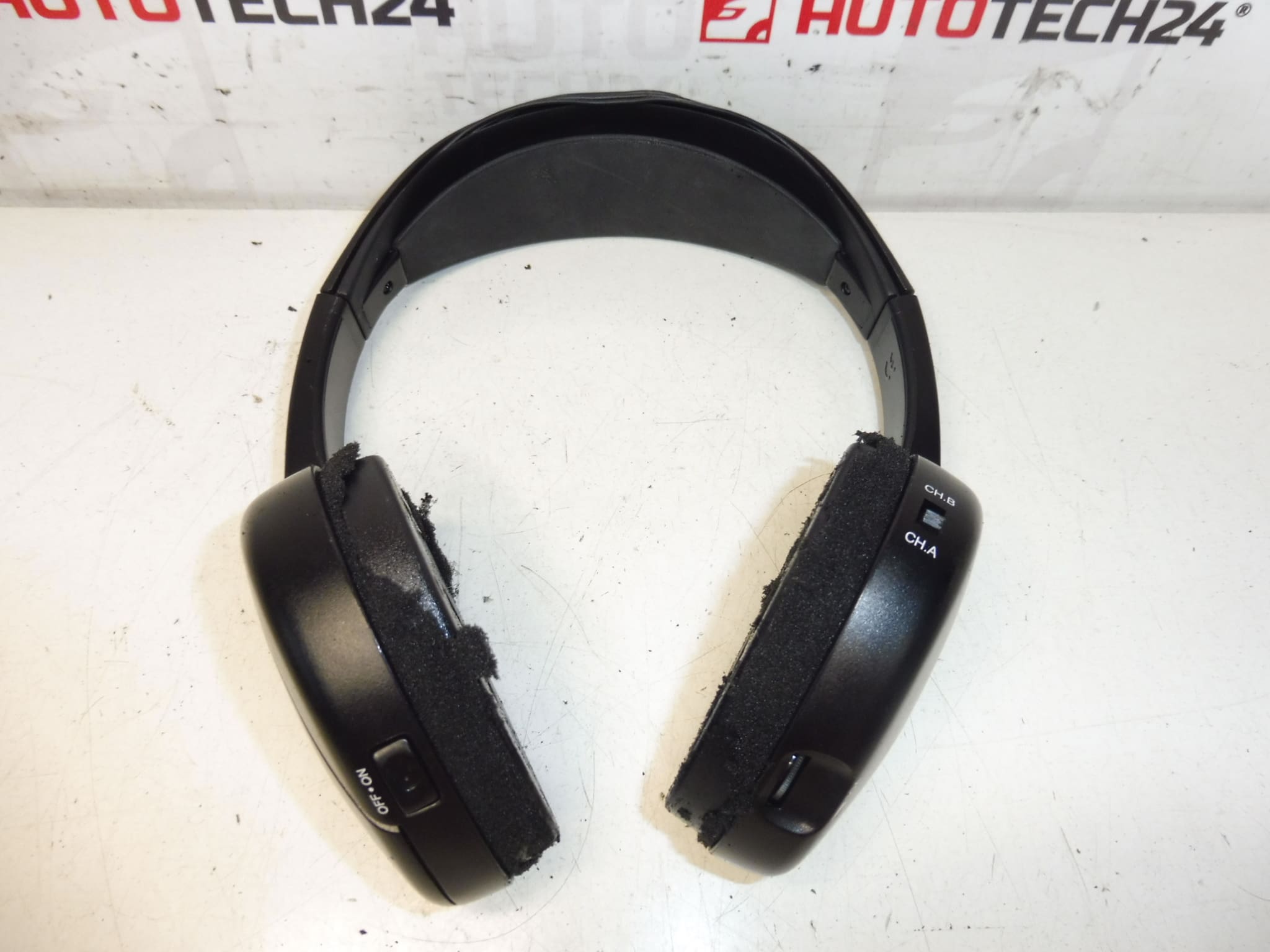
Headphones for DVD and multimedia player for Citroën C4 Picasso first generation. Condition unknown, for spare parts, protective foam missing, no warranty.
Replacement headphones for the in-car DVD/multimedia system designed for Citroën C4 Picasso (first generation). Ideal for professional workshops and DIY enthusiasts who repair interior electronics. This unit is commonly searched under the part number 6574C2 — include that code when looking up fitment or comparing with existing parts.
Overview
These headphones transmit audio from the rear-seat multimedia/DVD unit to passengers, restoring private listening for children or rear-seat occupants. Typical use is in headrest or rear-seat entertainment systems. The assembly is intended as a direct replacement part for systems previously installed in C4 Picasso vehicles.
Technical Information
- Manufacturer: Stellantis / Citroën / Peugeot
- Model: Citroën C4 Picasso (First Generation)
- Product Codes: 6574C2
- Other Numbers: N/A
Function And Common Faults
The headphones provide audio output from the vehicle’s multimedia/DVD system to individual listeners. Common failure modes include degraded or missing ear-pad foam, broken internal wiring, worn jack connectors, corrosion on contacts, and mechanical damage from heavy use. Foam and soft materials typically deteriorate first, which impacts comfort and sound isolation; electrical faults such as open wires or connector failures result in no audio or intermittent sound.
Replacement Frequency
There is no fixed service interval. Replacement is usually performed on an as-needed basis — when sound is lost, audio quality declines, or physical wear (torn foam, exposed wiring) is visible. In family vehicles with frequent use, expect wear on padding and connectors after several years.
Installation Recommendations
- Disconnect The Battery Before Starting Work To Prevent Short Circuits And Protect Vehicle Electronics.
- Carefully Remove Interior Trim Or Headrest Covers To Access The Headphones/Cables; Use Trim Tools To Avoid Damage.
- Unplug The Headphone Connector From The Multimedia Harness — Note Connector Orientation And Retaining Clips.
- Inspect Wiring And Connector Pins For Corrosion Or Damage; Clean Contacts With Appropriate Contact Cleaner If Reusing Connectors.
- Fit The Replacement Unit And Secure All Clips; Reinstall Trim Panels Gently To Avoid Pinching Cables.
- Test Audio Functionality Before Final Reassembly — Play A Sample Track To Verify Left/Right Channels And Volume Control.
Why This Part Fails Most Often
Repeated Handling And Exposure To Body Oils, Dirt, And UV Light Cause Foam Pads To Crumble And Leads To Wear On Cable Insulation. Frequent Insertion/Removal Or Rough Use Causes Jack And Connector Wear. Moisture And Condensation Can Lead To Corrosion On Contacts, Resulting In Intermittent Sound Or Complete Failure.
Notes For Buyers
Unit Condition Is Unknown And Offered For Spare Parts; Protective Foam Is Missing. Suitable For Technicians Or Experienced DIYers Who Can Replace Foam, Repair Wiring, Or Use As A Donor Unit. Always Verify The Part Number (6574C2) Against Your Existing Component Before Installation.