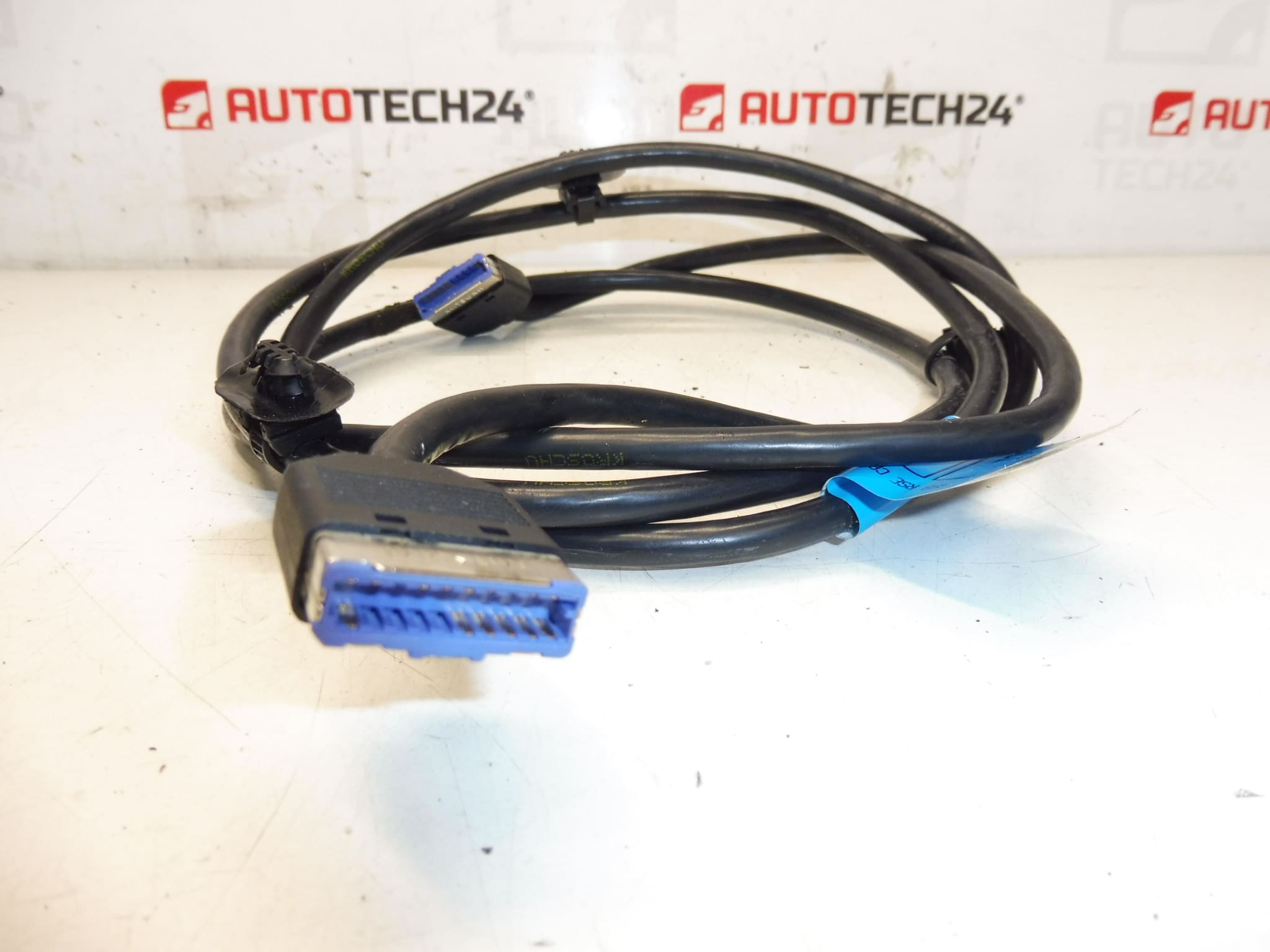
Description
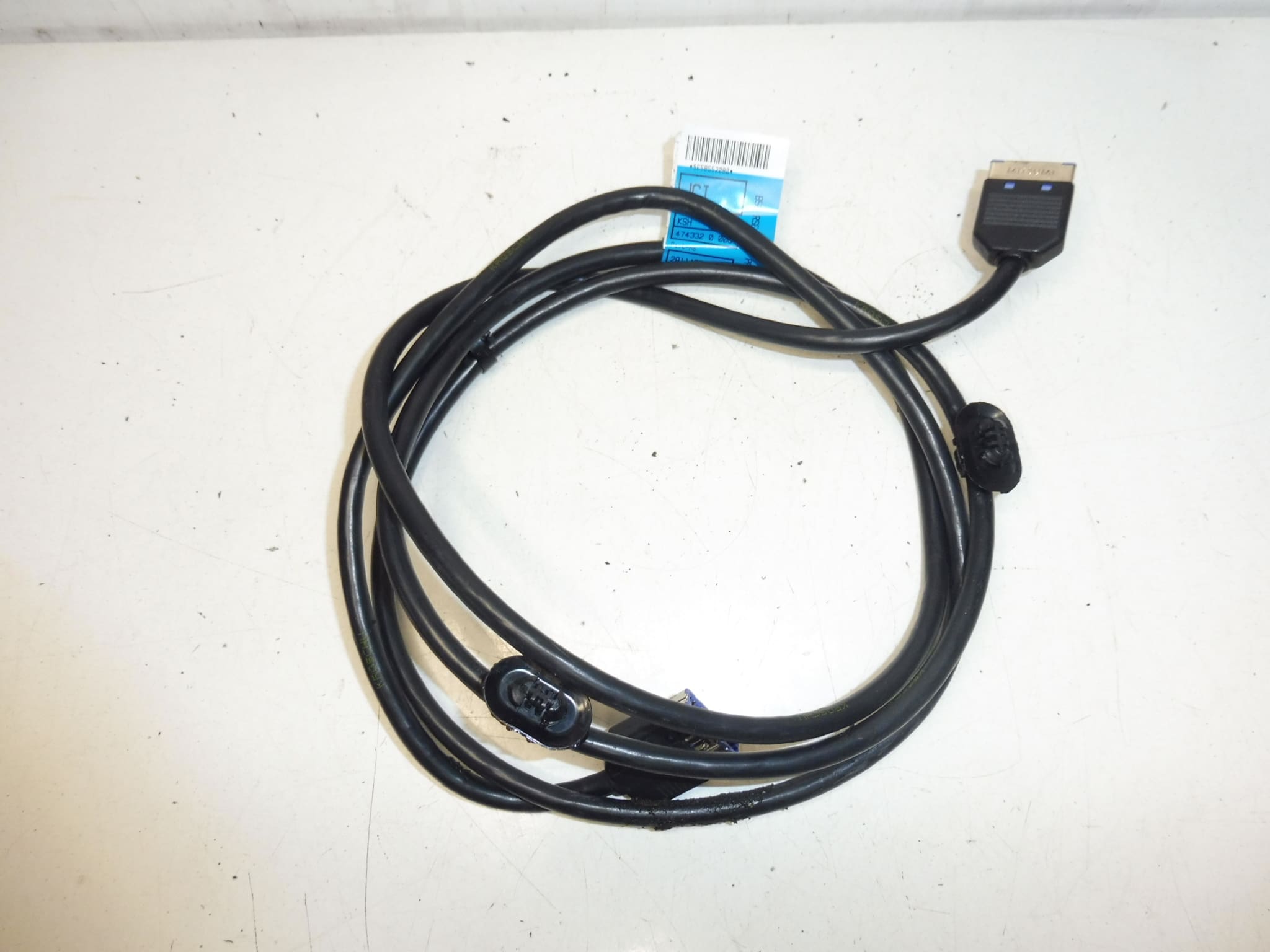
Left DVD and Multimedia Player Harness for Citroën C4 Picasso First Generation.
This left-side DVD and multimedia player harness is designed for first-generation Citroën C4 Picasso vehicles and is an ideal replacement for workshops and DIY mechanics restoring audio-visual functionality. The harness provides the necessary power, signal and control connections to the factory multimedia/DVD unit and is a direct-fit replacement for worn or damaged wiring assemblies. Customers often search by part numbers 9658552080 or 6574C4, so these references are included for quick identification.
Description And Function
The harness routes power, ground, audio and control signals between the vehicle wiring loom and the in-dash or glove-box mounted DVD/multimedia unit. It ensures reliable connection of the player to the vehicle’s electrical system and audio outputs, maintaining factory-level functionality such as playback control, sound output and any steering-wheel or headunit control interfaces that use the original connectors.
Compatibility
Designed For Citroën C4 Picasso (First Generation). First-generation C4 Picasso models were produced in the late 2000s and early 2010s; verify the match by checking the listed product codes against the part being replaced. This harness is typically used on Stellantis OEM multimedia installations on Citroën/Peugeot platforms that share the same connectors and pinout.
Installation
Installation Is Straightforward For Experienced Technicians. Access The Multimedia Unit By Removing Trim Panels Around The Center Console Or Glove Compartment Depending On Vehicle Layout. Unplug The Old Harness Connectors From The Player And Vehicle Body Loom, Route The New Harness Following The Original Path, Secure With Clips Or Ties, And Reconnect All Plugs Firmly. After Reassembly, Test All Functions (Power, Playback, Sound, Controls) Before Final Closure.
Technical Information
- Manufacturer: Stellantis (Citroën / Peugeot)
- Model: Citroën C4 Picasso (First Generation)
- Product Codes: 9658552080, 6574C4
- Additional Numbers: NFP
Installation Recommendations
- Disconnect The Battery Before Starting Work To Prevent Short Circuits And Protect Electronic Modules.
- Use Correct Trim Tools To Avoid Damaging Panels And Clips.
- Inspect Connector Pins For Corrosion Or Damage; Replace Or Clean As Necessary Before Reconnection.
- Secure The Harness Along The Original Routing To Avoid Chafing, Pinching, Or Heat Exposure.
- After Installation, Verify All Multimedia Functions And Check For Fault Codes Related To Audio Or Comfort Systems.
Most Common Failure Causes
Wiring Harnesses For Multimedia Units Usually Fail Due To Mechanical Damage, Connector Corrosion, Or Repeated Movement And Fatigue. Moisture Ingress Around Connectors Or Damage From Previous Repairs Can Cause Intermittent Audio, Loss Of Power To The Player, Or Faulty Control Signals. Heat From Nearby Components Or Poor Routing That Allows Chafing Against Sharp Edges Are Also Frequent Causes.
Notes For Professionals
This Part Is Intended For Replacement In Vehicles With The Original Factory Multimedia System. Because Many Customers Search By Part Number, See The Listed Codes Above To Confirm Fitment. If Connector Damage Is Present, Replace Both Harness And Damaged Plug Assemblies To Ensure Long-Term Reliability.