Description
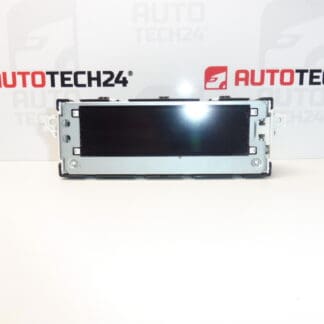
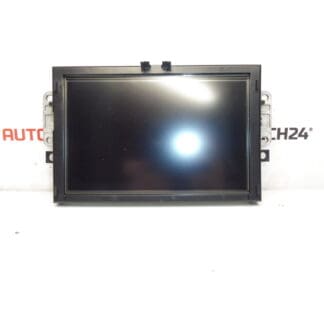
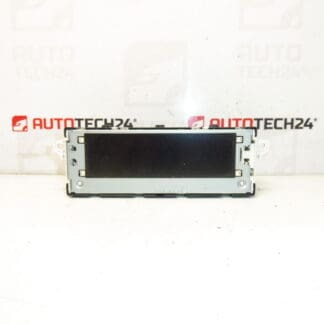
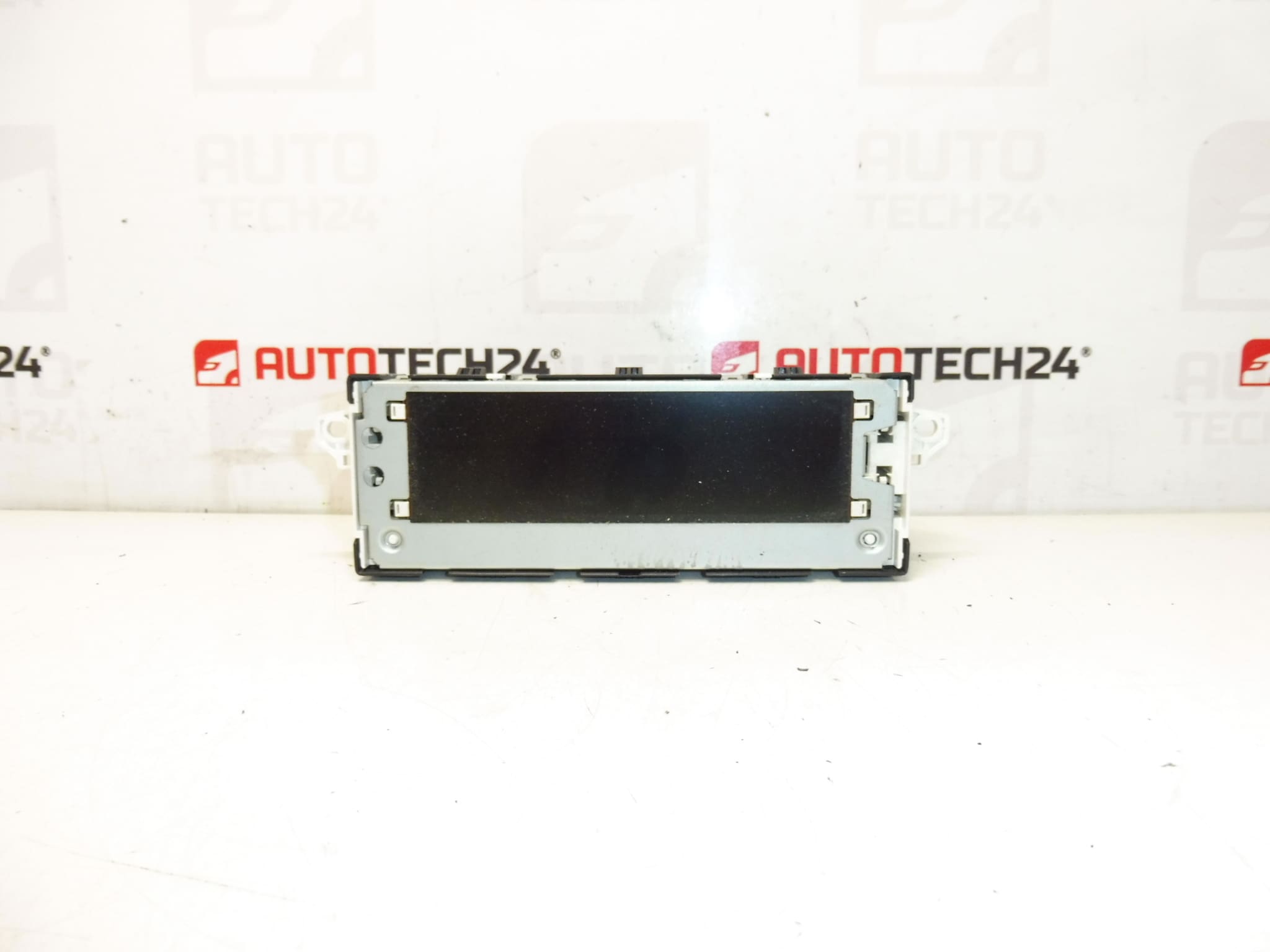
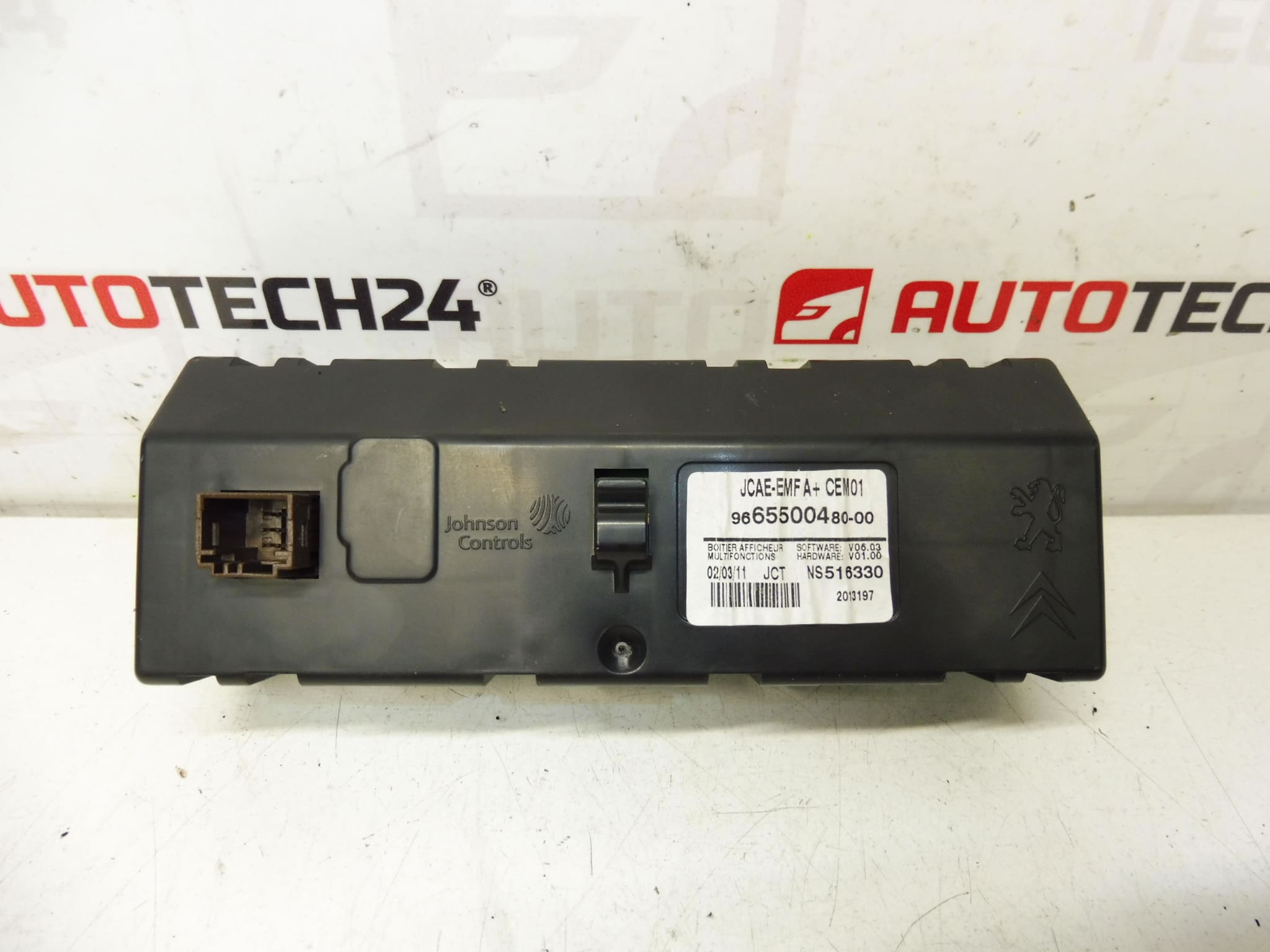
Multifunction Display For Citroën C4 B7. Some Functions May Need To Be Configured To The Vehicle Using Diagnostic Equipment. Tested, Fully Functional.
This replacement multifunction display is designed for Citroën C4 II (B7) dashboards and is a direct-fit option for technicians and experienced DIYers seeking a reliable instrument for radio, onboard computer and vehicle information display. It carries the common OEM identifiers used in searches and part lookups (9665500480, 6155HT, 6155HV), making it easy to find when ordering or searching by part number. The display presents radio information, trip computer data, clock, outside temperature and other vehicle messages, and it may require diagnostic configuration to enable all features on a specific vehicle.
Key Benefits
- Direct replacement for factory dashboard display on Citroën C4 II (B7) models.
- OEM Part Numbers Included For Fast Identification: 9665500480 / 6155HT / 6155HV.
- Restores full passenger information readout: radio text, trip data, temperature and warning messages.
- Suitable For Professional Workshops And Skilled DIY Installers.
How The Display Works
The unit integrates with the vehicle CAN network to show multimedia information, trip computer stats and status messages. Some functions (e.g., audio source display, steering wheel control mapping or warning resets) may not be enabled until the module is configured by a diagnostic tool. When correctly fitted and configured, the display operates as the central visual interface for several infotainment and vehicle systems.
Technical Information
- Manufacturer: Citroën (Stellantis)
- Model: Citroën C4 II (B7)
- Product Codes: 9665500480, 6155HT
- Additional Numbers: 6155HV
Compatibility / Fitment
Commonly fitted to Citroën C4 II (B7) vehicles, produced approximately 2010–2018. Use the listed part numbers (9665500480, 6155HT, 6155HV) to confirm fitment against the vehicle’s existing unit.
Installation Recommendations
- Disconnect The Battery Before Starting Work To Prevent Electrical Damage.
- Use Proper Trim Tools To Remove Dashboard Panels To Avoid Breaking Clips Or Trim Pieces.
- Carefully Unplug Connectors And Note Their Orientation; Avoid Pulling On Wiring.
- After Mechanical Fitment, Some Functions May Require Configuration With Diagnostic Equipment (e.g., DiagBox) To Enable Full Feature Set.
- Recheck All Connections And Secure Screws/Clips Before Reassembling Trim.
How To Replace The Unit (Overview)
- Park The Vehicle Safely, Switch Off The Ignition And Disconnect The Negative Battery Terminal.
- Remove Surrounding Trim Panels Using Plastic Pry Tools To Expose The Display Mounting Bolts.
- Unscrew The Mounting Fasteners And Gently Pull The Display Forward.
- Disconnect Electrical Connectors And Any Antenna/Audio Leads Carefully.
- Install The Replacement Unit, Reconnect All Connectors, Refit Fasteners And Trim Panels.
- Reconnect The Battery And Perform Any Required Diagnostic Configuration To Enable All Functions.
Why This Part Commonly Fails
- LCD Or Backlight Degradation Over Time Due To Heat And UV Exposure.
- Faulty Or Intermittent Connector Contacts Caused By Corrosion Or Vibration.
- Electrical Surges Or Short Circuits From Faulty Wiring Or Aftermarket Accessories.
- Moisture Ingress In Older Vehicles Leading To Display Malfunction.
- Wear From Constant Use Or Thermal Cycling Affecting Internal Electronics.
Notes For Professionals
Part numbers 9665500480, 6155HT and 6155HV are commonly used keywords for searching and cross-referencing this display. Technicians should verify function after installation and perform diagnostic adaptations where necessary to restore full feature operation.