Description
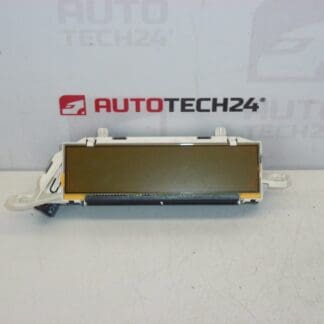
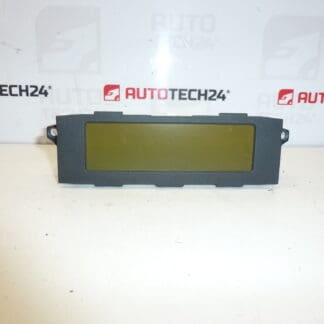
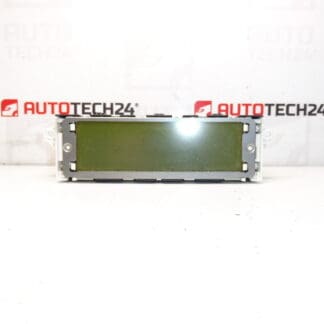
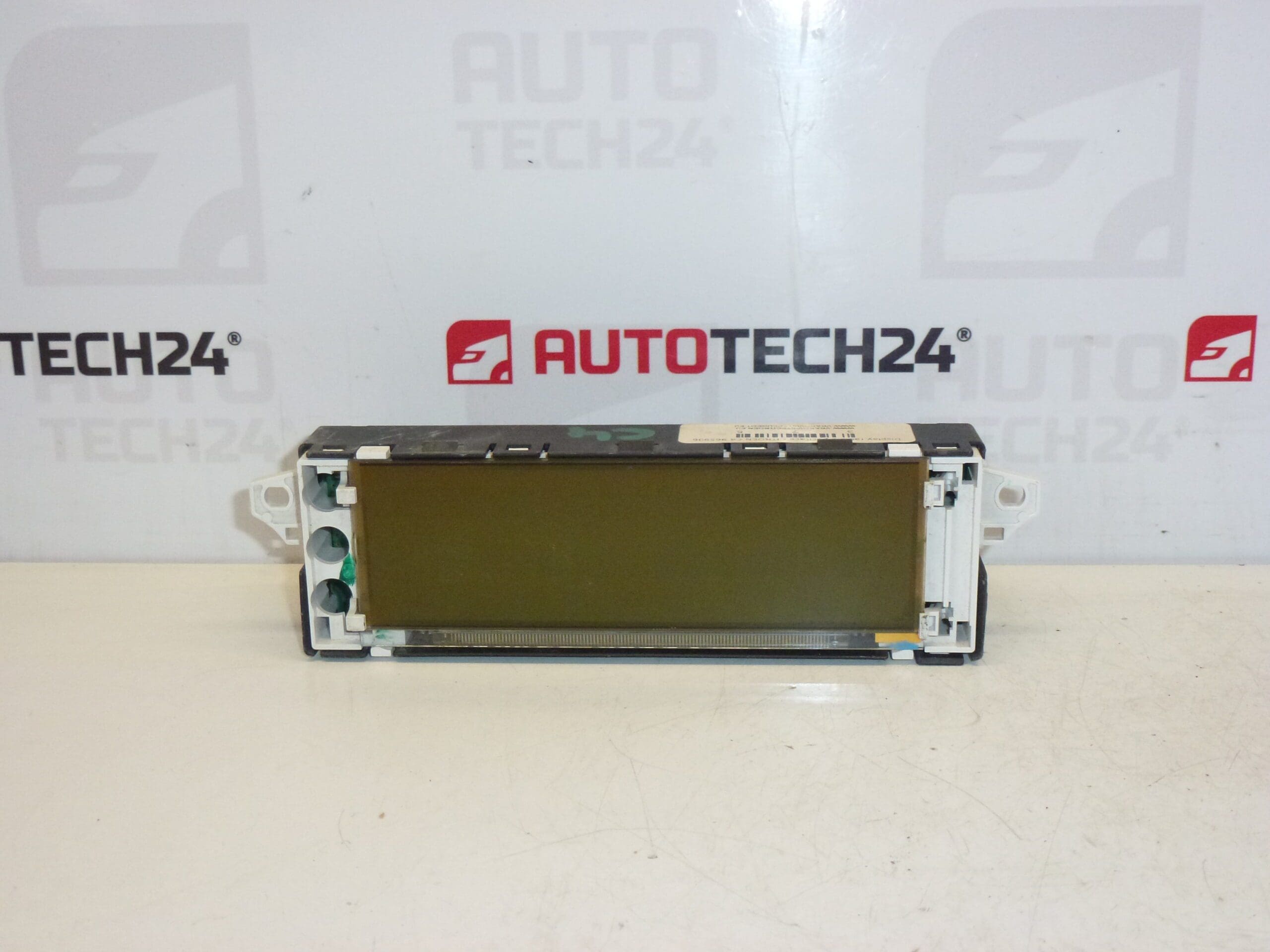
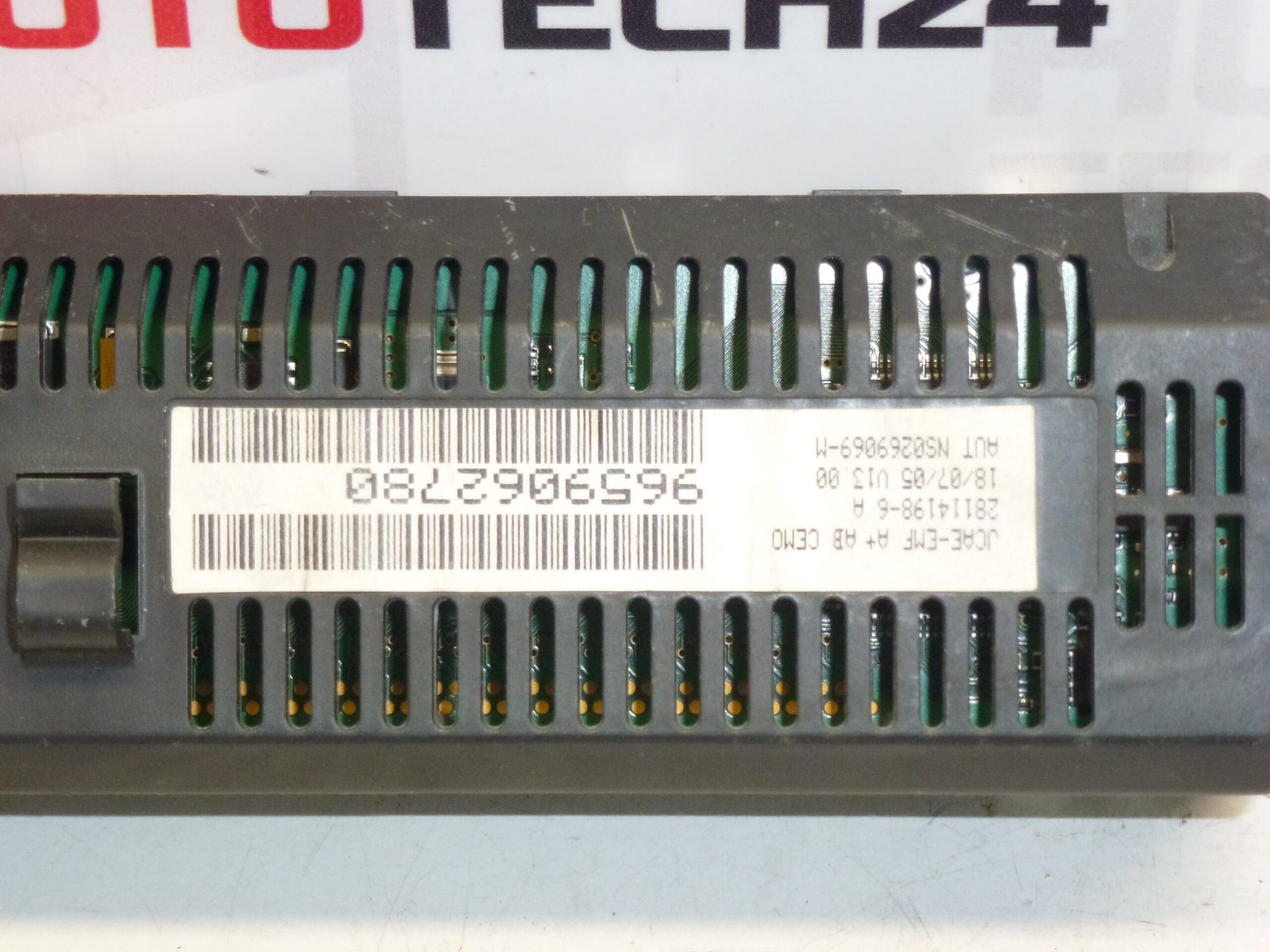
Display for the radio and on-board computer for the first-generation Citroën C4.
This replacement display is designed for Citroën C4 first-generation vehicles and is commonly referenced by part numbers 9659062780 and 6155FW (also found as 6155FX / 6155GX). Ideal for professional workshops and experienced DIY mechanics, the unit restores clear information readout for radio menus, trip computer and driver information. Correct fitment ensures full functionality of the factory radio and onboard computer display, improving user experience and maintaining vehicle appearance.
The display is a direct-fit component for vehicles equipped with the 6155-series radio/telematics cluster. It is often searched by its OEM codes, so including the part number in searches will increase the chance of finding the correct replacement quickly. The unit is suitable for repairs where the original screen shows dead pixels, faded backlight, distorted characters or intermittent communication with the radio head unit.
Technical Information
- Manufacturer: Stellantis / Citroën
- Model: Citroën C4 I (First Generation)
- Product Codes: 9659062780, 6155FW, 6155FX, 6155GX
- Other Numbers: Commonly referenced in parts lists and labels as 6155FW | 9659062780
Installation Recommendations
Installation should be performed by a trained technician or an experienced DIYer with appropriate tools. Recommended steps:
- Disconnect the negative battery terminal before starting to prevent short circuits and protect vehicle electronics.
- Remove surrounding trim panels carefully to avoid breaking plastic clips. Use trim tools to prevent damage.
- Unscrew the radio/display assembly fixing screws and slide the unit forward to access connector plugs.
- Release the locking tabs on the multi-pin connectors and unplug them; handle ribbon cables gently to avoid creasing or tearing.
- Swap the old display for the new unit, reconnect all plugs and secure the assembly. Refit trim panels and reconnect the battery.
- After installation, verify display illumination, menu navigation, and that the on-board computer information displays correctly.
Most Common Failure Reasons
Display failures on first-generation Citroën C4 vehicles typically occur due to age-related factors and environmental stress. Common causes include:
- Backlight degradation or failed LEDs causing dim or uneven illumination.
- Cold or cracked solder joints on the display controller or connection points leading to intermittent operation, often worsened by vibration and temperature cycles.
- Damaged ribbon cables or connector pins from improper handling during previous repairs or removal.
- Moisture ingress or contamination causing corrosion on contacts and PCB traces.
On vehicles older than a decade, degradation of components and repeated thermal cycling make display faults more likely. Replacing the display restores readability and reliable operation when the failure is limited to the screen assembly.