Description
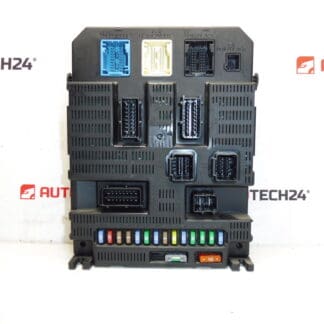
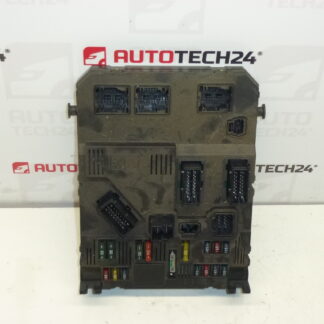
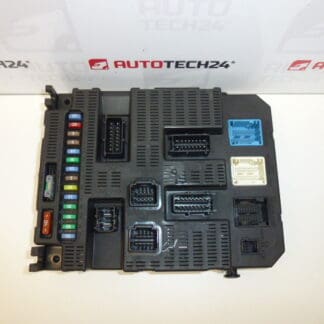
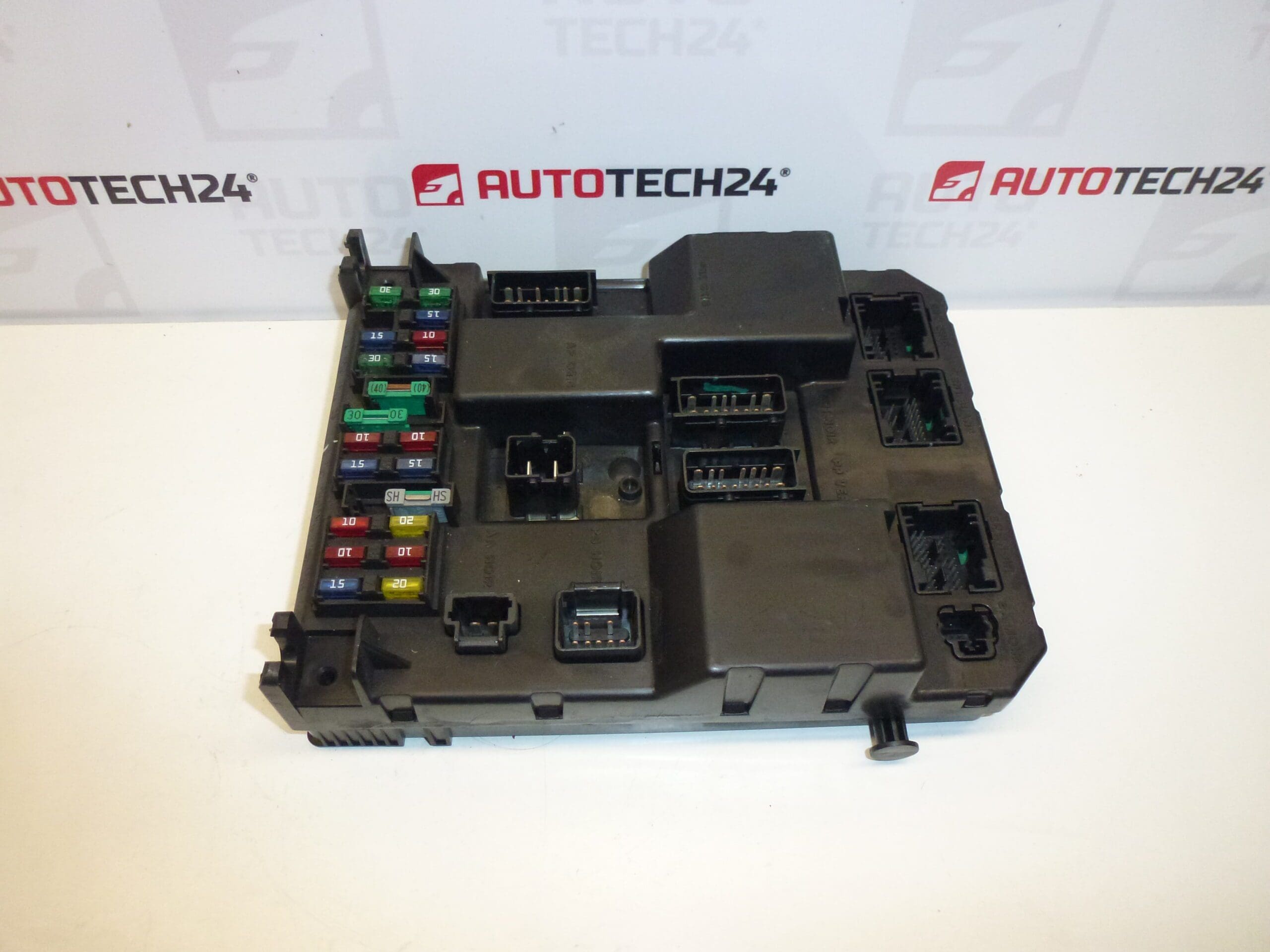
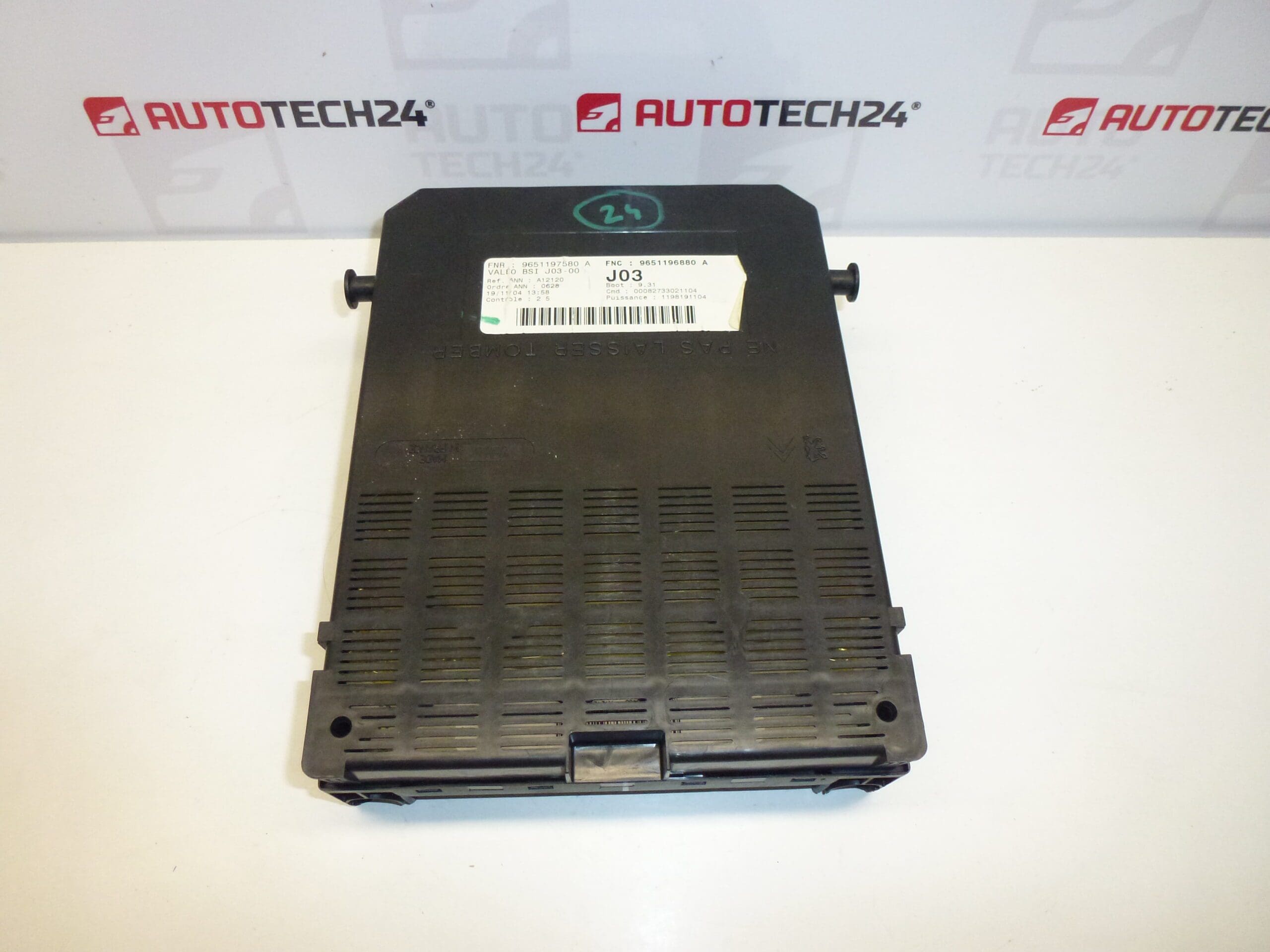
VALEO BSI J03-00 for Citroën and Peugeot vehicles.
Valeo BSI J03-00 body control module intended for selected Citroën and Peugeot vehicles. Designed for professional workshops and experienced DIY mechanics, this unit centrally manages comfort and body functions such as central locking, interior lighting, wipers, indicator lights, immobiliser interface and CAN communication between vehicle networks. Frequently searched by original part numbers and codes, this module is a direct-fit replacement option when the vehicle presents faults related to body electronics or network communication.
Technical Information
- Manufacturer: Valeo
- Model: Citroën C5, Peugeot 307
- Product Codes: 9651196880, 9651197580
- Other Numbers: 6580J0, 6580HS, 6580H6, 6580H7, J03-00
Function
The BSI (Built-in Systems Interface) is the central comfort and body control unit. It coordinates door locking/unlocking, interior and exterior lighting logic, wiper/washer control, alarm and immobiliser interfaces, remote key recognition and acts as a gateway for CAN bus signals between comfort modules and engine ECU. Faulty BSI behaviour typically shows as multiple intermittent electrical malfunctions, central locking failures, or complete loss of certain comfort functions.
Compatibility And Application
This Valeo BSI J03-00 matches PSA Group vehicles that use the listed part numbers. It is commonly fitted to models such as Citroën C5 and Peugeot 307. Always verify the listed product codes when searching: 9651196880, 9651197580, 6580J0, 6580HS, 6580H6, 6580H7, J03-00.
Replacement Procedure
Typical replacement steps for experienced technicians or competent DIY mechanics:
- Prepare vehicle on a stable surface and ensure ignition is off.
- Disconnect the negative battery terminal and wait a few minutes to ensure capacitors discharge.
- Access the BSI module (usually located behind the dashboard — near the fusebox, under the glovebox or under the steering column depending on model). Remove trim panels and protective covers to reach the unit.
- Unplug all electrical connectors and remove fastening screws/clips. Handle connectors carefully to avoid bent pins or damaged locking tabs.
- Swap the unit and refit in reverse order. Reconnect battery only after mechanical installation is complete.
- Coding/initialization is required for full functionality (see Installation and Coding – Important below).
Installation And Coding – Important
- The unit is used and is “paired” with the original vehicle (VIN/PIN/keys).
- Options to bring the unit into service:
- Clone data from the old unit (EEPROM/Flash) – after cloning the unit becomes plug and play.
- Virginise and then perform initialization/telecoding via DiagBox (or online) plus key adaptation.
- Recommended to be performed by a technician with PSA service equipment (DiagBox/Lexia/PP2000).
- Before removal/installation always disconnect the battery and follow manufacturer procedures to avoid damaging the unit.
Recommendations For Installation
- Use the correct diagnostic and coding tools when possible. Proper coding ensures immobiliser, key recognition and vehicle configurations work correctly.
- Protect connectors from contamination and ensure all pins are straight and clean before reconnection.
- If cloning, ensure a verified full EEPROM/Flash image to avoid mismatched immobiliser data.
- Observe anti-static precautions and avoid touching exposed circuit areas.
Why This Part Most Often Fails
- Water ingress or moisture causing corrosion on connectors or PCB traces.
- Electrical surges from faulty alternator, jump-start incidents or poor battery connections.
- Connector damage or pin corrosion leading to intermittent contacts.
- Software/glitch faults or corrupted EEPROM data after events such as power loss during programming.
- General wear with age: components can deteriorate after many years of service, especially in vehicles exposed to harsh environments.
Suitable for mechanics and knowledgeable DIYers who can follow safe electrical-disconnect procedures and have access to appropriate diagnostic/coding tools for initialization and key adaptation.