Description
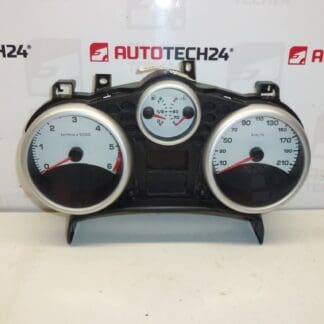
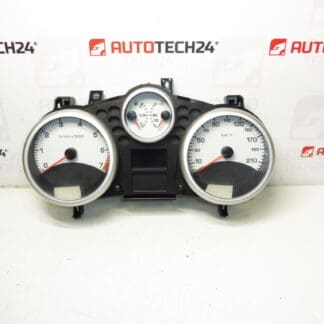
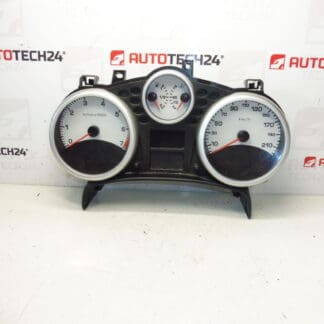
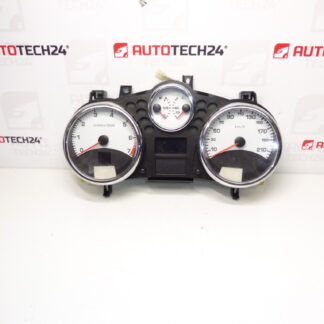
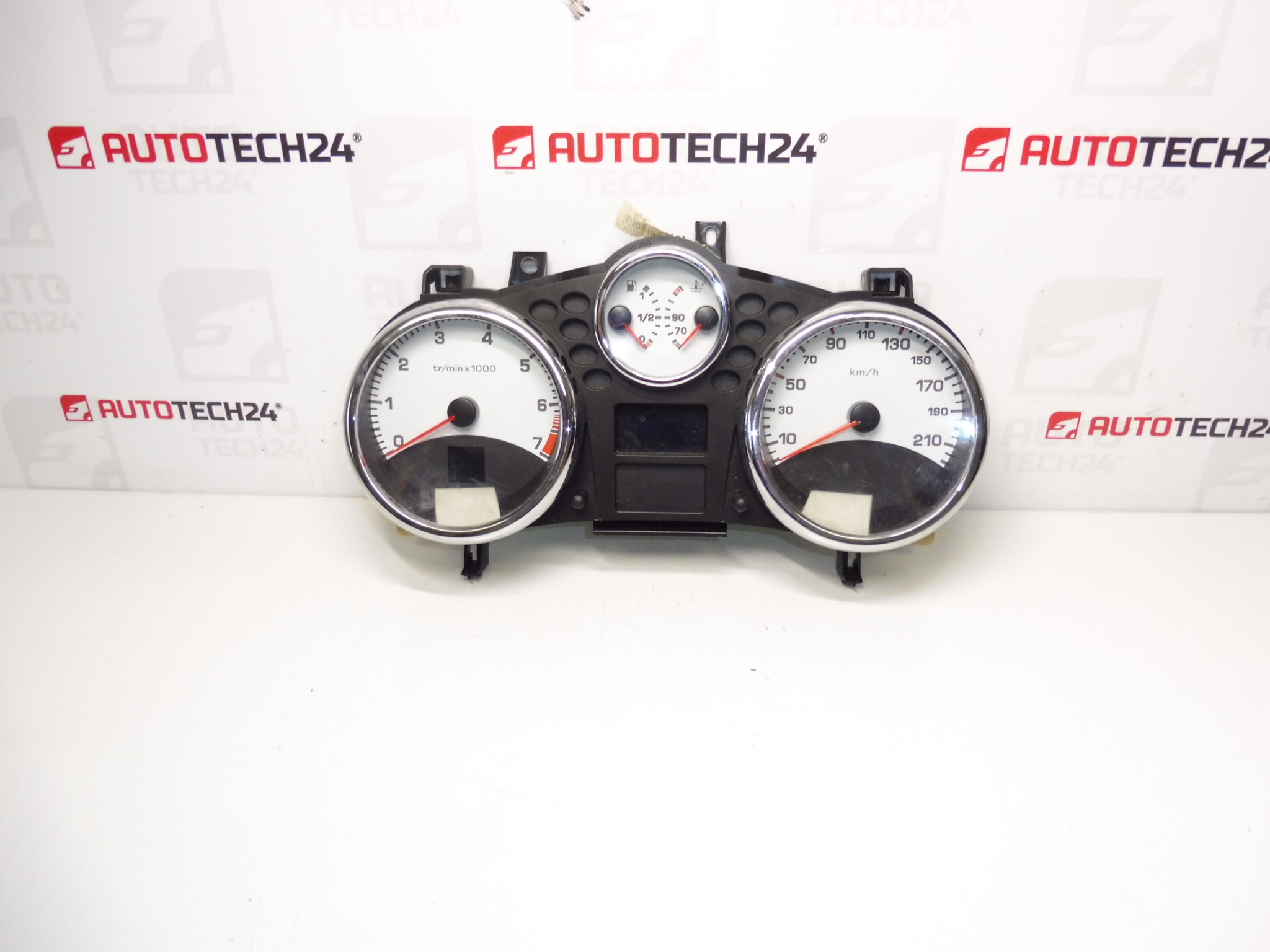
Tachometer, gauges, complete combined instrument cluster for Peugeot 207 vehicles with automatic or robotized gearbox. Mileage 131000 km
This complete instrument cluster (tachometer and full gauge set) is a direct-fit unit for Peugeot 207 models equipped with automatic or robotized transmissions. It displays speed, engine RPM, fuel level and warning indicators in a single housing and is often sought under part references 9666818980 or 6106JP. The unit is ideal for mechanics and DIY enthusiasts who need a ready-to-install cluster with known mileage for accurate service records or replacement of a faulty dashboard.
Technical Information
- Manufacturer: Stellantis (Peugeot/Citroën)
- Model: Peugeot 207
- Product Codes: 9666818980, 6106JP
- Other Numbers: Mileage 131000 km
Compatibility And Fitment
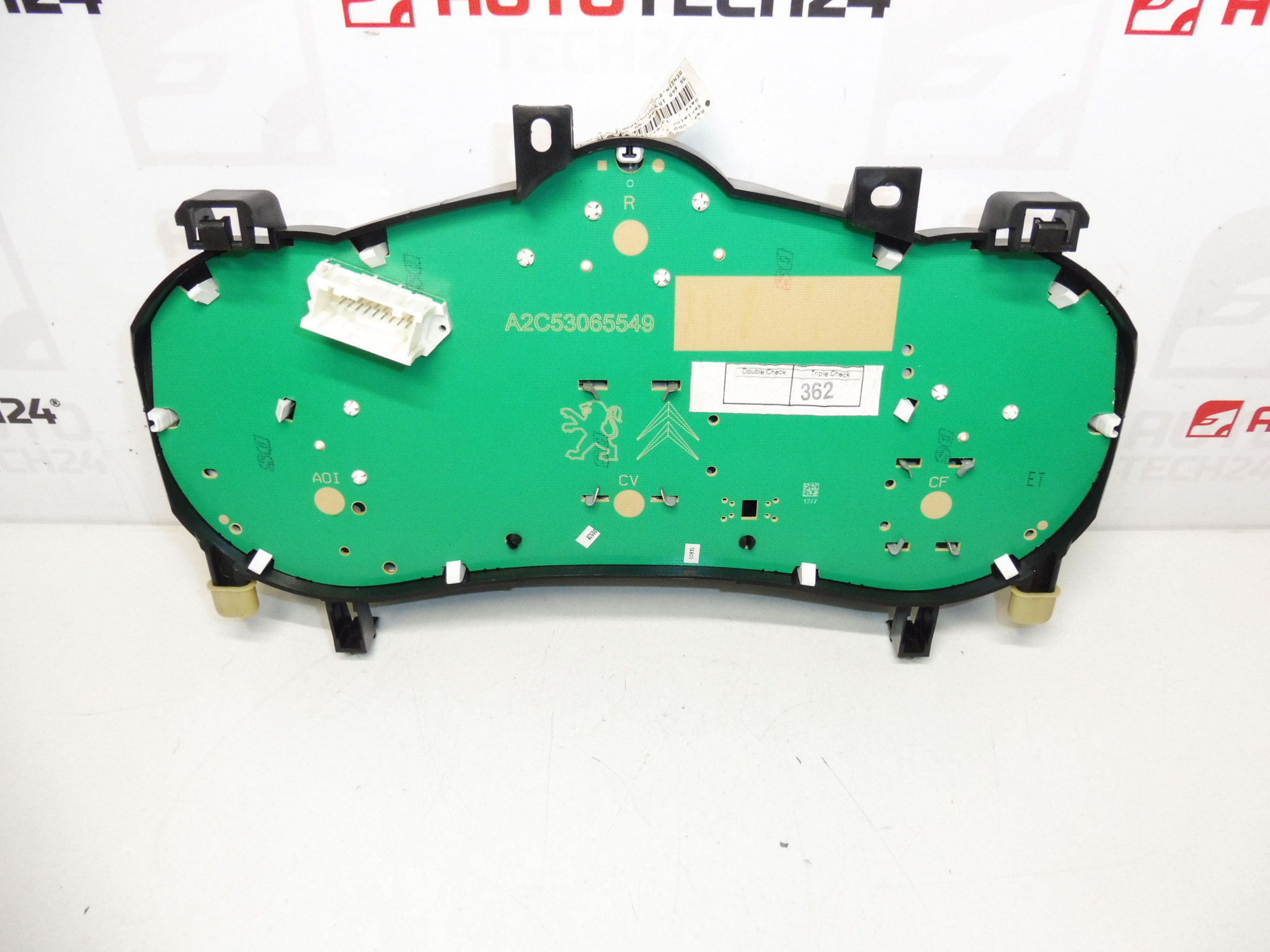
Fits Peugeot 207 vehicles that use the corresponding instrument cluster with automatic or robotized gearbox. Confirm connector type and mounting points during installation. This unit is intended for clusters with the same electrical connector layout and physical mounting as the original Peugeot 207 instrument panel.
Installation / Replacement Procedure
- Disconnect the vehicle battery before starting to avoid short circuits and to protect the cluster electronics.
- Remove trim panels around the steering column and dashboard to gain access to the cluster. Retain all screws and clips.
- Unscrew and carefully pull the cluster forward. Disconnect all electrical connectors by pressing the release tabs—avoid pulling on wiring.
- Install the replacement cluster by reconnecting all plugs and securing the unit with the original fasteners. Refit trim panels.
- Reconnect the battery and verify functionality: backlighting, needles, warning lights, odometer and indicator signals.
- If the replacement cluster does not initialize or shows incorrect information, diagnostic adaptation or coding may be required using PSA diagnostic tools.
Recommendation For Installation
- Perform installation in a dry, static-free environment. Always disconnect the battery before removal.
- Inspect connector pins and wiring for corrosion or damage before connecting the new unit.
- Where instrument cluster coding, mileage transfer or immobiliser synchronization is required, have the final commissioning carried out by a technician with PSA diagnostic equipment (DiagBox/Lexia/PP2000) to ensure full functionality.
- Handle the cluster by its housing; avoid touching circuit boards or display surfaces directly.
Why This Part Most Commonly Fails
- Electrical issues such as voltage spikes, poor grounding or water intrusion can damage the cluster electronics and displays.
- Thermal cycling and vibration can lead to cracked solder joints or failing stepper motors that drive the needles.
- Faulty backlighting, pixel damage on LCD segments or intermittent connectors commonly cause partial or complete loss of display/readings.
- Incorrect jump starts or sustained low battery voltage may corrupt stored settings or cause malfunction of internal electronics.
Signs You Need Replacement
- Flickering or dead display segments, non-moving needles, or incorrect speed/RPM readings.
- Persistent warning lights that do not reset after troubleshooting other systems.
- Odometer errors or visible physical damage to the instrument housing.
Additional Notes
This listing describes a used instrument cluster with a recorded mileage of 131000 km. Part numbers 9666818980 and 6106JP are included for search convenience. Suitable for professional garages and competent DIY mechanics familiar with dashboard removal and electrical reconnection.