Description
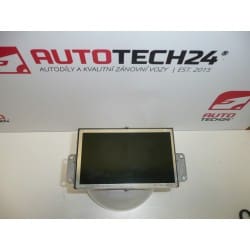
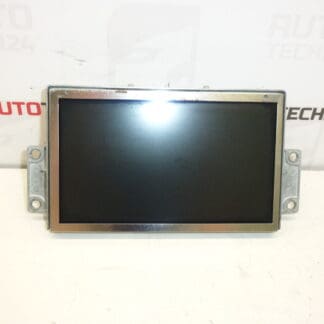
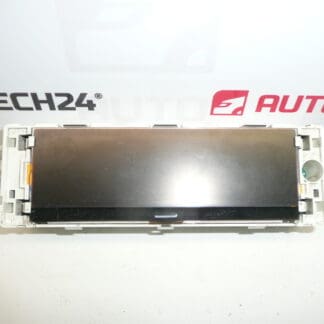
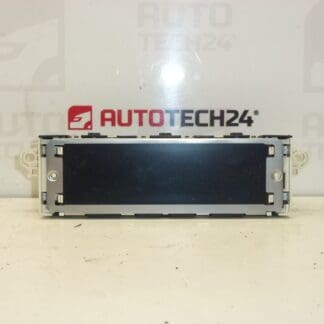
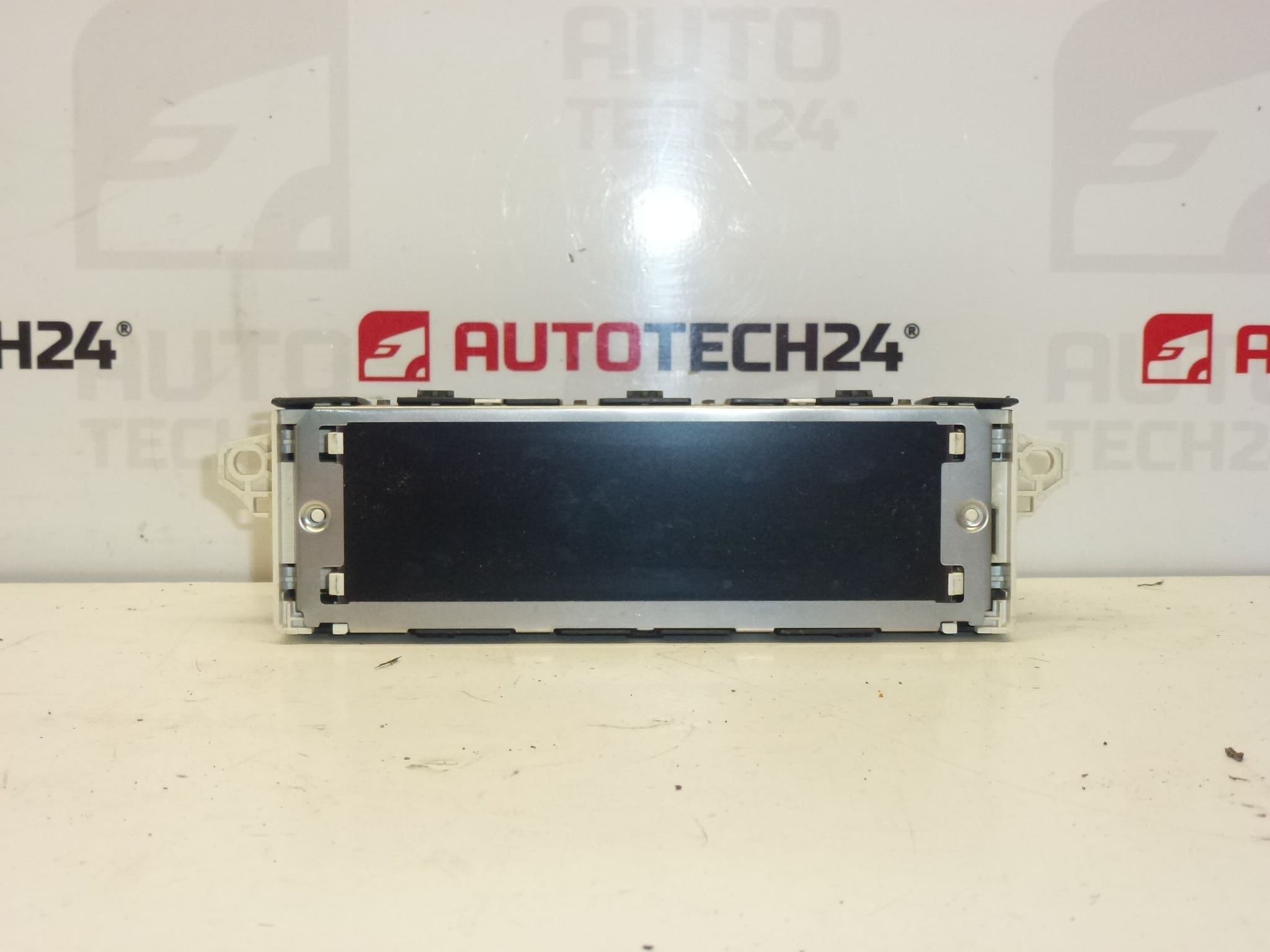
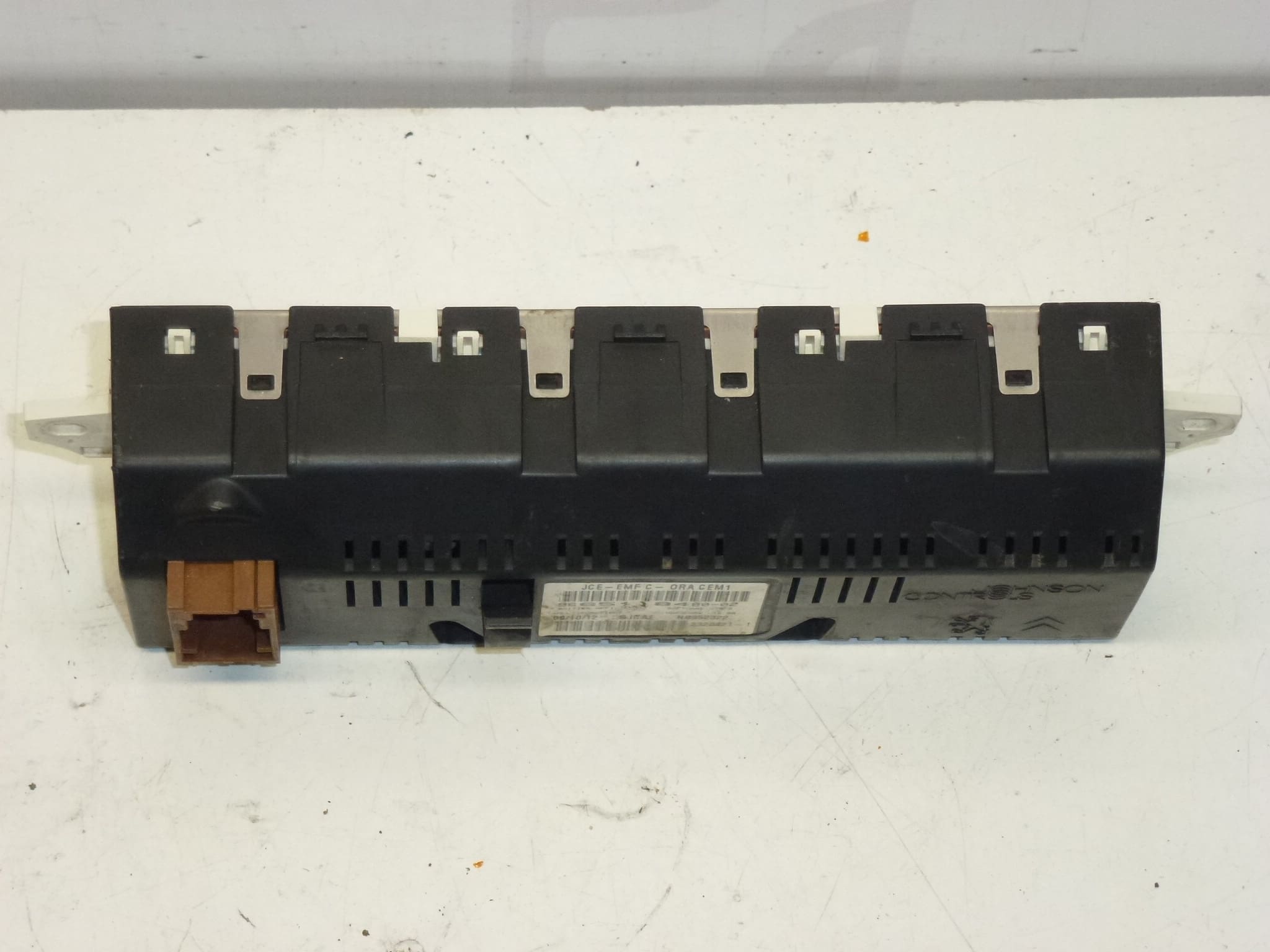
Display of the radio and trip computer for Peugeot 407 vehicles. Some functions may need to be activated using diagnostic equipment.
This replacement display is designed for the Peugeot 407 dashboard and serves both radio information and trip computer readouts. Commonly searched by part numbers 9665118480, 9665118480-02 and 659349, this unit restores clear text, icons and backlighting to the centre instrument cluster. Suitable for professional workshops and competent DIY mechanics, the module is ideal when the factory display shows missing segments, dim backlight, or incorrect information. Note that certain advanced features or menu options may require activation via diagnostic tool after fitting.
Technical Information
- Manufacturer: Peugeot / Stellantis
- Model: Peugeot 407
- Product Codes: 9665118480, 9665118480-02, 659349
- Additional Numbers: 659349
Compatibility and Application
Fits Peugeot 407 vehicles equipped with the factory radio/trip computer display. Ideal for units showing graphic errors, faded backlight, or intermittent operation. Many users search by OEM part number—entering 9665118480 or 659349 typically yields this exact display.
Installation
Typical replacement steps (general guidance):
- Disconnect the negative battery terminal before starting to avoid electrical damage.
- Carefully remove the dashboard trim around the centre console using plastic trim tools to avoid scratching.
- Unscrew and slide out the radio / head unit to access the display module and connectors.
- Disconnect the ribbon cable and wiring harness from the display, noting connector orientation.
- Replace the display, reconnect all harnesses and reassemble in reverse order.
- Reconnect the battery and verify functionality.
Installation Recommendations
Work in a clean, static-free environment. Use plastic trim tools to prevent damage to bezels and clips. If the display is part of a multi-function head unit, have a diagnostic tool (e.g. PSA-compatible equipment) available to enable or calibrate certain features after installation. Always follow the vehicle manufacturer’s procedures for removal and installation of interior components.
Most Common Failure Reasons
- Backlight aging or LED failure causing dim or uneven illumination.
- LCD panel damage or pixel loss from thermal stress or impact.
- Corroded or loose ribbon cable/connector contacts causing intermittent display or loss of segments.
- Moisture ingress from leaks or high-humidity environments leading to electrical shorts or corrosion.
- Voltage spikes or poor vehicle electrical ground causing display electronics to malfunction.
Notes for Mechanics and DIY Enthusiasts
Searchability is high for this part by OE numbers—use 9665118480, 9665118480-02 or 659349 when sourcing. If the display issue reappears after replacement, check connector integrity, power/ground circuits and vehicle voltages before replacing another module. When in doubt about software activation of functions, use PSA diagnostic tools to confirm available features and perform any required coding.