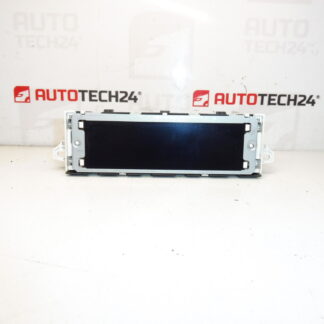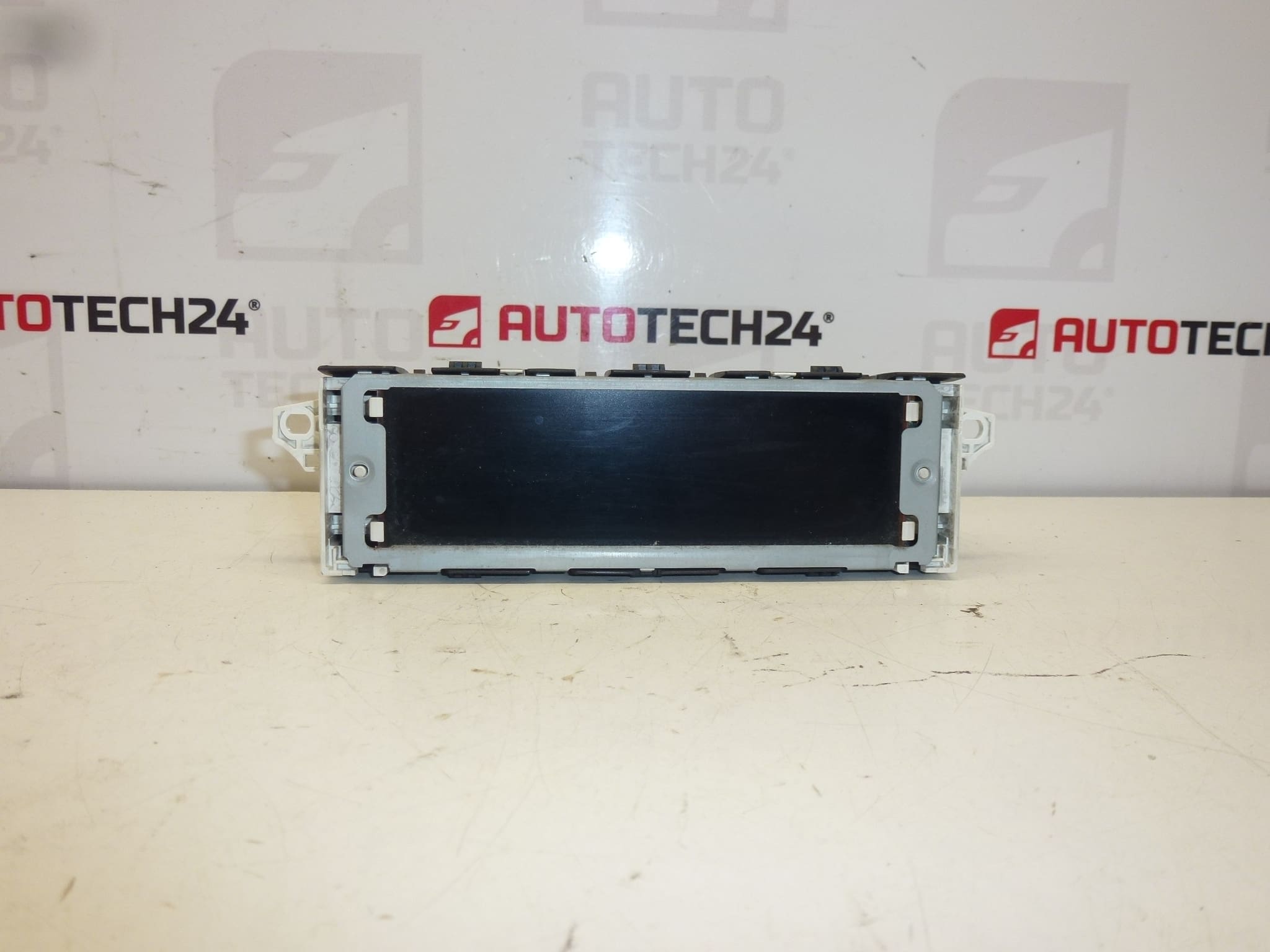
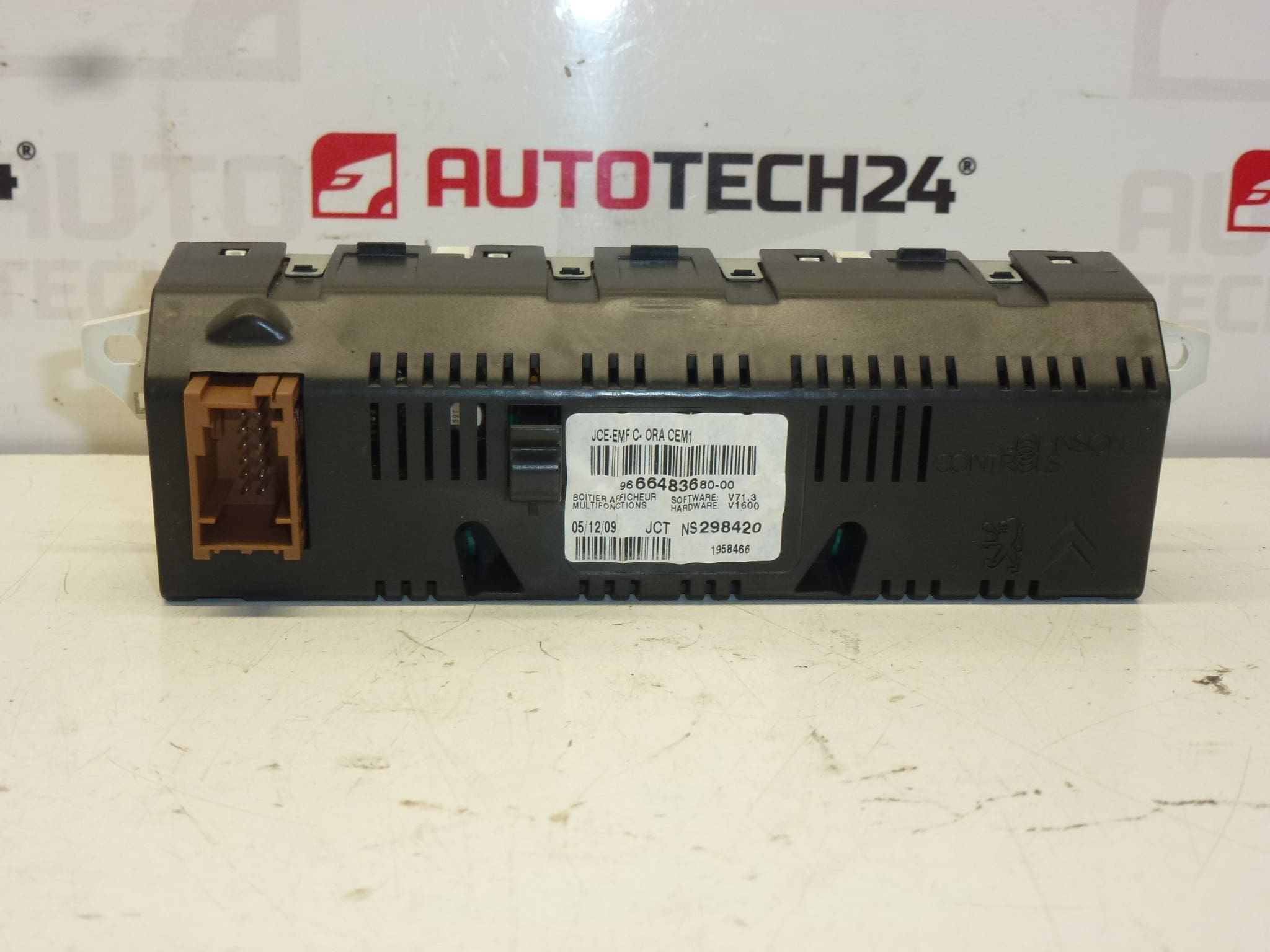
Description
Radio and computer display for Citroen and PEUGEOT cars
Some functions may need to be enabled by diagnostics
Part description
This used radio and on-board computer display is intended for Citroën and Peugeot cars. It is an important electronic part that ensures the display of information from the audio system and on-board functions. Parts of this type are often searched for by production numbers, so specific codes are also listed for easier identification.
The product is suitable for customers who are looking for a functional spare part for a damaged or non-functional original display. The advantage of used electronic parts is a more affordable price compared to a new part while maintaining practical use for car repair.
Technical information
- Manufacturer: Stellantis Citroën Peugeot
- Model: Peugeot 207, Peugeot 308
- Other numbers: 9666483680-00, 9821851780, 6593H7, 6593H8
Product codes
Product codes: 9666483680-00, 9821851780, 6593H7, 6593H8
Installation recommendations
Generally/typically for this type of part, the exact replacement procedure may vary depending on the specific model and make of the car. It is advisable to proceed with caution with the radio display and on-board computer, as it is an electronic part connected to the on-board system.
1) Before assembly
- Check that all the numbers on the original and new part match.
- Compare the shape of the display, connectors, attachment and overall design.
- Inspect the connectors for damage, oxidation or mechanical squeezing.
- Disconnect the vehicle battery before starting work.
2) Necessary tools and materials
- set of common hand tools
- plastic crowbar for dismantling interior parts
- clean cloth
- means for gentle cleaning of contacts, if needed
3) Step-by-step assembly procedure
- Turn off the ignition and disconnect the battery.
- Carefully dismantle the surrounding covering elements of the interior that prevent access to the display.
- Unfasten the original display.
- Carefully slide out the old display so as not to damage the cabling or connectors.
- Disconnect the electrical connectors and check their condition.
- Compare the original and replacement part by numbers, mounting and connectors.
- Connect the connectors to the replacement display and make sure they are seated correctly.
- Place the display in place and fix it in the original way.
- Reinstall all removed covers and surrounding interior parts.
- Connect the battery and turn on the ignition.
- Verify the basic function of the display and the display of data.
- If some functions are not active, it may be necessary to turn them on with diagnostics according to the documents.
-
4) Post-assembly checks and function verification
- Check the readability of the display and the correct display of the data.
- Verify responses to radio controls and on-board functions, if available in the vehicle.
- Watch whether the display does not flicker, does not fall out or does not show malfunctions during operation.
- After a short drive, recheck display stability and functionality.
5) The most common assembly mistakes + how to avoid them
- Exchange part by incomplete number – always compare all markings given.
- Damage to interior plastics during disassembly – use a plastic pry bar and work without excessive force.
- Insufficiently inserted connector – after connection, check for firm seating.
- Assembly without disconnecting the battery – for electronic parts, this is an unnecessary risk of damage.
- Expecting full functionality without settings – some functions may require activation by diagnostics.
Reasons why the part is damaged