Description
SAGEM control unit for Citroën Berlingo and Peugeot Partner
With 1.4 I KFW engine
Part description
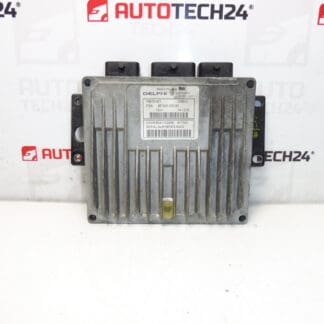
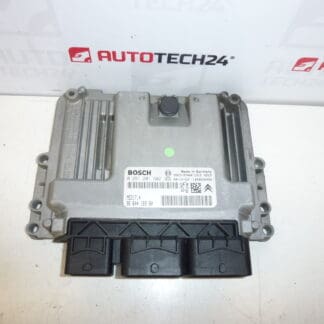
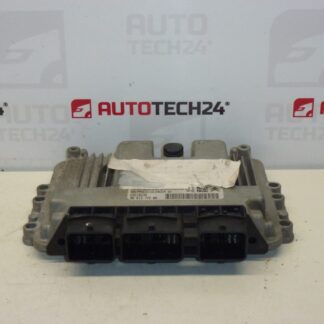
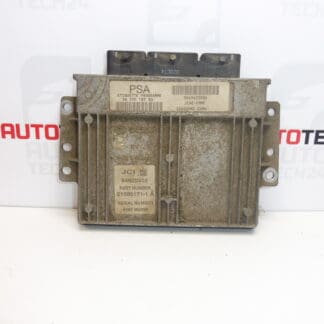
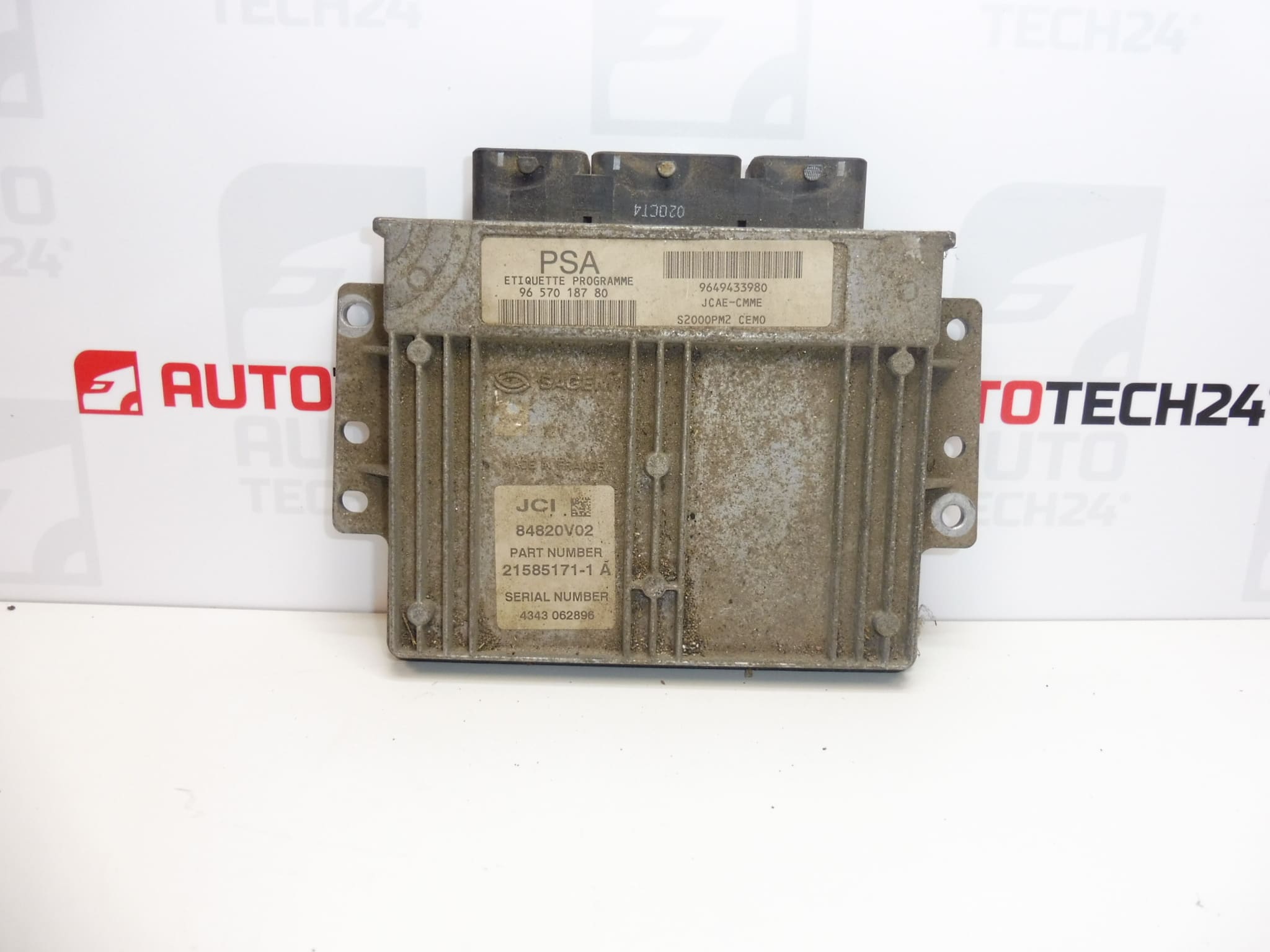
Used Sagem S2000PM2 injection control unit for Citroën Berlingo and Peugeot Partner with 1.4 I KFW engine. The unit processes signals from sensors and controls the operation of the injection system. When replacing faulty electronics, it is important to select the correct version and ensure that the data is transferred correctly or that the unit is adapted to the vehicle.
When looking for a replacement part, refer especially to the numbers 9657018780 and 9649433980 and the S2000PM2 type. This used part offers an alternative to the original unit without purchasing a new one; however, the cause of the fault must be confirmed and a method for putting the unit into operation prepared before installation.
Technical information
- Manufacturer: SAGEM
- Model: Citroën Berlingo, Peugeot Partner
- Unit type: S2000PM2
- Engine: 1.4 I KFW
- Part category: injection control unit
- Condition: used part
- Additional numbers: 1940KJ, 194411
- Vehicle model years: not specified
Product codes
- Product codes: 9657018780, 9649433980, 1940KJ, 194411
- Type designation: Sagem S2000PM2
Compare the markings with the original unit and the service documentation for the specific vehicle. Matching the model name and engine alone may not be enough to identify the correct electronic unit version.
Installation recommendations
The following procedure is general guidance for replacing an injection control unit. The exact removal, electrical checks, and adaptation procedure depend on the specific model and vehicle version. We recommend having the replacement carried out by a professional experienced with PSA electronics.
1) Before installation
- Use diagnostics to verify that the unit itself is actually the cause of the problem, rather than the power supply, ground connection, wiring, or a connected component.
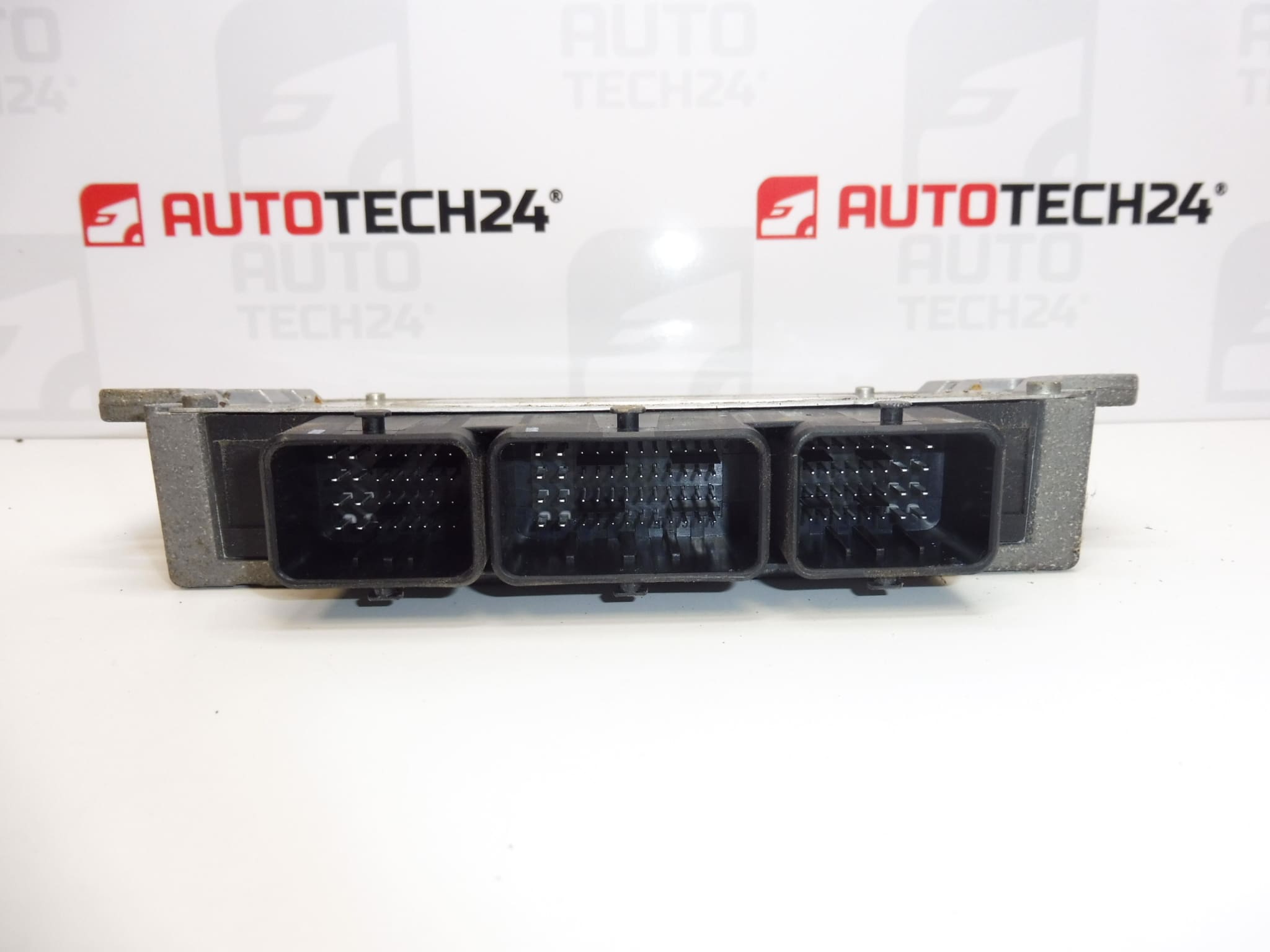
- Compare the product numbers, type designation, connectors, and mounting points with the old unit. Assess hardware and software compatibility using the service documentation.
- Inspect the casing and connectors of the used part. Check for signs of moisture, corrosion, deformed contacts, or mechanical damage.
- Determine in advance how data will be transferred or the unit adapted. Keep the original unit in case its data needs to be read and backed up.
2) Tools and materials required
- Standard hand tools suited to the fasteners used, and suitable tools for carefully releasing the connectors.
- Diagnostic equipment for PSA vehicles and, depending on the procedure selected, equipment for working with the unit’s memory.
- A multimeter, service documentation, and products suitable for cleaning electrical contacts.
- A suitable regulated power supply for diagnostics and programming, as required by the service procedure.
3) Step-by-step installation procedure
- If the original unit communicates, retrieve and save the diagnostic data and any available configuration.
- Back up the required data or plan how to adapt the replacement unit. Read the memory only with the appropriate equipment and procedure.
- Switch off the ignition, allow the electronics to enter sleep mode according to the manufacturer’s instructions, and disconnect the battery before removal.
- Access the unit according to the service procedure for the specific vehicle. Before disconnecting anything, note the wiring routing and connector positions.
- Release the connectors and carefully disconnect them. Do not pull on the wires or lever against the contacts.
- Release the mountings and remove the original unit without putting strain on the surrounding wiring.
- Check the connectors, wiring harness, power supply, and ground connection. Resolve any faults that may have caused damage to the original unit before connecting the replacement.
- Have the data cloned or the unit prepared for subsequent initialization, depending on the method chosen to put it into operation.
- Position the replacement unit, secure it according to the manufacturer’s instructions, and connect the connectors. Check that the latches are fully engaged and that the wiring is routed freely without tension.
- Reconnect the battery using the procedure specified by the manufacturer. If the method selected requires initialization, telecoding, and key adaptation, complete these steps using diagnostics with a stable power supply in place.
- Verify communication with the unit and check that the configuration is correct. Only after all required procedures have been completed successfully should you check engine starting and operation.
4) Post-installation checks and test drive / function verification
- Check engine starting, engine running stability, and response to the accelerator pedal.
- Perform a diagnostic check and assess any faults. Simply clearing the fault memory without resolving the cause is not sufficient.
- Check that the unit is secure, the connectors are locked, and the wiring is protected from abrasion and moisture.
- If the engine is running correctly and the vehicle is safe to drive, carry out a short test drive and then repeat the diagnostic check.
5) Common installation errors and how to avoid them
- Replacing the unit without verifying the cause: first check the power supply, ground connection, and connected circuits to prevent the fault from recurring.
- Selecting a part based only on the vehicle model: also compare the part numbers, version, and configuration requirements.
- Connecting the unit without adapting it: simply connecting a used unit may not allow the engine to start. Prepare the method for putting it into operation in advance.
- Working with the power on or interrupting programming: disconnect the battery during removal as instructed by the manufacturer; ensure the specified stable power supply during programming.
- Damaging the connectors: release their locking mechanism first and never force them with excessive force.
Installation and coding – important
- The unit is used and is “paired” with the original vehicle (VIN/PIN/keys).
- Options for putting it into operation:
- Cloning data from the old unit (EEPROM/Flash) – after cloning, the unit is plug and play.
- Virginization followed by initialization/telecoding via DiagBox (possibly online) + key adaptation.
- We recommend having this carried out by a professional with PSA service equipment (DiagBox/Lexia/PP2000).
- Always disconnect the battery before removal/installation and follow the manufacturer’s procedure to avoid damaging the unit.
Reasons why the part may become damaged
Several factors can generally contribute to damage to injection control units. This is not a description of the known condition of this specific unit:
- Moisture and corrosion in the connectors or inside the unit.
- Overvoltage and improper handling of the power supply, for example during unprofessional work on the electrical system.
- Short circuits in the wiring or connected components, which can overload the unit’s output circuits.
- Prolonged exposure to heat and vibration, which contribute to the ageing of electronic components and connections.
- Unprofessional opening or programming, which can cause mechanical damage or corruption of stored data.