Description
BSI Control Unit Siemens For Citroën And Peugeot Vehicles
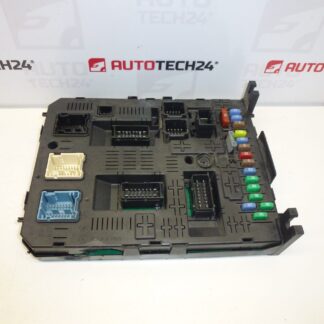
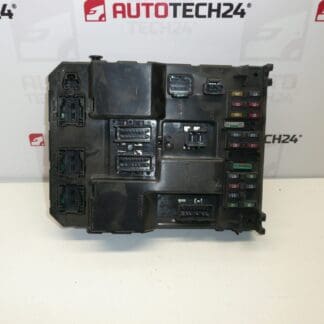
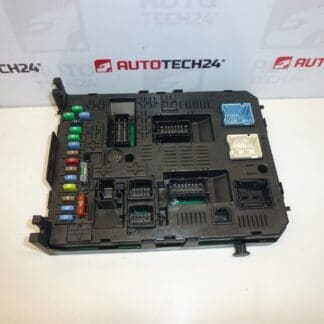
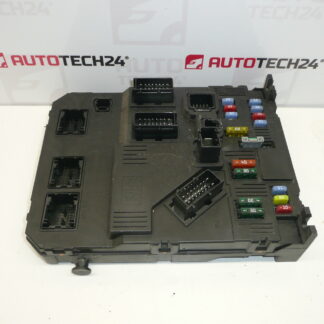
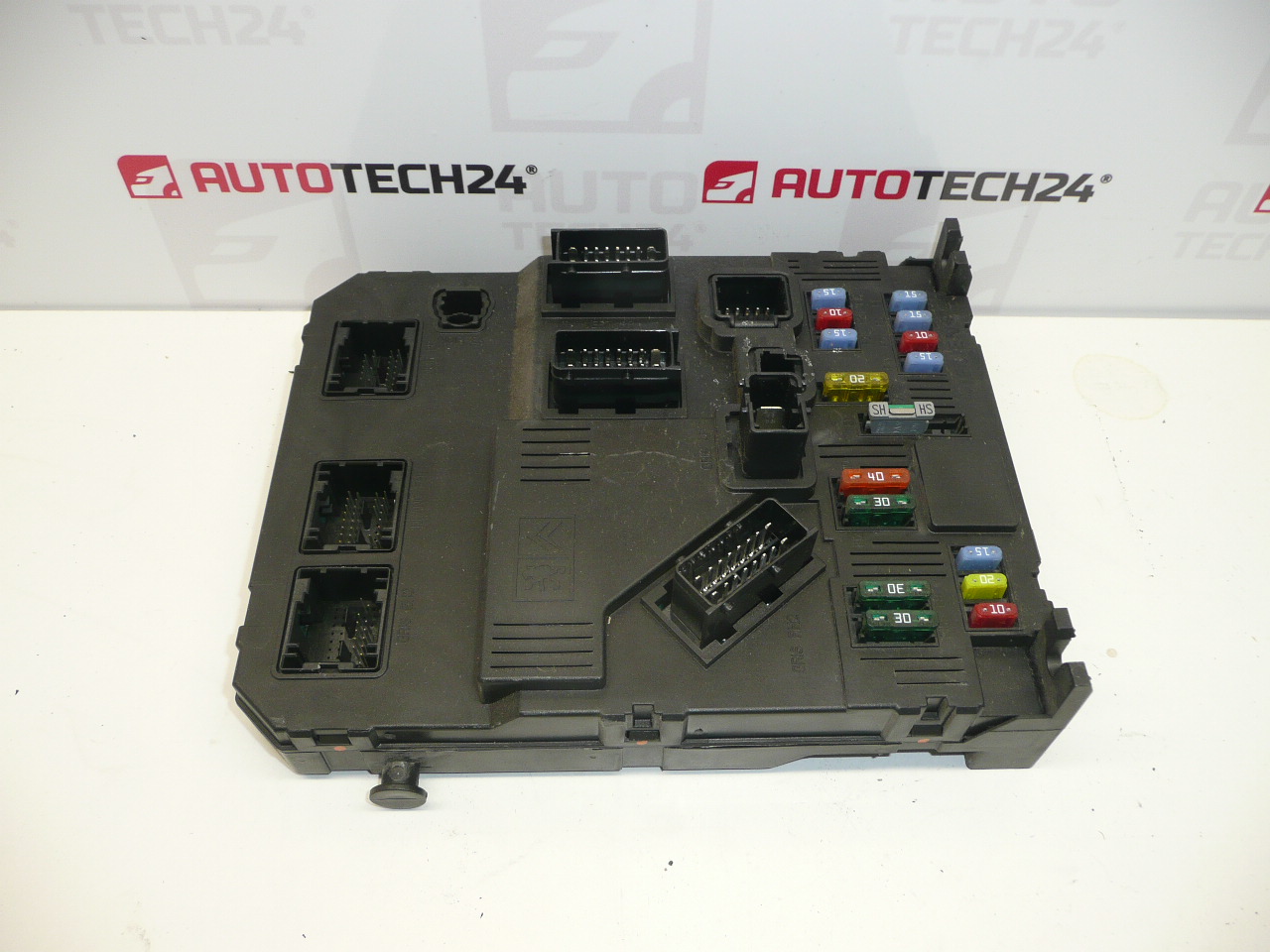
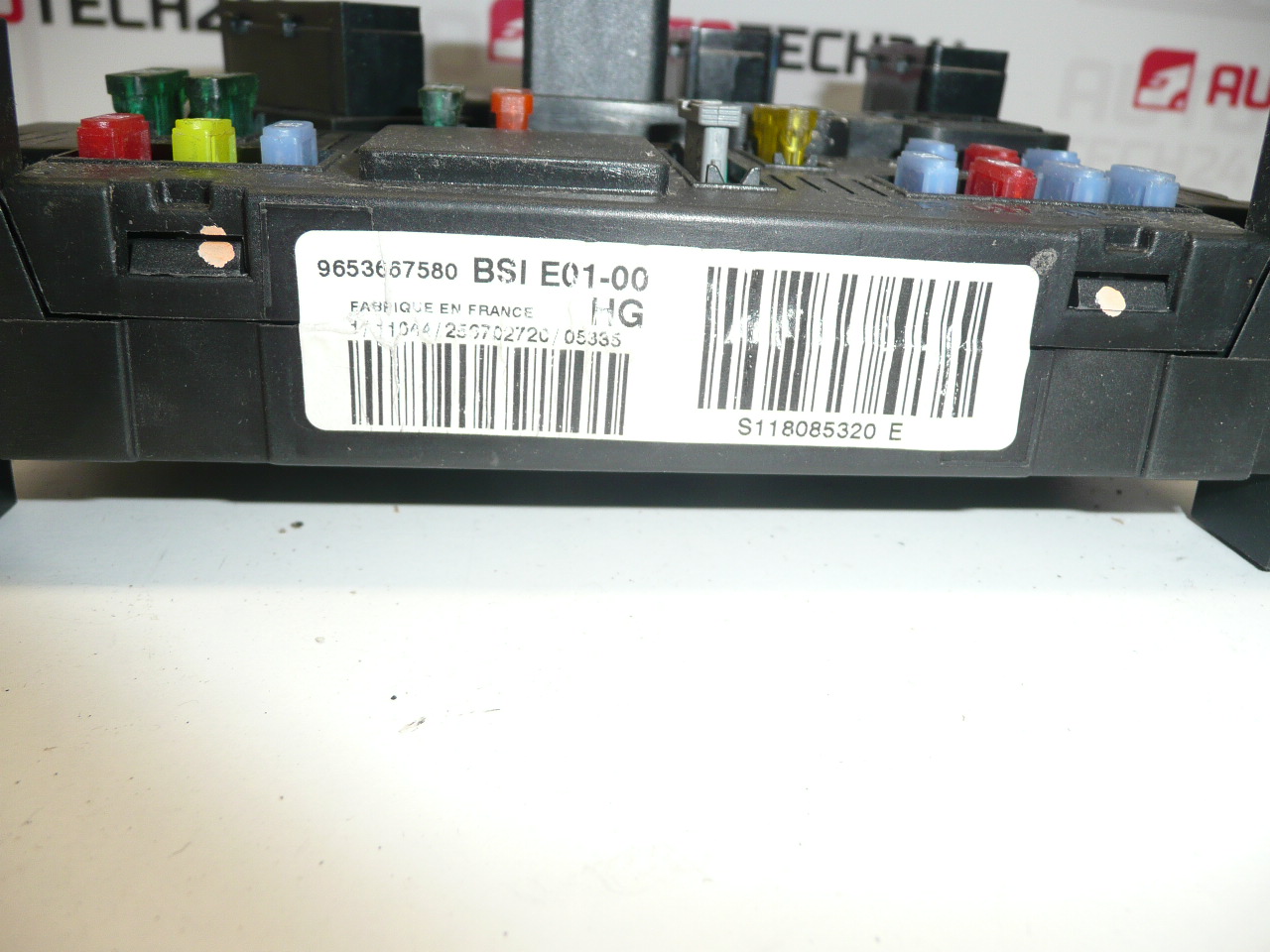
This Siemens BSI (Built-in Systems Interface) control unit is designed for use in Citroën and Peugeot vehicles and is identified by product codes such as 9653667580 and S118085320. The unit centralizes comfort and body functions — including central locking, interior lighting, wiper and washer control, switch inputs, and communication on the vehicle CAN bus — making it a critical part of the vehicle electrical system. Ideal for professional workshops and experienced DIY mechanics, this replacement BSI unit carries original Siemens hardware identifiers and fits vehicles using the E01-00 BSI platform.
Technical Information
- Manufacturer: Siemens
- Model: BSI E01-00
- Product Codes: 9653667580, S118085320, E01-00
- Other Numbers: 1650882680, 6580FQ
- Typical Application: Selected Citroën and Peugeot models (example: Peugeot 206)
Function And Benefits
The BSI is the central comfort and body computer for many PSA vehicles. It manages door locking, interior lighting, wipers, window and mirror control (where applicable), alarm and immobilizer interfaces, and acts as a gateway between different vehicle networks. Replacing a faulty BSI restores reliable control of these systems and can resolve intermittent faults, message errors on the dashboard, or failures of convenience functions.
Replacement Notes And Procedure
Typical replacement steps for a mechanic or experienced DIYer:
- Disconnect the vehicle battery before any work to avoid short circuits and data corruption.
- Remove necessary trim panels (usually lower dashboard or glovebox area) to access the BSI unit.
- Unscrew and carefully unplug the multi-pin connectors from the module.
- Install the replacement unit, reconnect connectors and secure mounting bolts.
- Perform required initialization/coding so the BSI matches the vehicle configuration (see Mounting and Coding section).
Because the BSI often requires programming or data transfer to restore full functionality (immobilizer, key recognition, telematics, and comfort settings), final commissioning may require diagnostic equipment.
Recommended For Installation
- Perform installation in a dry, static-free environment and observe ESD precautions when handling electronic modules.
- Always disconnect the negative battery terminal before removal and follow the vehicle manufacturer’s disassembly sequence to avoid damaging connectors or airbag systems.
- Keep original unit and connectors clean and dry; inspect for corrosion or bent pins before mating.
- If coding or cloning is necessary, use appropriate PSA diagnostic tools or a qualified workshop.
Why This Part Fails Most Often
- Water ingress or moisture leading to corrosion of connectors and PCB traces.
- Thermal stress and ageing of electronic components or solder joints resulting in intermittent faults.
- Voltage spikes, poor battery earths or jump-starting that can damage internal electronics.
- Connector corrosion or pin damage causing poor communication on vehicle networks.
Installation And Coding – Important
The unit is used and may be paired to the original vehicle (VIN/PIN/Keys).
Options to bring the unit into service:
- Cloning data from the old unit (EEPROM/Flash) – after cloning the unit is plug and play.
- Virginization and subsequent initialization/telecoding via DiagBox (or online) + key adaptation.
It is recommended to have this carried out by a specialist with PSA service equipment (DiagBox / Lexia / PP2000).
Before dismounting/mounting always disconnect the battery and follow the manufacturer’s procedure to avoid damaging the unit.