Description
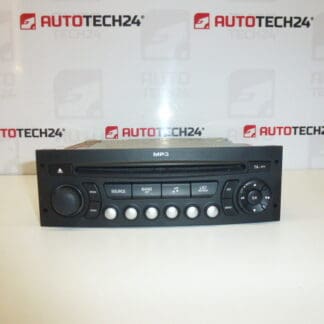
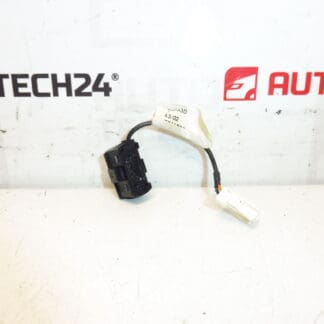
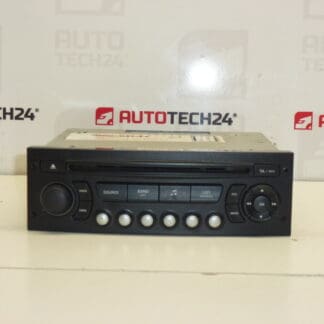
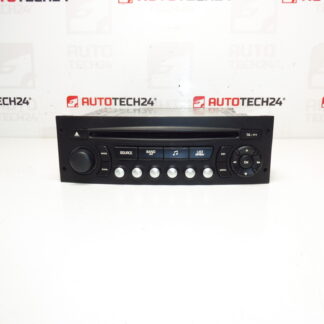
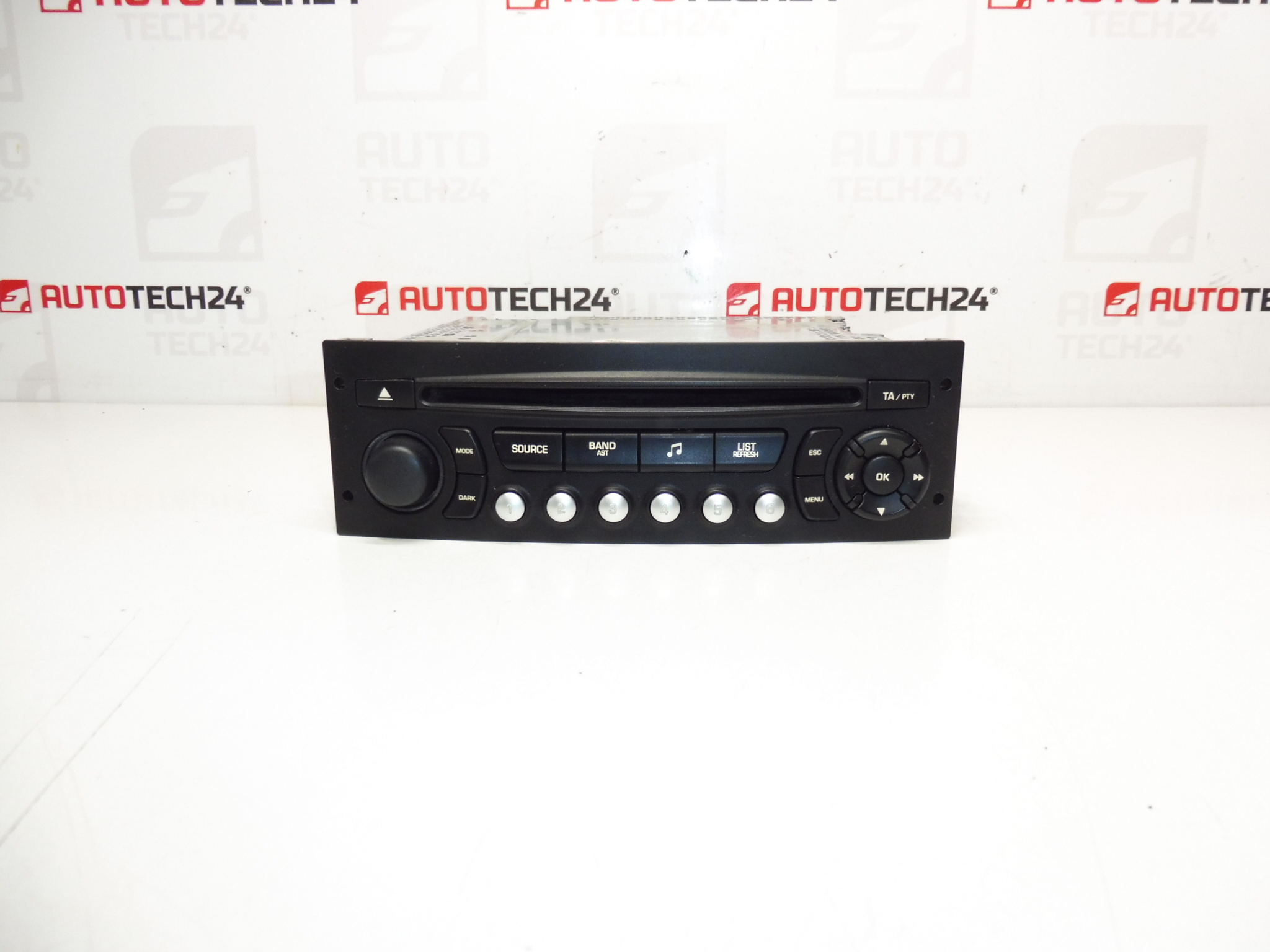
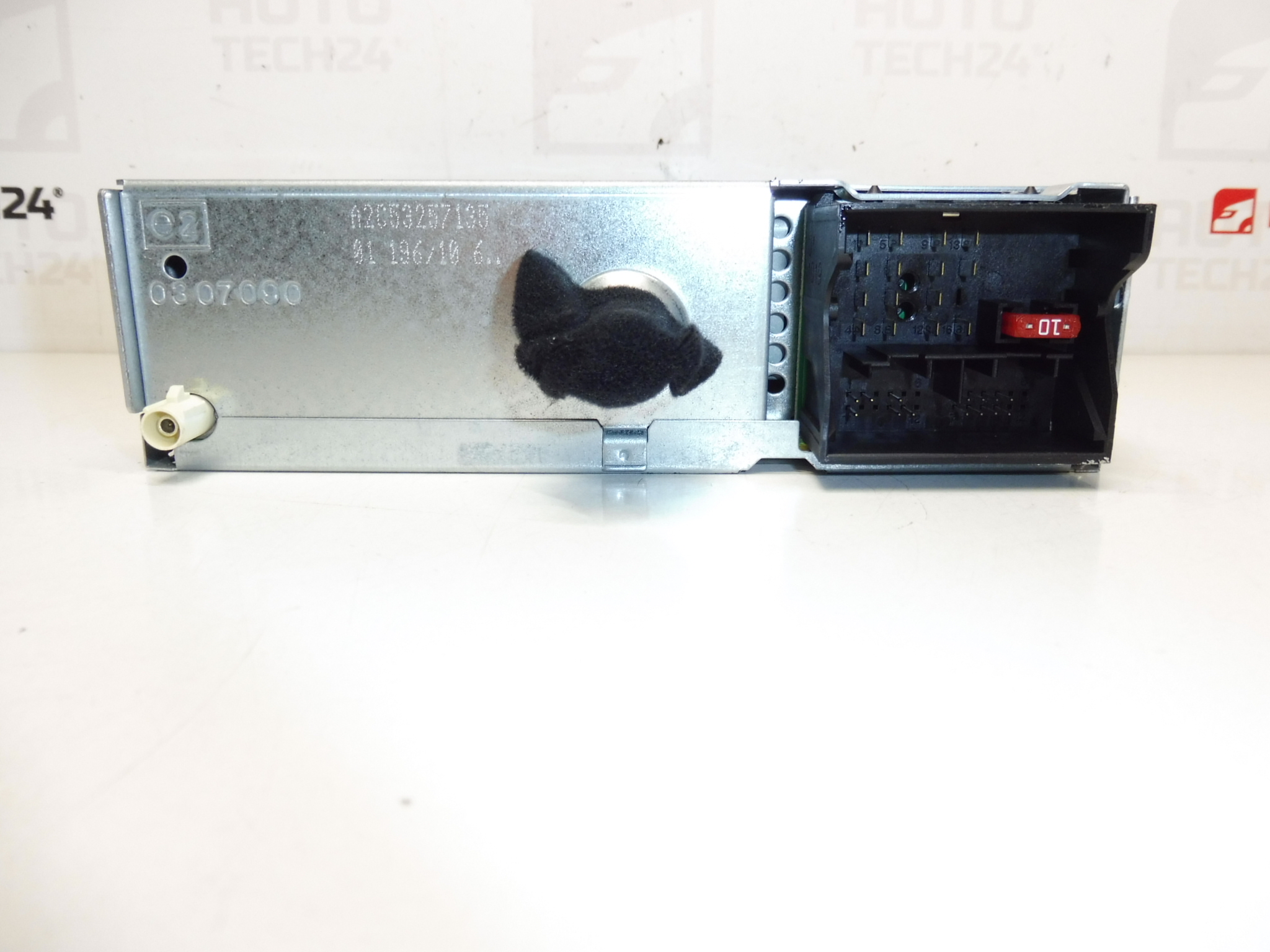
Continental RD4 RD4N1M-03 CD head unit for Citroën and Peugeot vehicles. The radio must be coded to the vehicle using diagnostic equipment.
High-quality Continental RD4N1M-03 CD/MP3 radio designed for many Stellantis Citroën and Peugeot models. This OE-style head unit is commonly searched by part numbers (96662669XT, 96662669XT03, 16077504XT) and fits vehicles where the RD4 system was originally specified. Ideal for mechanics and DIY enthusiasts who need a reliable replacement radio that preserves original functionality and vehicle aesthetics. The unit supports CD and MP3 playback and integrates with the vehicle’s factory wiring harness and steering wheel controls where applicable.
Compatibility
Technical Information
- Manufacturer: Continental (Produced for Stellantis)
- Model: RD4N1M-03
- Product Codes: 96662669XT, 96662669XT03, 16077504XT
- Other Numbers: 6574PW, 6574PX
Installation Recommendations
- Always disconnect the battery before starting removal or installation to avoid electrical damage.
- Remove trim panels and unscrew the radio using appropriate radio removal keys or tools. Carefully pull the unit forward and disconnect the wiring harnesses and antenna connector.
- Check connector pins and wiring for corrosion or damage before mating the replacement unit.
- After physical installation, the radio must be coded/registered to the vehicle using PSA diagnostic tools (DiagBox/PP2000) to restore full functionality (radio enable, steering wheel control mapping, etc.).
- Test all functions (radio reception, CD/MP3 playback, steering wheel controls, mute/phone integration if present) before reassembling the trim.
How To Replace (Practical Steps)
- Disconnect the negative battery terminal and wait a few minutes.
- Remove surrounding trim and fasteners to access the head unit.
- Use radio keys or appropriate tools to extract the RD4 unit from the dash.
- Unplug the main wiring connector, antenna cable and any auxiliary plugs.
- Install the replacement unit by reversing the removal steps, reconnect connectors and secure the radio.
- Reconnect the battery and perform diagnostic coding with DiagBox/PP2000 to pair and activate the unit.
Most Common Failure Reasons
- Electrical Issues: Blown fuses, power surges or poor ground connections can cause loss of power or erratic behavior.
- Connector Corrosion: Moisture or road salt can corrode harness pins, leading to intermittent faults or audio dropouts.
- Mechanical Wear: The CD mechanism and loading tray are mechanical parts that wear over time and commonly fail on older units.
- Software/Locking: Unit may require diagnostic coding or unlocking after replacement; without coding the radio may be disabled or limited.
- Physical Damage: Impact, water ingress or exposure to high temperatures can permanently damage internal components.
Why Choose This Unit
Replacement RD4N1M-03 radios are a practical choice for maintaining factory appearance and integration. Supplying the correct part number (e.g., 96662669XT) in searches increases the chance of finding a direct-fit unit. For workshop efficiency, keep diagnostic equipment (DiagBox/PP2000) on hand to complete the coding step and avoid return visits.