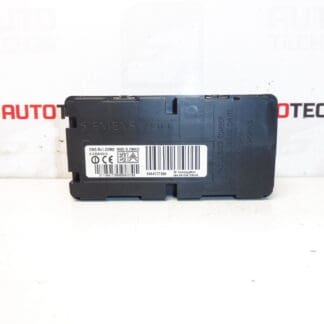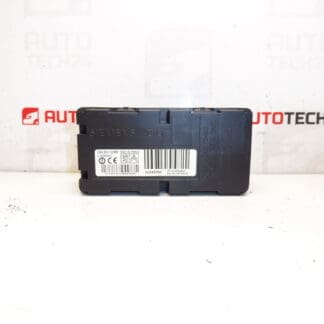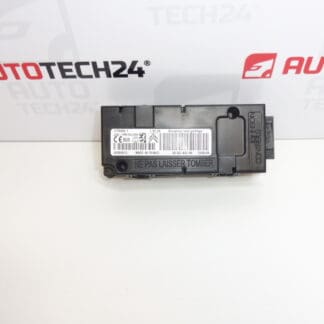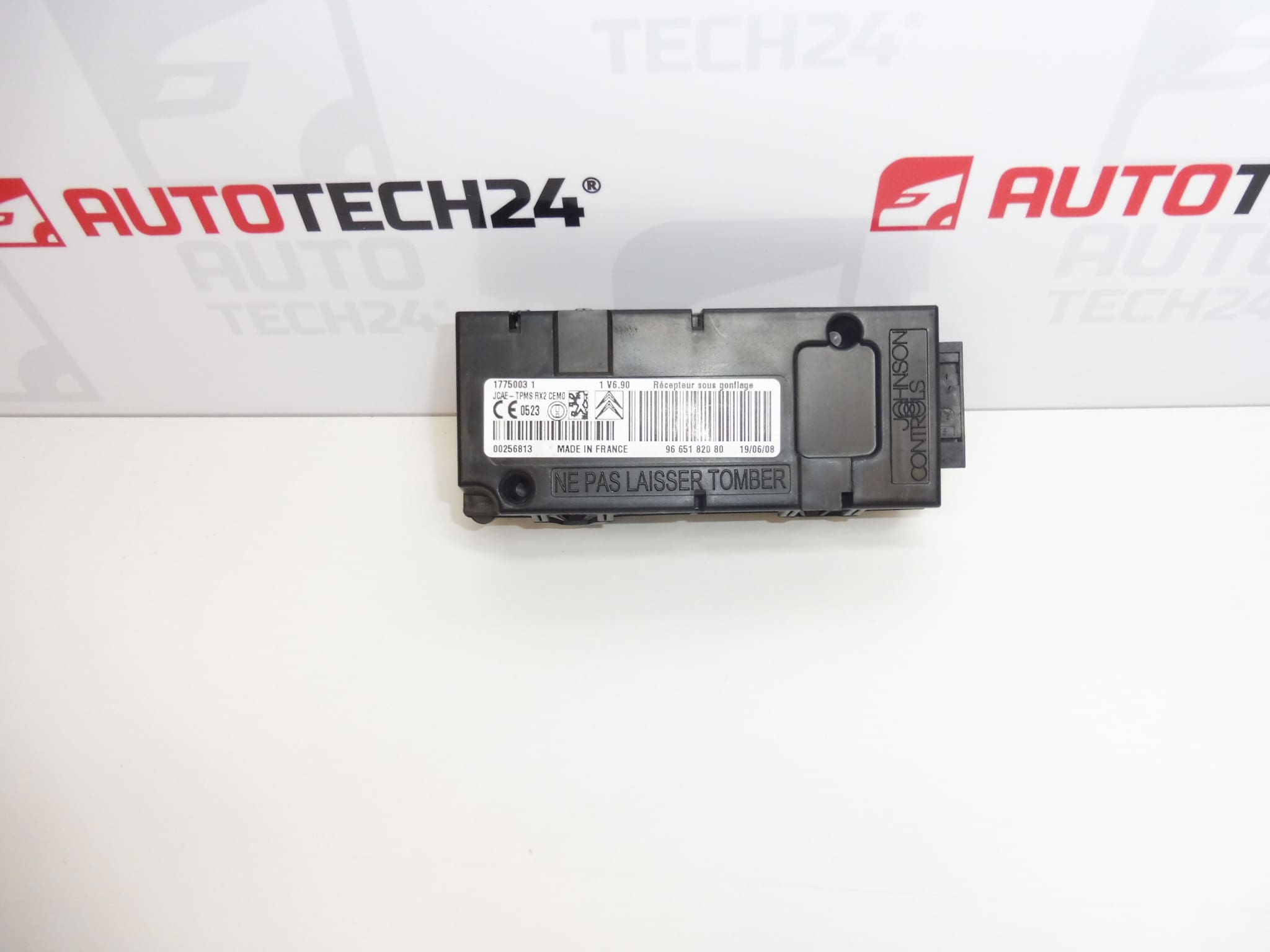
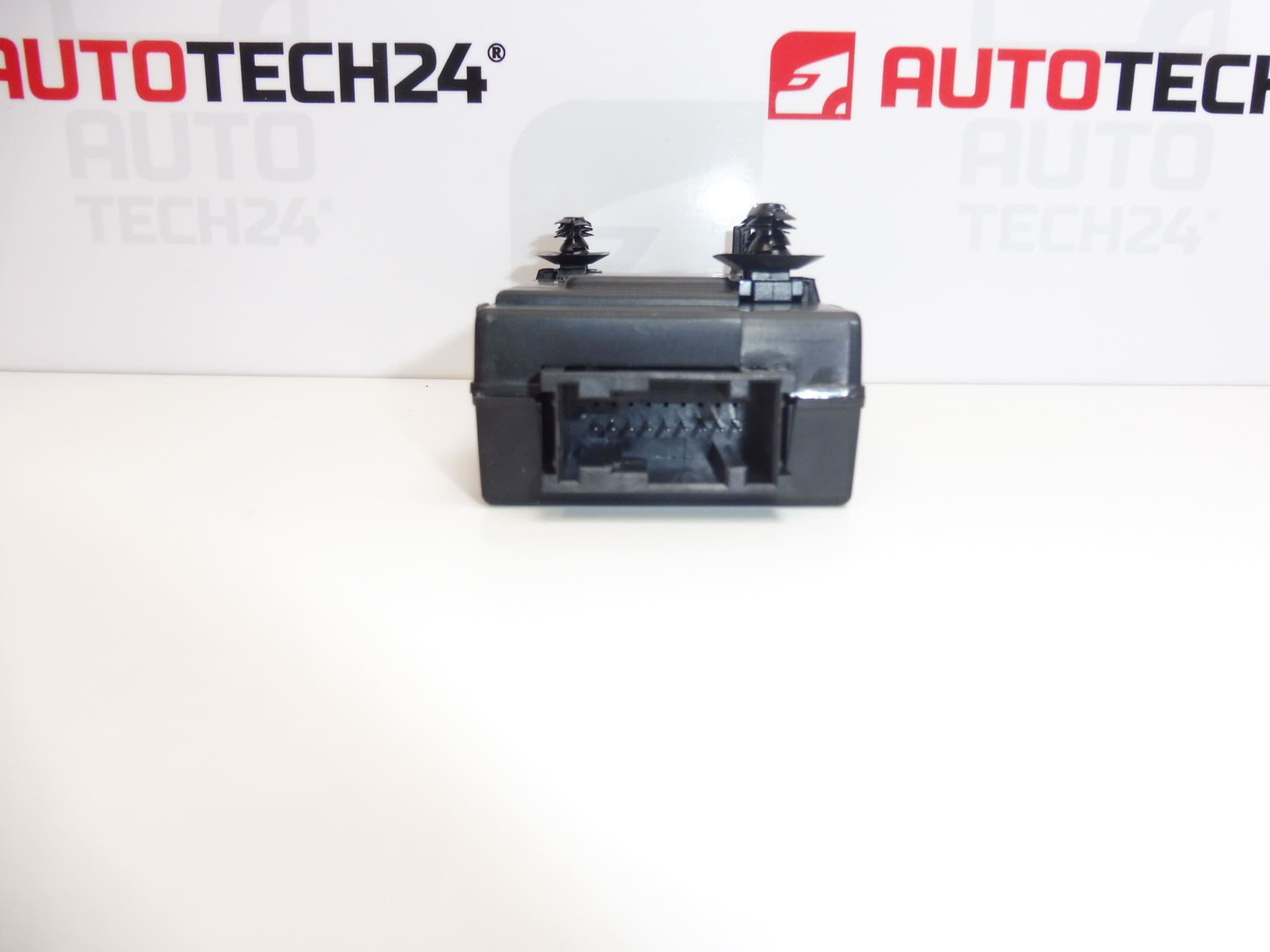
Description
Tyre pressure monitoring control unit for Citroen C4 Picasso vehicles
Part description
This used tyre pressure monitoring unit for the Citroën C4 Picasso is an electronic component of the underinflation monitoring system. It helps evaluate tyre pressure information and alert the driver to a problem. When repairing this system, it may be a suitable replacement for a faulty unit, provided it matches the specification of the original part.
The identifiers 9665182080 and 5430P2 are essential for finding the correct part. Before choosing, compare the numbers, connectors and design with the existing unit. A matching model name alone does not necessarily mean the electronics are the same. Replacement should be preceded by diagnostics to distinguish a unit fault from a problem with the sensors, power supply or wiring.
Technical information
- Manufacturer: not specified; the documentation lists the designation Stellantis CITROEN PEUGEOT.
- Model: Citroën C4 PICASSO.
- Part type: tyre pressure monitoring control unit – underinflation monitoring unit.
- Condition: used car part.
- Product numbers: 9665182080, 5430P2.
- Other numbers: not specified; additional designation in the documentation: NFP.
Product codes
- Product codes: 9665182080, 5430P2.
- Model: Citroën C4 PICASSO.
- Additional designation: NFP.
Installation recommendations
The following procedure is general guidance for replacing an electronic tyre pressure monitoring unit. The exact access to the part, the method of disconnecting the electrical system and any initialisation depend on the specific vehicle version. The documentation does not state whether this particular unit requires configuration or sensor pairing; it therefore cannot be assumed to be fully functional immediately after connection.
1) Before installation
- Use diagnostics to verify the cause of the fault. An underinflation warning alone does not prove that the control unit is damaged.
- Compare the product numbers, housing shape, mounting points, connectors and their pin arrangements with the old unit.
- Inspect the used part: check for cracks, signs of moisture, corrosion on the contacts and damaged locking tabs.
- Check the condition of the wiring and connections in the vehicle. Resolve any power supply fault or water ingress before installing the replacement unit.
- If the original unit communicates, record the available diagnostic data and settings before removal.
2) Required tools and materials
- Standard hand tools suitable for the fasteners used.
- Tools for carefully removing covers if they obstruct access.
- A diagnostic tool that supports the relevant vehicle system.
- A suitable measuring instrument for checking electrical circuits according to the service documentation.
- A clean, dry cloth and, if necessary, a product intended for cleaning electrical contacts.
3) Step-by-step installation procedure
- Park the vehicle safely, secure it against movement and carry out an initial diagnostic check of the system.
- Switch off the ignition and allow the electronics to enter sleep mode according to the manufacturer’s procedure.
- Disconnect the battery according to the service procedure for the specific vehicle. Do not handle the unit’s connectors while they are powered.
- Gain access to the unit according to the service documentation. Remove any covers without force and keep their fasteners organised.
- Before disconnecting anything, record the wiring routing and connector positions, for example by taking a photograph.
- Release the connector locks and disconnect the connectors by pulling on their housings, not on the wires.
- Release the mountings and remove the original unit. Check the surrounding area for moisture, dirt or damage to the wiring harness.
- Compare both units once more and inspect the contacts. Do not force a damaged connector or an incorrectly shaped connection into place.
- Secure the replacement unit as specified. Connect the connectors until they lock properly and route the wiring without tension or pinching.
- Refit the removed covers and reconnect the battery according to the manufacturer’s procedure.
- Carry out a diagnostic communication check. If required by the service procedure for the specific version, complete configuration, initialisation or sensor pairing using suitable diagnostic equipment.
4) Post-installation checks and functional verification
- Verify communication with the unit and check for any faults. Simply clearing them is no substitute for resolving their cause.
- Check the actual tyre pressures against the vehicle manufacturer’s specifications.
- Check the system’s operation according to the service procedure. Some systems only update their data while driving; the specific conditions are set out in the manufacturer’s instructions.
- If a test drive is needed for verification, carry it out only after safely completing the installation and checking the tyres. Repeat the diagnostic check afterwards.
5) Common installation mistakes and how to avoid them
- Replacement without diagnostics: first rule out faults in the sensors, wiring and power supply.
- Choosing solely by car model: also compare the product numbers and the physical design of the part.
- Disconnecting connectors while powered: follow the procedure for shutting down the electronics and disconnecting the battery.
- Damaging contacts or locking tabs: release the connector locks and never force connectors into place.
- Leaving moisture or faulty wiring unresolved: eliminate the original cause of the damage before installation.
- Skipping the final setup: check the service documentation to see whether initialisation or configuration is required after replacement.
Reasons why the part may become damaged
The following are possible general causes of damage to electronic units of this type. They do not describe the observed condition of the unit offered:
- Moisture and water ingress, which can cause contact corrosion or damage to the internal electronics.
- Electrical overload, a short circuit or incorrect handling of the power supply, for example when working on the electrical system.
- Mechanical damage to the housing, mountings or connectors during careless removal or as a result of impact.
- Prolonged vibration and thermal stress, which can contribute to the ageing of electronic connections.
Damaged wires, poor contacts or non-functional pressure sensors can also produce symptoms similar to those of a faulty unit. Correctly identifying the cause before replacement helps prevent unnecessary costs and a recurrence of the fault.